
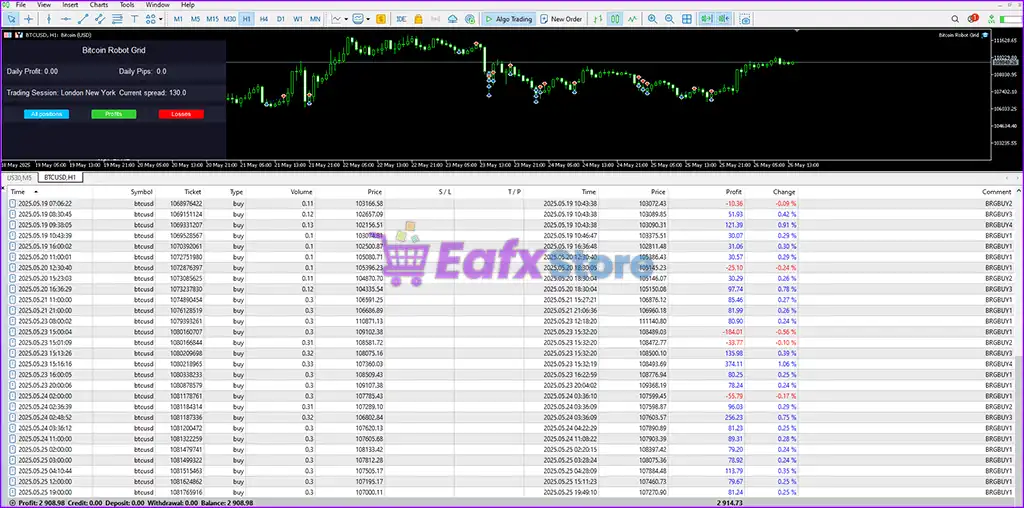
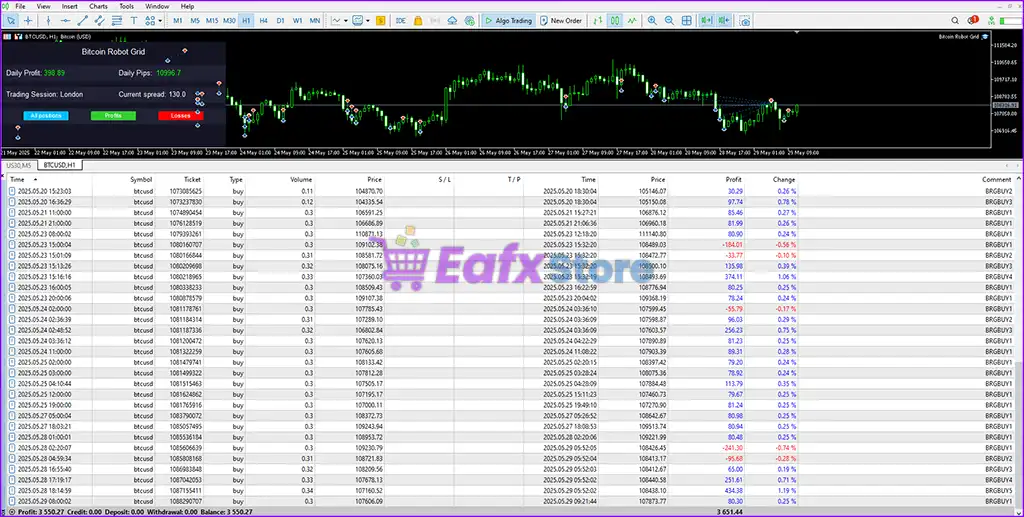
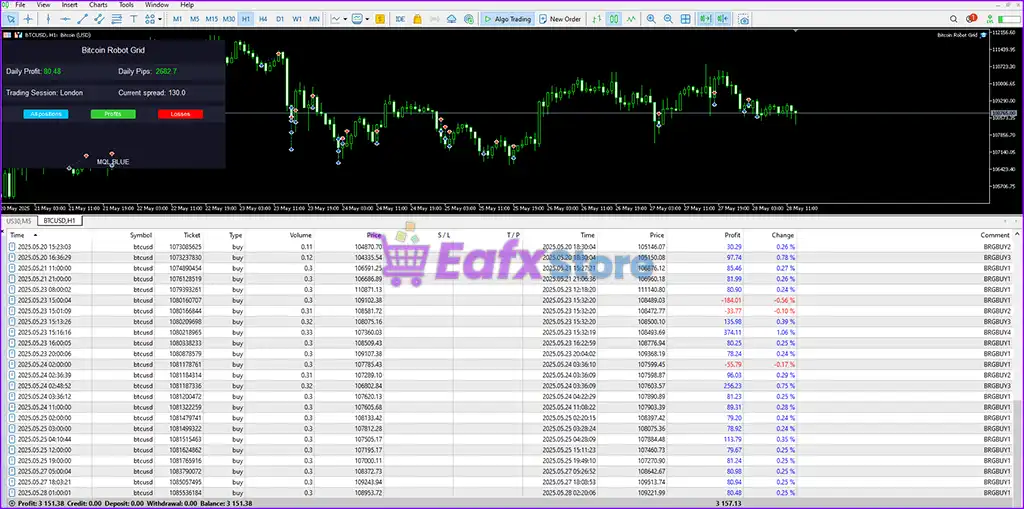
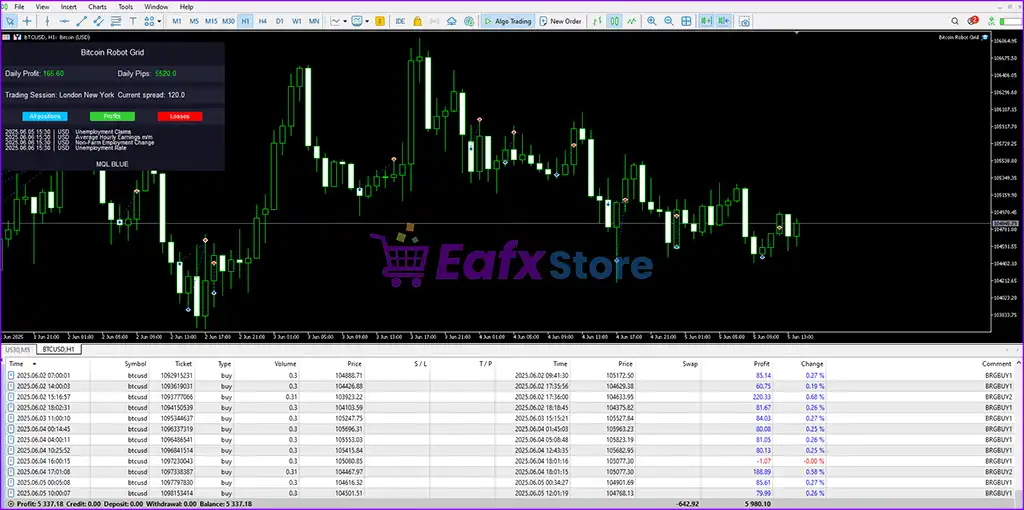
Bitcoin Robot Grid MT5 Settings Explained – Complete Configuration Guide
Bitcoin Robot Grid MT5 is an automated cryptocurrency trading Expert Advisor (EA) for MetaTrader 5 that specializes in grid trading strategies for BTCUSD. The EA combines intelligent order management, risk control, trading session filters, and news protection systems to optimize Bitcoin trading performance.
With customizable take profit, stop loss, trading hours, and grid parameters, Bitcoin Robot Grid MT5 is suitable for both conservative and aggressive crypto traders.

Bitcoin Robot Grid MT5 Full Settings Explanation
Below are the details of the parameters in the advisor’s trading system settings table:
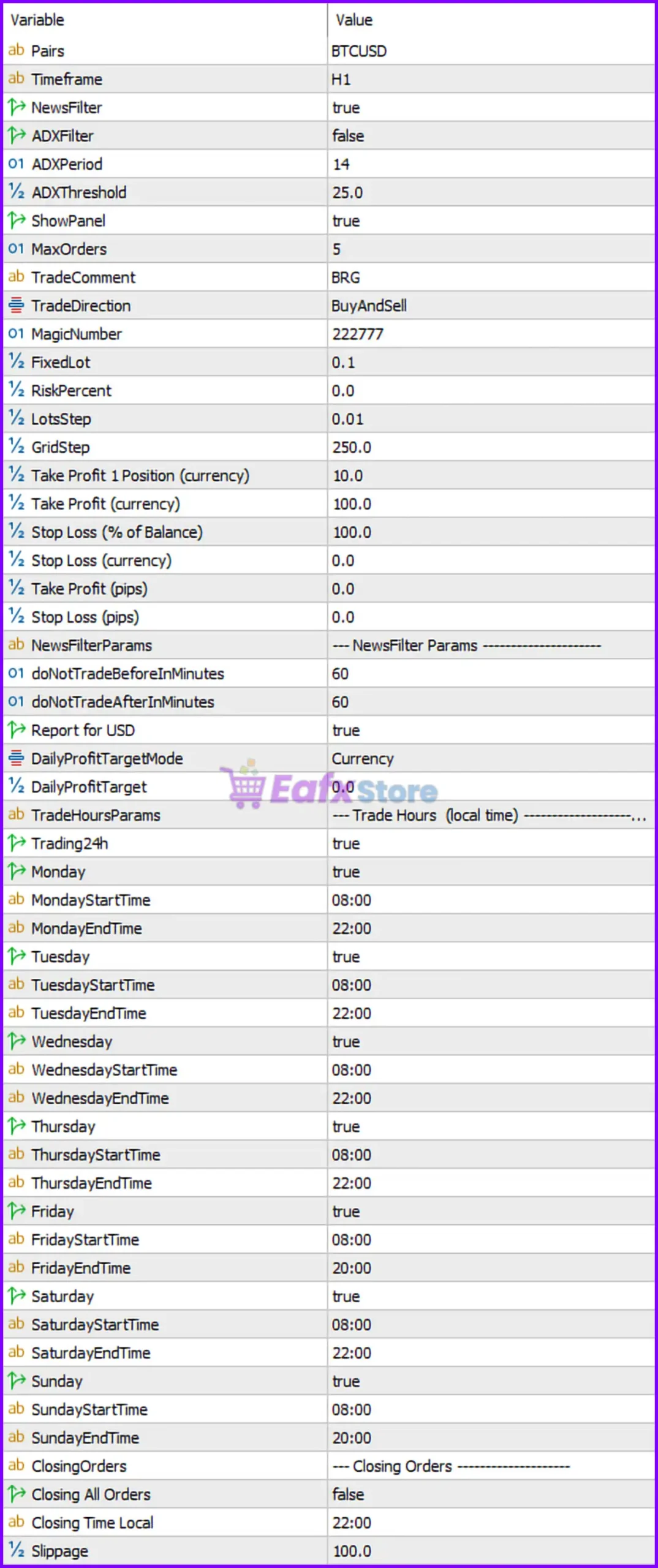
General Trading Settings
🔹 Pairs = BTCUSD: Sets the trading instrument to BTCUSD.
🔹 Timeframe = H1: Configures the EA to operate on the H1 (1 Hour) timeframe.
🔹 NewsFilter = true: Enables the built-in news filter to avoid trading during important economic events.
🔹 ADXFilter = false: Disables the ADX trend strength filter.
🔹 ADXPeriod = 14: Sets the ADX indicator calculation period to 14.
🔹 ADXThreshold = 25.0: Defines the ADX trend threshold value as 25.0.
🔹 ShowPanel = true: Displays the EA information panel directly on the chart.
🔹 MaxOrders = 5: Limits the maximum number of simultaneously opened trades to 5.
🔹 TradeComment = BRG: Adds the trade comment BRG to all executed orders.
🔹 TradeDirection = BuyAndSell: Allows the EA to open both buy and sell positions.
🔹 MagicNumber = 222777: Assigns unique identification number 222777 to EA trades.
Lot Size and Risk Management Settings
🔹 FixedLot = 0.1: Sets the fixed trading lot size to 0.1.
🔹 RiskPercent = 0.0: Disables percentage-based automatic risk calculation.
🔹 LotsStep = 0.01: Defines the lot increment step as 0.01.
🔹 GridStep = 250.0: Sets the grid order spacing distance to 250.0 points.
Take Profit and Stop Loss Settings
🔹 Take Profit 1 Position (currency) = 10.0: Closes a single trade after reaching 10.0 currency profit.
🔹 Take Profit (currency) = 100.0: Closes all trades when total profit reaches 100.0 currency units.
🔹 Stop Loss (% of Balance) = 100.0: Sets account protection stop loss at 100.0% of balance.
🔹 Stop Loss (currency) = 0.0: Currency-based stop loss is disabled with value 0.0.
🔹 Take Profit (pips) = 0.0: Pip-based take profit is disabled.
🔹 Stop Loss (pips) = 0.0: Pip-based stop loss is disabled.
News Filter Parameters
🔹 doNotTradeBeforeInMinutes = 60: Stops opening trades 60 minutes before major news events.
🔹 doNotTradeAfterInMinutes = 60: Prevents new trades 60 minutes after news releases.
🔹 Report for USD = true: Enables USD economic news reporting.
🔹 DailyProfitTargetMode = Currency: Uses currency mode for daily profit target calculations.
🔹 DailyProfitTarget = 0.0: Daily profit target is disabled with value 0.0.
Trading Hours Settings (Local Time)
🔹 Trading24h = true: Enables 24-hour trading mode.
🔹 Monday = true: Allows trading on Monday.
🔹 MondayStartTime = 08:00: Trading starts Monday at 08:00.
🔹 MondayEndTime = 22:00: Trading ends Monday at 22:00.
🔹 Tuesday = true: Allows trading on Tuesday.
🔹 TuesdayStartTime = 08:00: Trading starts Tuesday at 08:00.
🔹 TuesdayEndTime = 22:00: Trading ends Tuesday at 22:00.
🔹 Wednesday = true: Allows trading on Wednesday.
🔹 WednesdayStartTime = 08:00: Trading starts Wednesday at 08:00.
🔹 WednesdayEndTime = 22:00: Trading ends Wednesday at 22:00.
🔹 Thursday = true: Allows trading on Thursday.
🔹 ThursdayStartTime = 08:00: Trading starts Thursday at 08:00.
🔹 ThursdayEndTime = 22:00: Trading ends Thursday at 22:00.
🔹 Friday = true: Allows trading on Friday.
🔹 FridayStartTime = 08:00: Trading starts Friday at 08:00.
🔹 FridayEndTime = 20:00: Trading ends Friday at 20:00.
🔹 Saturday = true: Allows trading on Saturday.
🔹 SaturdayStartTime = 08:00: Trading starts Saturday at 08:00.
🔹 SaturdayEndTime = 22:00: Trading ends Saturday at 22:00.
🔹 Sunday = true: Allows trading on Sunday.
🔹 SundayStartTime = 08:00: Trading starts Sunday at 08:00.
🔹 SundayEndTime = 20:00: Trading ends Sunday at 20:00.
Closing Orders Settings
🔹 Closing All Orders = false: Automatic closing of all positions is disabled.
🔹 Closing Time Local = 22:00: Scheduled closing time is set to 22:00 local time.
🔹 Slippage = 100.0: Maximum allowed slippage during order execution is 100.0.
Conclusion
Bitcoin Robot Grid MT5 is a feature-rich cryptocurrency trading EA built specifically for automated BTCUSD grid trading on MetaTrader 5. The EA offers advanced control over risk management, news filtering, trade scheduling, and order handling. With flexible parameters such as grid step, trading sessions, and profit targets, traders can optimize the EA according to their preferred Bitcoin trading strategy and market conditions.
FAQs
❓ What is Bitcoin Robot Grid MT5?
Bitcoin Robot Grid MT5 is an automated Bitcoin trading EA for MetaTrader 5 using a grid trading strategy.
❓ Does Bitcoin Robot Grid MT5 support news filtering?
Yes, the EA includes a configurable news filter to avoid trading during high-impact events.
❓ Can I use both buy and sell trading directions?
Yes, the TradeDirection = BuyAndSell setting allows both long and short positions.
❓ What timeframe is recommended for Bitcoin Robot Grid MT5?
The provided settings use the H1 timeframe for BTCUSD trading.
❓ Does Bitcoin Robot Grid MT5 include risk management features?
Yes, the EA supports fixed lots, balance stop loss protection, daily profit targets, and trading session filters.