


Blox EA MT4 Settings Explained – Complete Configuration Guide
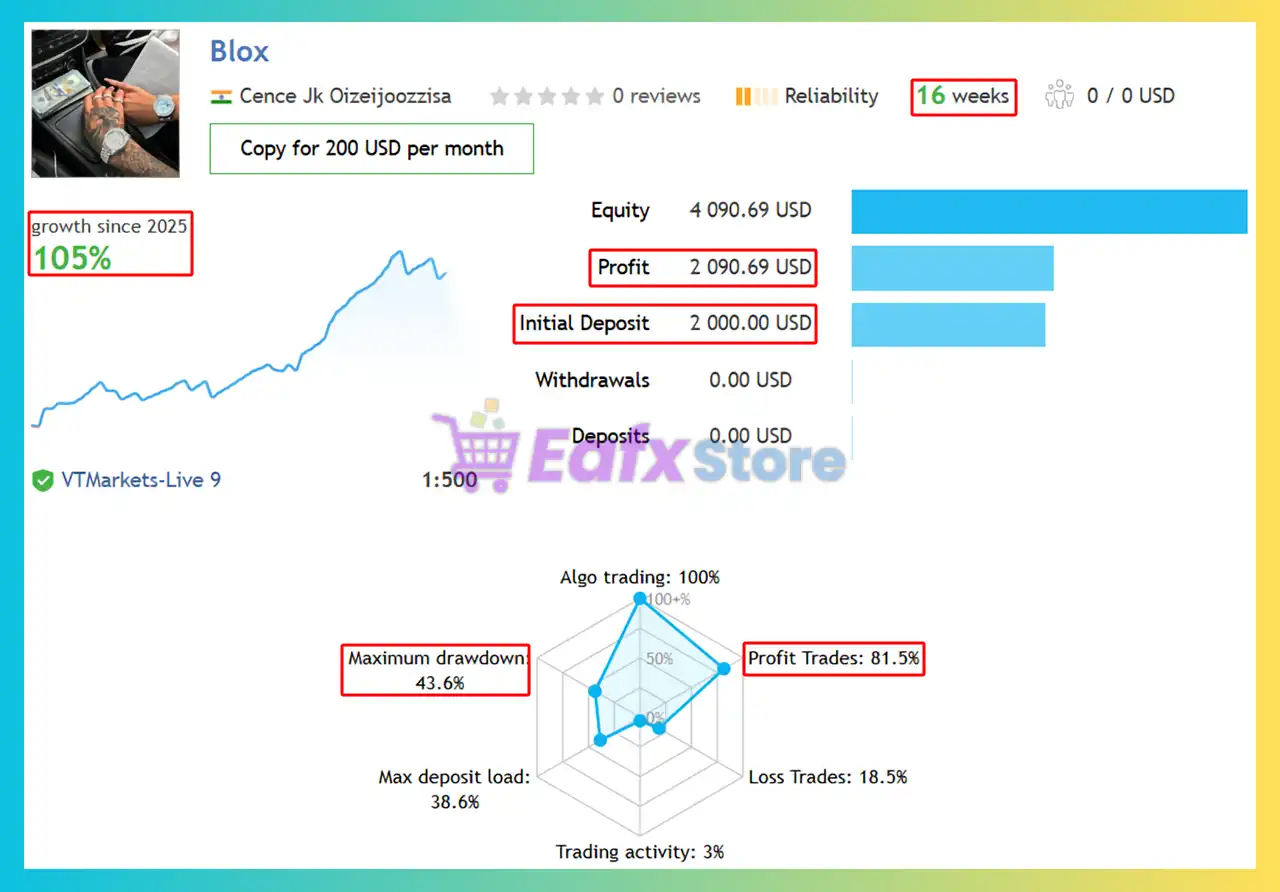
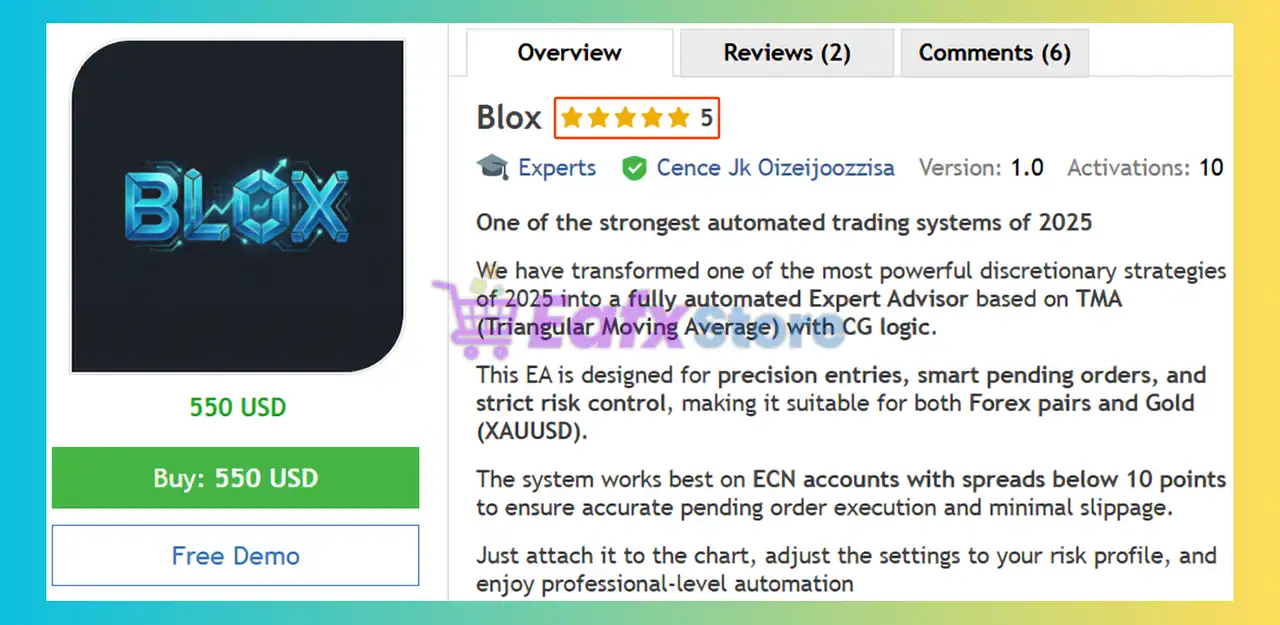
Blox EA is a professional automated trading Expert Advisor for MetaTrader 4 that combines pending order strategies, money management systems, trailing stop protection, MA filtering and randomized stop loss simulations.
The EA is designed to provide flexible trade execution with customizable risk management, allowing traders to optimize performance across different Forex market conditions.

Blox EA MT4 Full Settings Explanation
Below are the details of the parameters in the advisor’s trading system settings table:
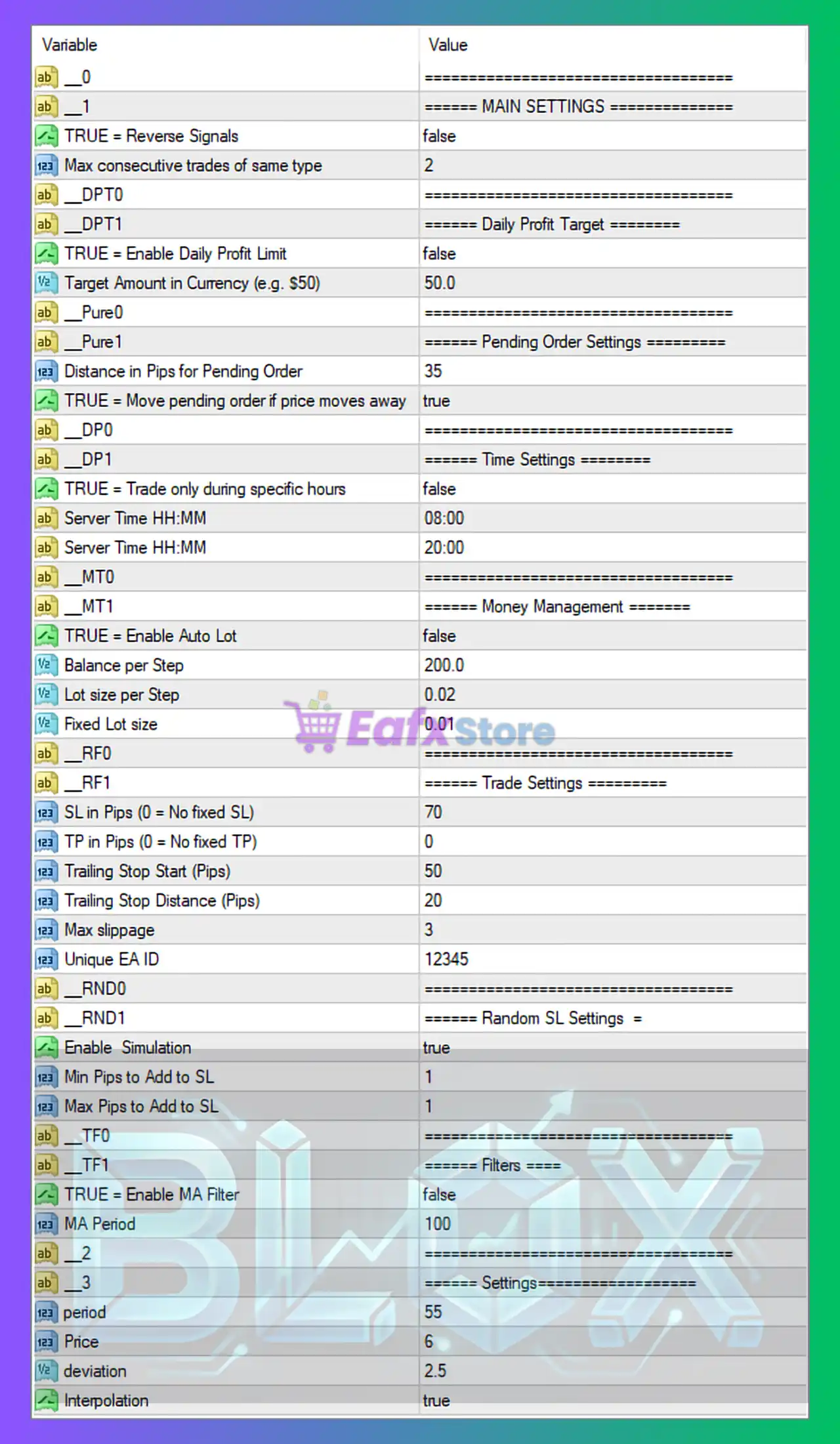
Main Settings
🔹 __0 = ==================================: Visual separator for organizational purposes inside the settings panel.
🔹 __1 = ===== MAIN SETTINGS =====: Main configuration section header.
🔹 TRUE = Reverse Signals = false: Reverse trading signals are disabled.
🔹 Max consecutive trades of same type = 2: Maximum allowed consecutive Buy or Sell trades is 2.
Daily Profit Target Settings
🔹 __DPT0 = ==================================: Section separator for Daily Profit Target settings.
🔹 __DPT1 = ===== Daily Profit Target =====: Daily profit management section header.
🔹 TRUE = Enable Daily Profit Limit = false: Daily profit limit system is disabled.
🔹 Target Amount in Currency (e.g. $50) = 50.0: Daily target profit amount is configured at 50.0 account currency units.
Pending Order Settings
🔹 __Pure0 = ==================================: Section separator for pending order settings.
🔹 __Pure1 = ===== Pending Order Settings =====: Pending order configuration section.
🔹 Distance in Pips for Pending Order = 35: Pending orders are placed 35 pips away from market price.
🔹 TRUE = Move pending order if price moves away = true: Pending orders automatically adjust if price moves significantly.
Time Settings
🔹 __DP0 = ==================================: Section separator for trading time settings.
🔹 __DP1 = ===== Time Settings =====: Trading schedule configuration section.
🔹 TRUE = Trade only during specific hours = false: Time-based trading restriction is disabled.
🔹 Server Time HH:MM = 08:00: Suggested trading session start time is 08:00.
🔹 Server Time HH:MM = 20:00: Suggested trading session end time is 20:00.
Money Management Settings
🔹 __MT0 = ==================================: Section separator for money management.
🔹 __MT1 = ===== Money Management =====: Money management configuration section.
🔹 TRUE = Enable Auto Lot = false: Automatic lot sizing is disabled.
🔹 Balance per Step = 200.0: Auto lot calculation uses balance increments of 200.0.
🔹 Lot size per Step = 0.02: Each balance step increases lot size by 0.02.
🔹 Fixed Lot size = 0.01: Fixed lot trading size is configured at 0.01.
Trade Settings
🔹 __RF0 = ==================================: Section separator for trade settings.
🔹 __RF1 = ===== Trade Settings =====: Main trading execution configuration section.
🔹 SL in Pips (0 = No fixed SL) = 70: Fixed Stop Loss is set to 70 pips.
🔹 TP in Pips (0 = No fixed TP) = 0: Fixed Take Profit is disabled.
🔹 Trailing Stop Start (Pips) = 50: Trailing Stop activates after 50 pips profit.
🔹 Trailing Stop Distance (Pips) = 20: Trailing Stop distance is maintained at 20 pips.
🔹 Max slippage = 3: Maximum execution slippage allowed is 3 points.
🔹 Unique EA ID = 12345: Unique Magic Number for trade identification is 12345.
Random SL Settings
🔹 __RND0 = ==================================: Section separator for random Stop Loss settings.
🔹 __RND1 = ===== Random SL Settings =====: Randomized Stop Loss simulation section.
🔹 Enable Simulation = true: Random SL simulation mode is enabled.
🔹 Min Pips to Add to SL = 1: Minimum additional Stop Loss variation is 1 pip.
🔹 Max Pips to Add to SL = 1: Maximum additional Stop Loss variation is 1 pip.
Filter Settings
🔹 __TF0 = ==================================: Section separator for filters.
🔹 __TF1 = ===== Filters =====: Technical filter configuration section.
🔹 TRUE = Enable MA Filter = false: Moving Average filter is disabled.
🔹 MA Period = 100: Moving Average period value is 100.
Strategy Settings
🔹 __2 = ==================================: Visual separator for strategy settings.
🔹 __3 = ===== Settings =====: Main strategy parameter section.
🔹 period = 55: Main indicator calculation period is 55.
🔹 Price = 6: Applied price type value is 6.
🔹 deviation = 2.5: Indicator deviation value is 2.5.
🔹 Interpolation = true: Indicator interpolation smoothing is enabled.
Conclusion
Blox EA MT4 is a flexible Expert Advisor that combines pending order execution, advanced money management, trailing stop systems, and technical indicator filtering into one automated trading solution.
With customizable risk parameters, MA filters, random SL simulation, and pending order adjustments, the EA offers traders strong adaptability for multiple market environments. Proper optimization of Stop Loss, trailing settings, and lot sizing is essential for achieving stable long-term trading performance.
FAQs
❓ What is Blox EA MT4?
Blox EA MT4 is an automated MetaTrader 4 Expert Advisor that uses pending orders, trailing stops, and customizable money management systems.
❓ Does Blox EA MT4 support Auto Lot sizing?
Yes, the EA supports automatic lot calculation, although it is disabled in the provided settings.
❓ Can Blox EA MT4 trade only during certain hours?
Yes, the EA includes time-based trading filters with configurable server trading hours.
❓ What does the Random SL Simulation feature do?
It randomly adjusts Stop Loss values within a specified pip range to simulate more dynamic market behavior.
❓ Does Blox EA MT4 include Moving Average filters?
Yes, the EA supports MA filtering with a configurable MA Period = 100 parameter.



