


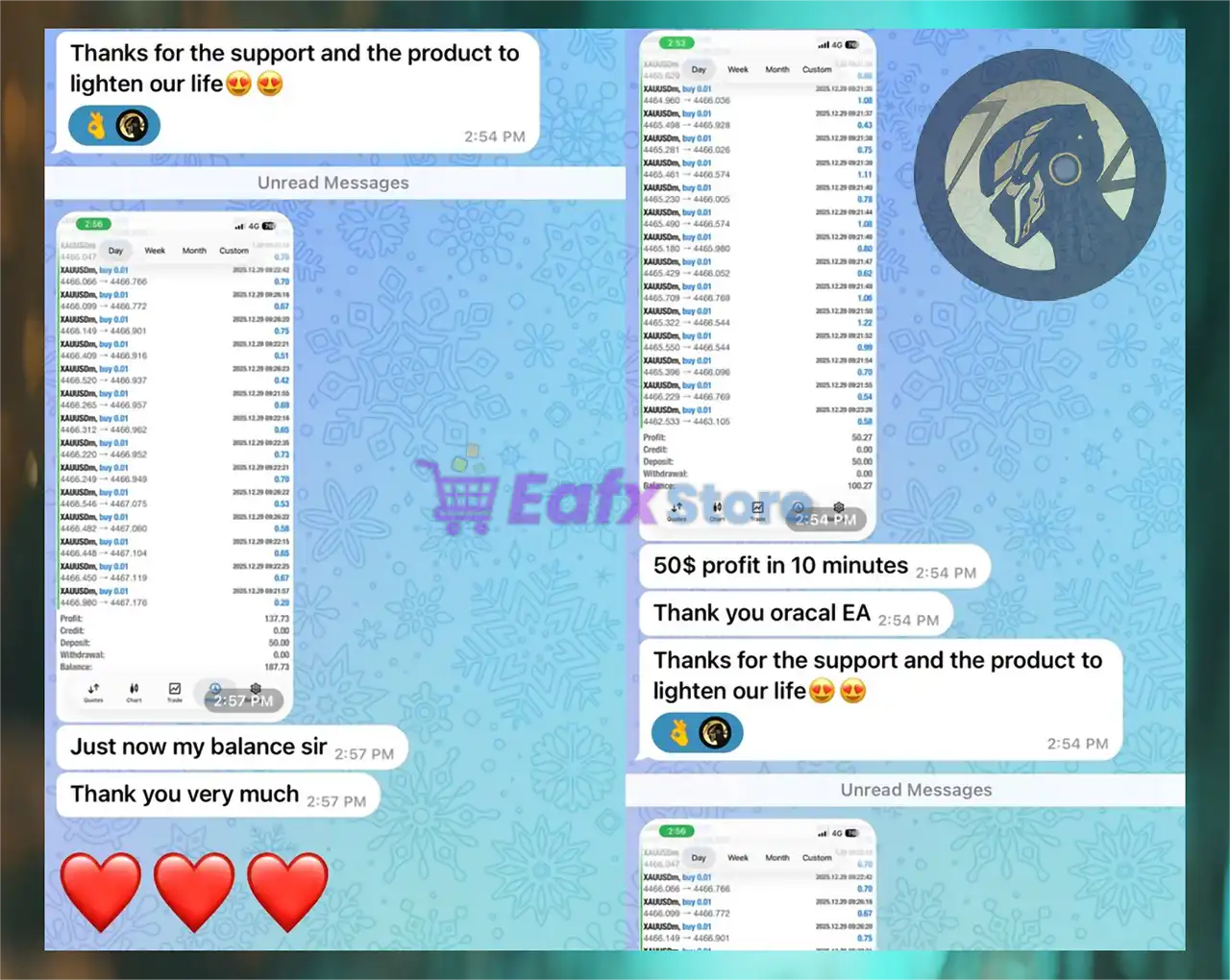
Oracle Gold Scalper EA Settings Explained – Full Configuration Guide
Oracle Gold Scalper EA is a fully automated Forex trading robot designed for Gold trading strategies with advanced scalping and risk management capabilities. The EA supports automatic trading, martingale control, trailing stop management, drawdown protection, trading session filtering and economic news filtering.
Oracle Gold Scalper EA is optimized for traders seeking automated Gold market opportunities while maintaining flexible money management and safety controls.
Oracle Gold Scalper EA MT4 Setting
Oracle Gold Scalper EA Full Settings Explanation
Below are the details of the parameters in the advisor’s trading system settings table:
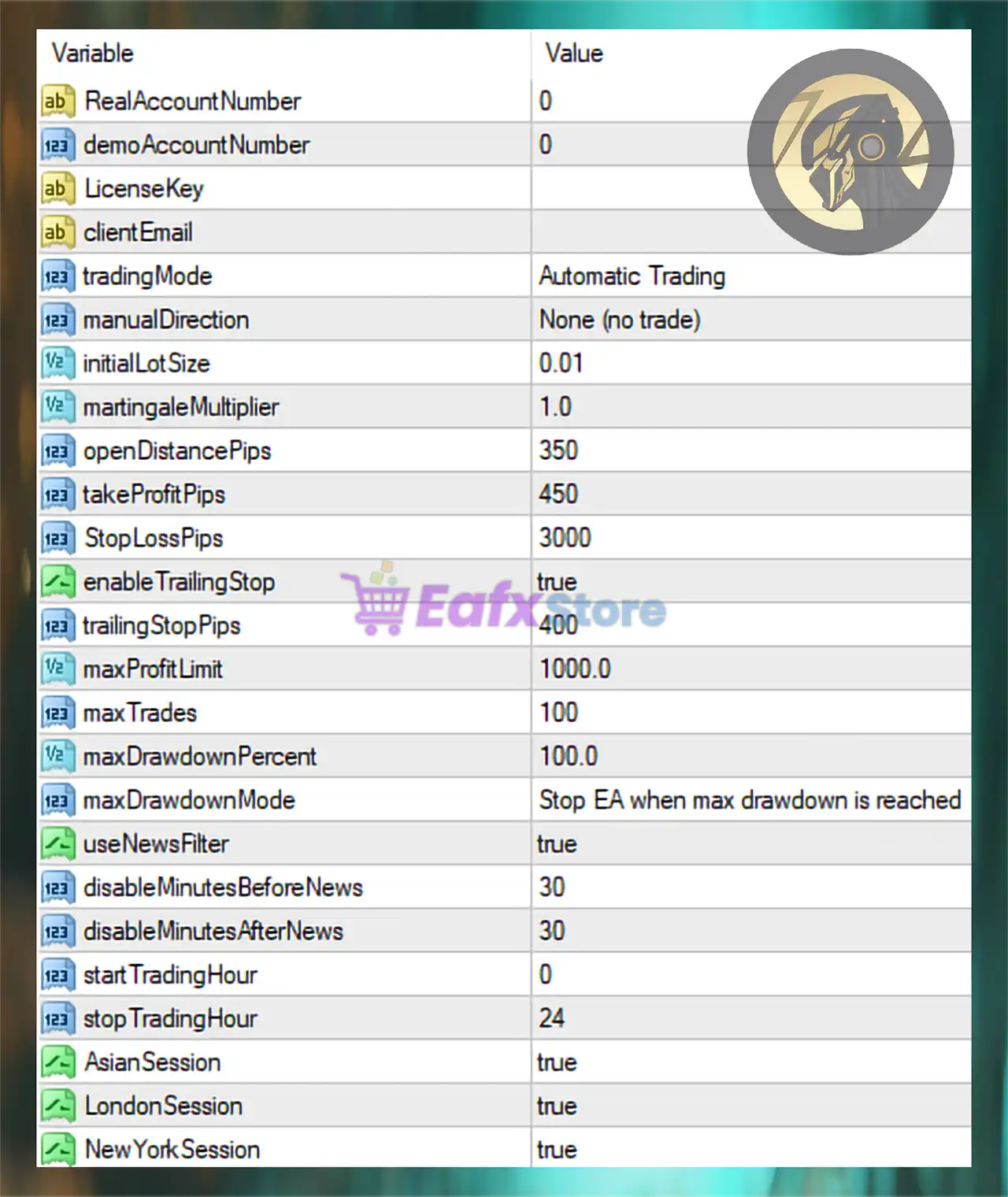
Oracle Gold Scalper EA MT4 Settings Panel
Account & License Settings
🔹 RealAccountNumber = 0: Defines the authorized real account number for EA activation; 0 means unrestricted or not assigned.
🔹 demoAccountNumber = 0: Specifies the authorized demo account number; 0 indicates no limitation.
🔹 LicenseKey = blank: License activation key field used for EA authentication.
🔹 clientEmail = blank: Client email field for registration or support purposes.
Trading Mode Settings
🔹 tradingMode = Automatic Trading: Enables fully automated trading operations.
🔹 manualDirection = None (no trade): No manual trade direction is selected because the EA handles entries automatically.
Lot Size & Money Management Settings
🔹 initialLotSize = 0.01: Starting lot size for the first trade is 0.01.
🔹 martingaleMultiplier = 1.0: Martingale multiplier value is 1.0, meaning no aggressive lot multiplication is applied.
Entry & Trade Distance Settings
🔹 openDistancePips = 350: Minimum distance between orders is 350 pips.
🔹 takeProfitPips = 450: Take Profit target for each trade is set to 450 pips.
🔹 StopLossPips = 3000: Stop Loss distance is configured at 3000 pips.
Trailing Stop Settings
🔹 enableTrailingStop = true: Activates trailing stop functionality for dynamic profit protection.
🔹 trailingStopPips = 400: Trailing stop distance is set to 400 pips.
Profit & Risk Protection Settings
🔹 maxProfitLimit = 1000.0: Maximum profit target before EA action is 1000.0 account currency units.
🔹 maxTrades = 100: Maximum number of simultaneously opened trades is 100.
🔹 maxDrawdownPercent = 100.0: Maximum allowed account drawdown percentage is 100.0%.
🔹 maxDrawdownMode = Stop EA when max drawdown is reached: The EA automatically stops trading once the maximum drawdown threshold is reached.
News Filter Settings
🔹 useNewsFilter = true: Enables economic news filtering to avoid volatile market conditions.
🔹 disableMinutesBeforeNews = 30: Trading is disabled 30 minutes before major news releases.
🔹 disableMinutesAfterNews = 30: Trading resumes 30 minutes after news events.
Trading Time Settings
🔹 startTradingHour = 0: Trading starts at hour 0 (server time).
🔹 stopTradingHour = 24: Trading stops at hour 24, allowing full-day operation.
Trading Session Settings
🔹 AsianSession = true: Allows trading during the Asian trading session.
🔹 LondonSession = true: Allows trading during the London trading session.
🔹 NewYorkSession = true: Allows trading during the New York trading session.
Conclusion
Oracle Gold Scalper EA is a flexible and feature-rich automated Gold trading Expert Advisor that combines scalping logic, money management, trailing stop control, news filtering, and drawdown protection. With support for multiple trading sessions and automated risk handling, the EA provides traders with a comprehensive solution for automated Gold trading. Proper optimization of lot size, stop loss, and news filter settings can help traders balance profitability and account safety.



