
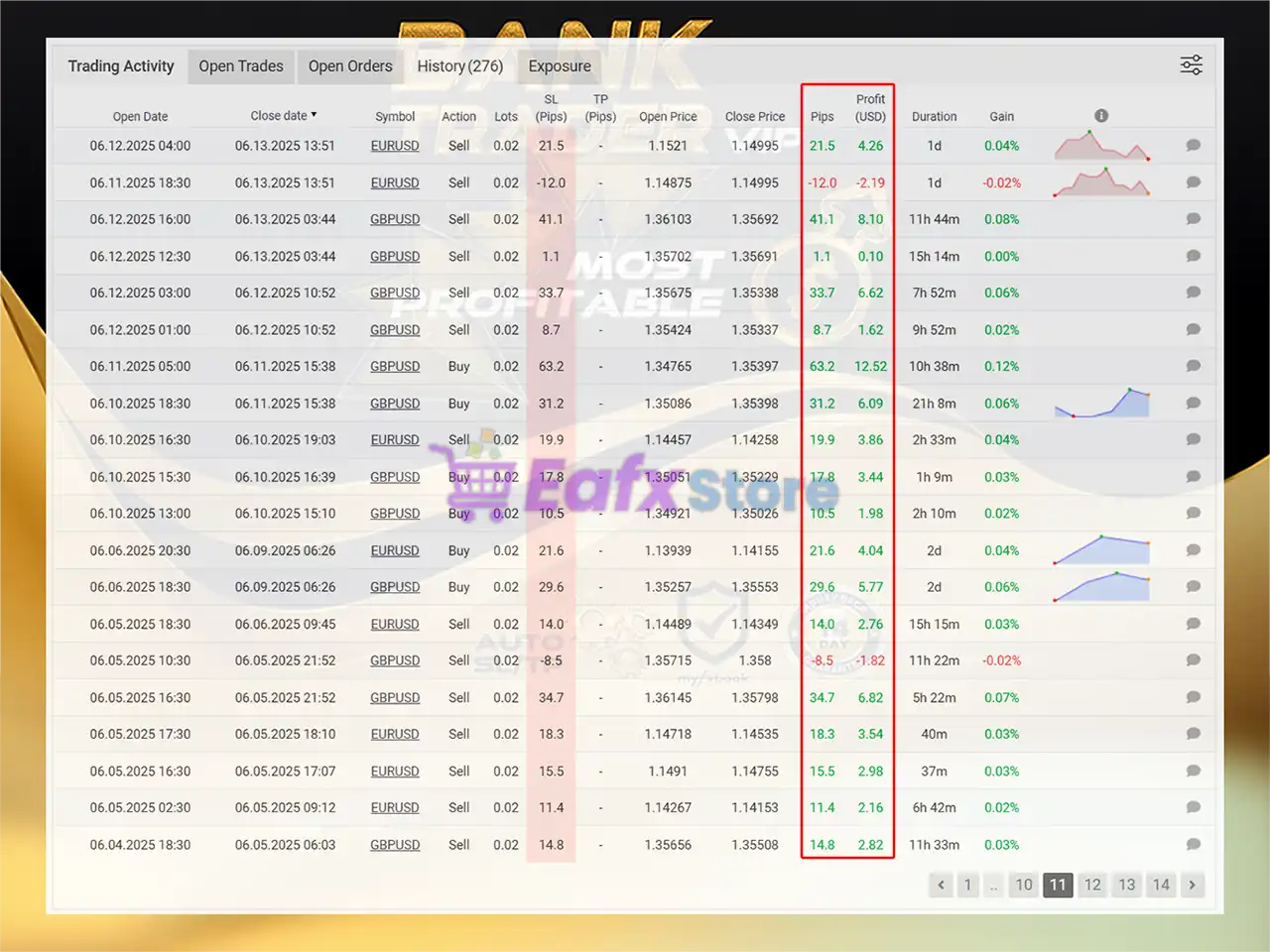
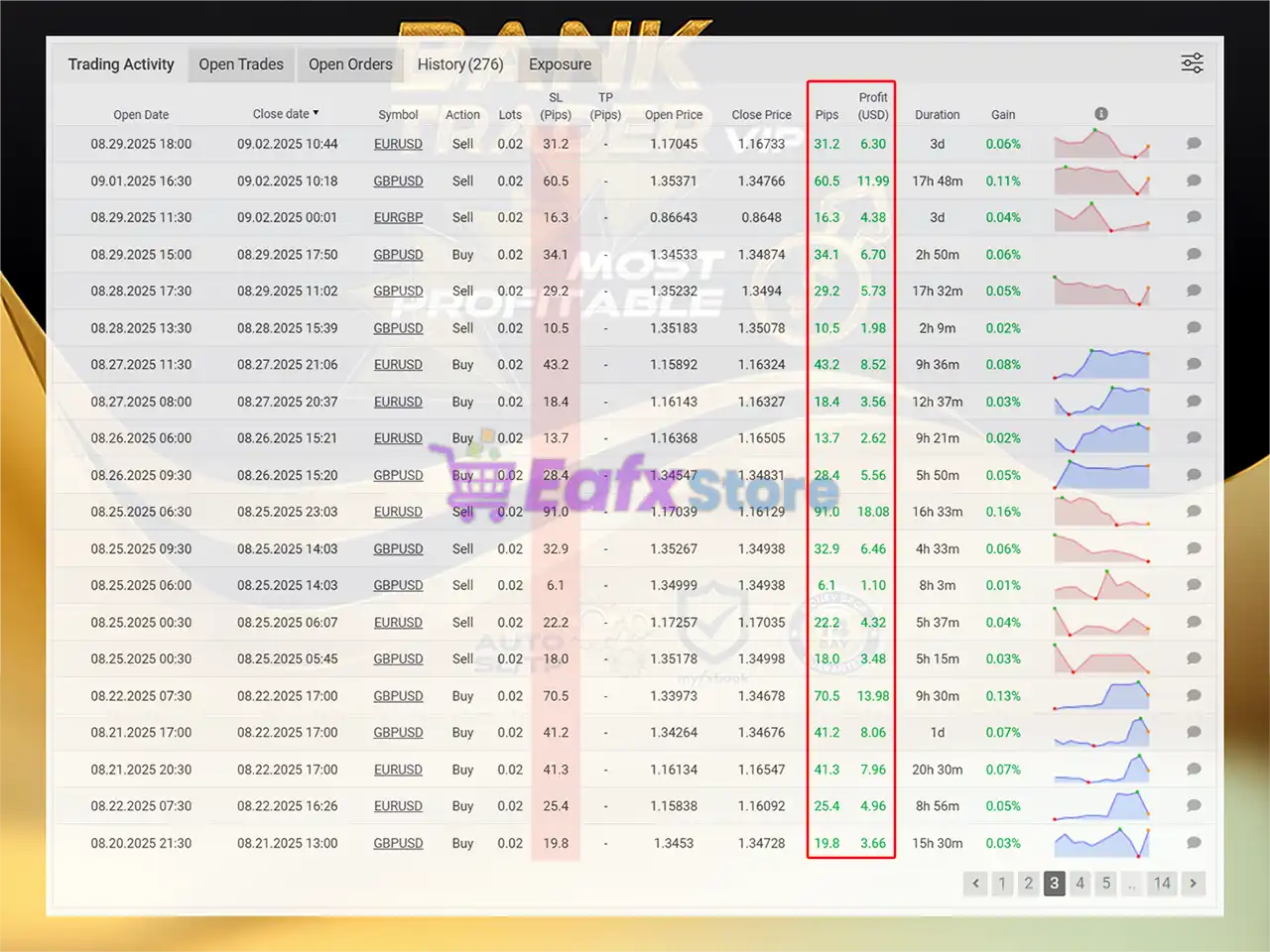
🔢 Bank Trader VIP EA MT5 Settings Explained – Complete Configuration Guide
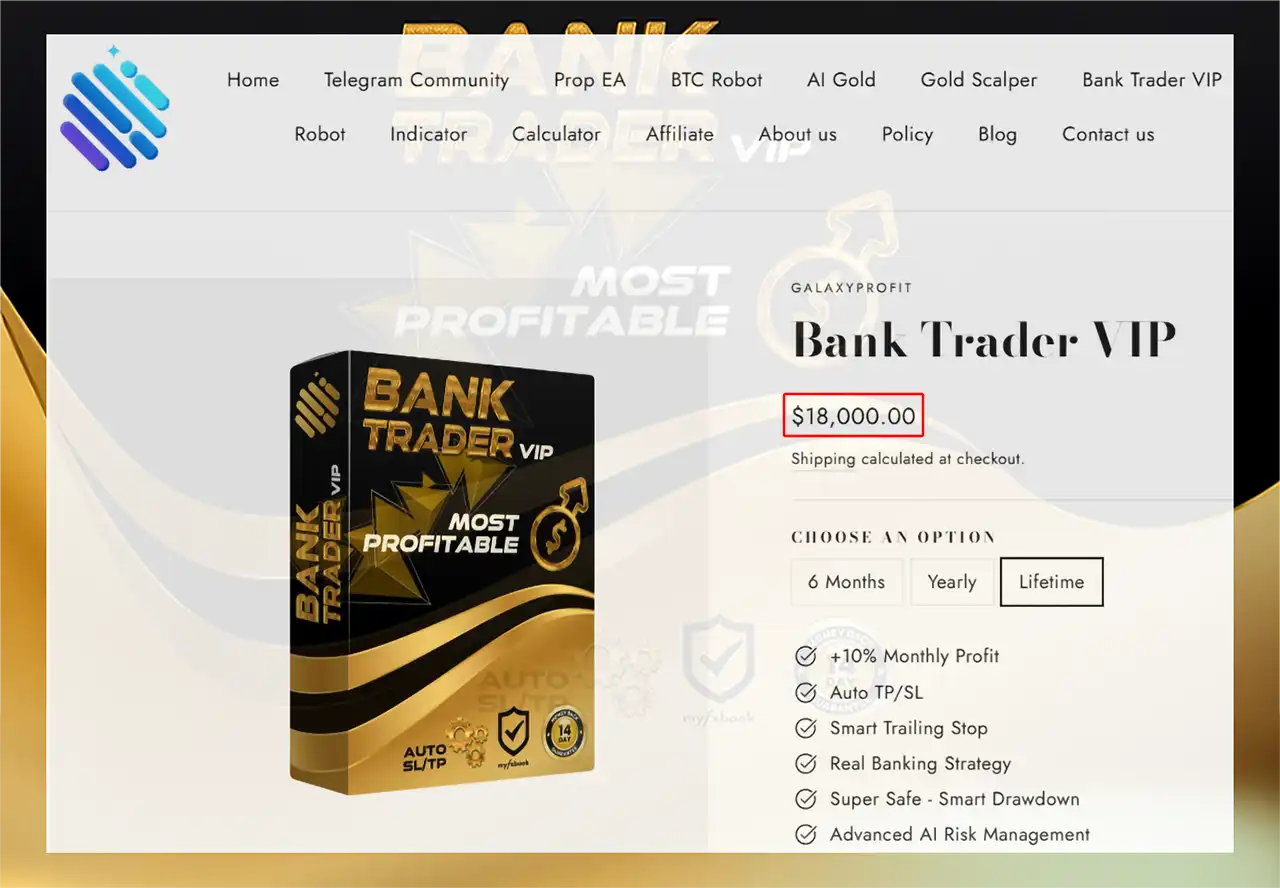
Bank Trader VIP EA is an advanced automated trading robot for MetaTrader 5 designed for grid trading, trailing stop management, profit locking and manual lot pattern execution.
The EA includes flexible risk management tools, martingale options, news filtering and time-based trading controls.
With support for GBPUSD trading on the M15 timeframe and customizable order scaling, Bank Trader VIP EA MT5 is built for traders looking for structured automated Forex trading with dynamic recovery systems.

🔢 Installation Panel Parameters
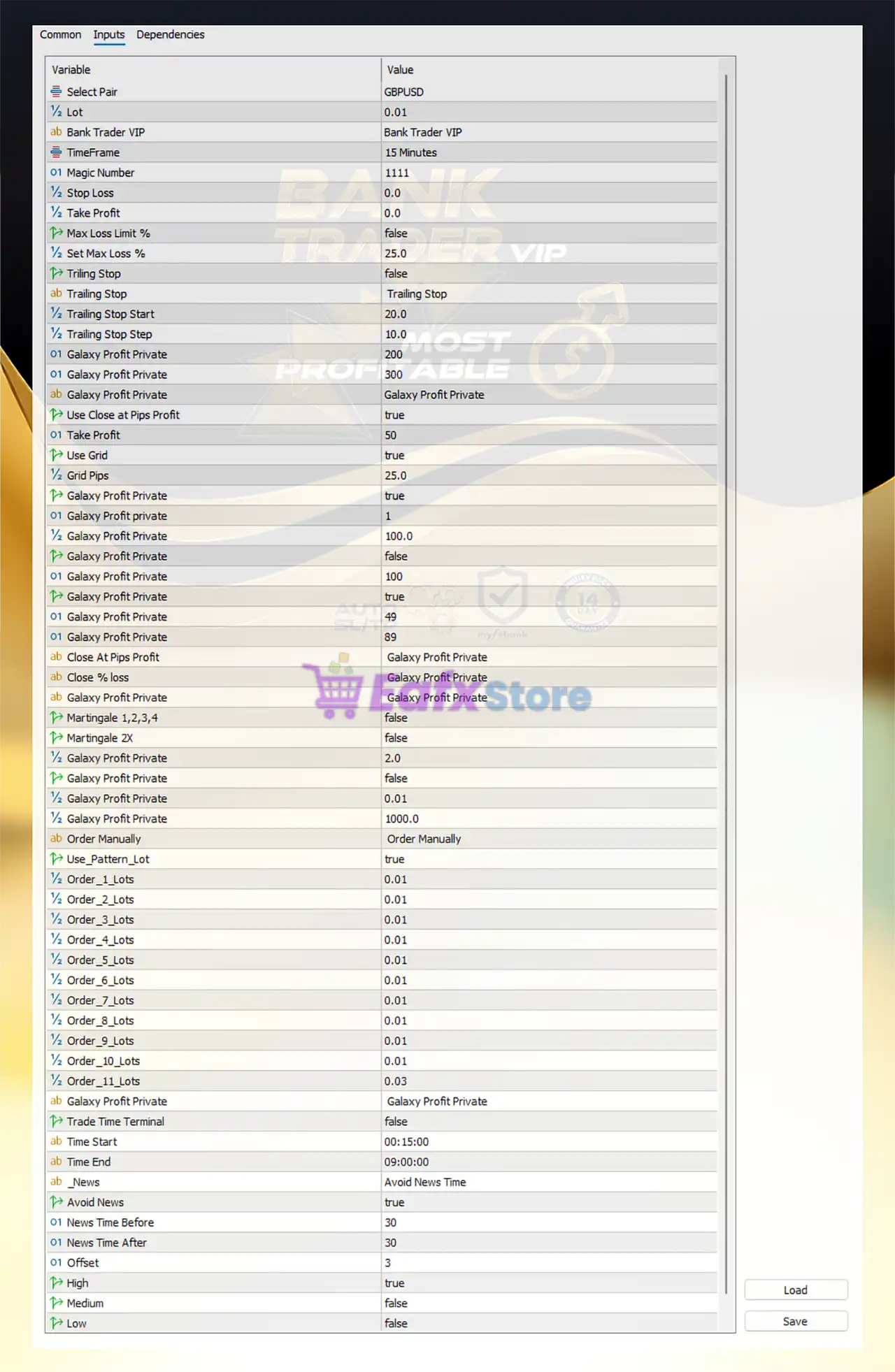
Below are the details of the parameters in the advisor’s trading system settings table:
🔶 Bank Trader VIP MT5 Full Settings Explanation
🔹 Select Pair = GBPUSD: The EA is configured to trade the GBPUSD currency pair.
🔹 Lot = 0.01: Initial trading lot size is set to 0.01.
🔹 Bank Trader VIP = Bank Trader VIP: Internal EA profile or strategy identification label.
🔹 TimeFrame = 15 Minutes: The EA operates on the M15 timeframe.
🔹 Magic Number = 1111: Unique identifier used by the EA to manage its trades.
🔹 Stop Loss = 0.0: Stop Loss is disabled because the value is 0.0.
🔹 Take Profit = 0.0: Standard Take Profit is disabled because the value is 0.0.
🔹 Max Loss Limit % = false: Maximum account loss percentage protection is disabled.
🔹 Set Max Loss % = 25.0: Maximum allowable loss percentage is configured at 25.0%.
🔹 Trailing Stop = false: Trailing Stop feature is currently disabled.
🔶 Trailing Stop Settings
🔹 Trailing Stop Start = 20.0: Trailing Stop activates after 20.0 points profit.
🔹 Trailing Stop Step = 10.0: Trailing Stop adjusts in increments of 10.0 points.
🔶 Galaxy Profit Private Settings
🔹 Galaxy Profit Private = 200: Internal profit-management parameter value is set to 200.
🔹 Galaxy Profit Private = 300: Secondary internal strategy parameter is configured at 300.
🔹 Galaxy Profit Private = Galaxy Profit Private: Strategy section label for proprietary settings.
🔶 Close at Pips Profit
🔹 Use Close at Pips Profit = true: The EA automatically closes trades after reaching target pip profit.
🔹 Take Profit = 50: Profit target for close-by-pips mode is 50 pips.
🔶 Grid Trading Settings
🔹 Use Grid = true: Grid trading system is enabled.
🔹 Grid Pips = 25.0: Distance between grid orders is 25.0 pips.
🔶 Additional Galaxy Profit Private Parameters
🔹 Galaxy Profit Private = true: Proprietary internal feature is enabled.
🔹 Galaxy Profit Private = 1: Internal operational parameter is set to 1.
🔹 Galaxy Profit Private = 100.0: Internal calculation value configured at 100.0.
🔹 Galaxy Profit Private = false: Specific private feature is disabled.
🔹 Galaxy Profit Private = 100: Additional internal EA parameter set to 100.
🔹 Galaxy Profit Private = true: Additional hidden feature is enabled.
🔹 Galaxy Profit Private = 49: Proprietary parameter value configured at 49.
🔹 Galaxy Profit Private = 89: Internal optimization parameter is set to 89.
🔶 Close at Pips Profit Section
🔹 Close At Pips Profit = Galaxy Profit Private: Proprietary pip-based profit closing system section.
Close % Loss Section
🔹 Close % loss = Galaxy Profit Private: Internal loss management configuration section.
🔶 Martingale Settings
🔹 Martingale 1,2,3,4 = false: Standard martingale sequence mode is disabled.
🔹 Martingale 2X = false: Double-lot martingale mode is disabled.
🔹 Galaxy Profit Private = 2.0: Internal martingale multiplier value is 2.0.
🔹 Galaxy Profit Private = false: Additional martingale logic is disabled.
🔹 Galaxy Profit Private = 0.01: Starting recovery lot size is 0.01.
🔹 Galaxy Profit Private = 1000.0: Internal balance or scaling parameter is configured at 1000.0.
🔶 Order Manually Settings
🔹 Order Manually = Order Manually: Manual order execution section label.
🔹 Use_Pattern_Lot = true: Pattern-based lot sizing system is enabled.
🔹 Order_1_Lots = 0.01: Lot size for order level 1 is 0.01.
🔹 Order_2_Lots = 0.01: Lot size for order level 2 is 0.01.
🔹 Order_3_Lots = 0.01: Lot size for order level 3 is 0.01.
🔹 Order_4_Lots = 0.01: Lot size for order level 4 is 0.01.
🔹 Order_5_Lots = 0.01: Lot size for order level 5 is 0.01.
🔹 Order_6_Lots = 0.01: Lot size for order level 6 is 0.01.
🔹 Order_7_Lots = 0.01: Lot size for order level 7 is 0.01.
🔹 Order_8_Lots = 0.01: Lot size for order level 8 is 0.01.
🔹 Order_9_Lots = 0.01: Lot size for order level 9 is 0.01.
🔹 Order_10_Lots = 0.01: Lot size for order level 10 is 0.01.
🔹 Order_11_Lots = 0.03: Lot size for order level 11 is 0.03.
🔶 Trade Time Terminal Settings
🔹 Galaxy Profit Private = Galaxy Profit Private: Proprietary trade scheduling section label.
🔹 Trade Time Terminal = false: Trading time filter is disabled.
🔹 Time Start = 00:15:00: Trading session starts at 00:15.
🔹 Time End = 09:00:00: Trading session ends at 09:00.
🔶 News Filter Settings
🔹 _News = Avoid News Time: News filter section label.
🔹 Avoid News = true: Trading pauses during important news events.
🔹 News Time Before = 30: Trading stops 30 minutes before news releases.
🔹 News Time After = 30: Trading resumes 30 minutes after news releases.
🔹 Offset = 3: Broker/news timezone offset is set to 3.
🔹 High = true: High-impact news filtering is enabled.
🔹 Medium = false: Medium-impact news filtering is disabled.
🔹 Low = false: Low-impact news filtering is disabled.
🔢 Conclusion
Bank Trader VIP EA MT5 is a feature-rich automated trading system designed for grid trading, dynamic profit handling, manual lot pattern control, and advanced risk management. The EA integrates trailing stop systems, news filtering, martingale controls, and customizable trading sessions to help traders automate GBPUSD trading strategies efficiently. With flexible lot management and proprietary Galaxy Profit modules, Bank Trader VIP EA MT5 offers a highly configurable trading environment for MetaTrader 5 users.
🔢 FAQs
❓ What is Bank Trader VIP EA MT5?
Bank Trader VIP EA MT5 is an automated Forex trading robot for MetaTrader 5 featuring grid trading and advanced money management.
❓ Does Bank Trader VIP EA MT5 support martingale trading?
Yes, the EA includes optional martingale recovery systems and lot progression settings.
❓ Can I enable news filtering in Bank Trader VIP EA MT5?
Yes, the EA includes built-in news filters with customizable before-and-after pause times.
❓ What timeframe is recommended for Bank Trader VIP EA MT5?
The provided configuration is optimized for the 15 Minutes (M15) timeframe.
❓ Does Bank Trader VIP EA MT5 include trailing stop functionality?
Yes, the EA supports configurable trailing stop settings, although they are disabled in the provided setup.