



CryonX EA MT5 Settings Explained – Full Configuration Guide
CryonX EA MT5 is a professional automated trading robot developed for the MetaTrader 5 platform. The EA focuses on advanced risk management, prop-firm protection, trailing stop optimization and market safety filtering. CryonX EA MT5 is suitable for traders looking for a structured algorithmic trading system with customizable risk controls, news filtering and intelligent trade management features.
Installation Panel Parameters
Below are the details of the parameters in the advisor’s trading system settings table:

CryonX – 90000 – Core Signature
🔹 unique magic ID used for this EA’s trades = 95: Sets the unique Magic Number 95 used to identify and manage trades opened by CryonX EA MT5.
🔹 order comment attached to every position = CryonX - 90000: Adds the comment “CryonX - 90000” to every opened trade for identification purposes.
Visual HUD – On-Chart Panel
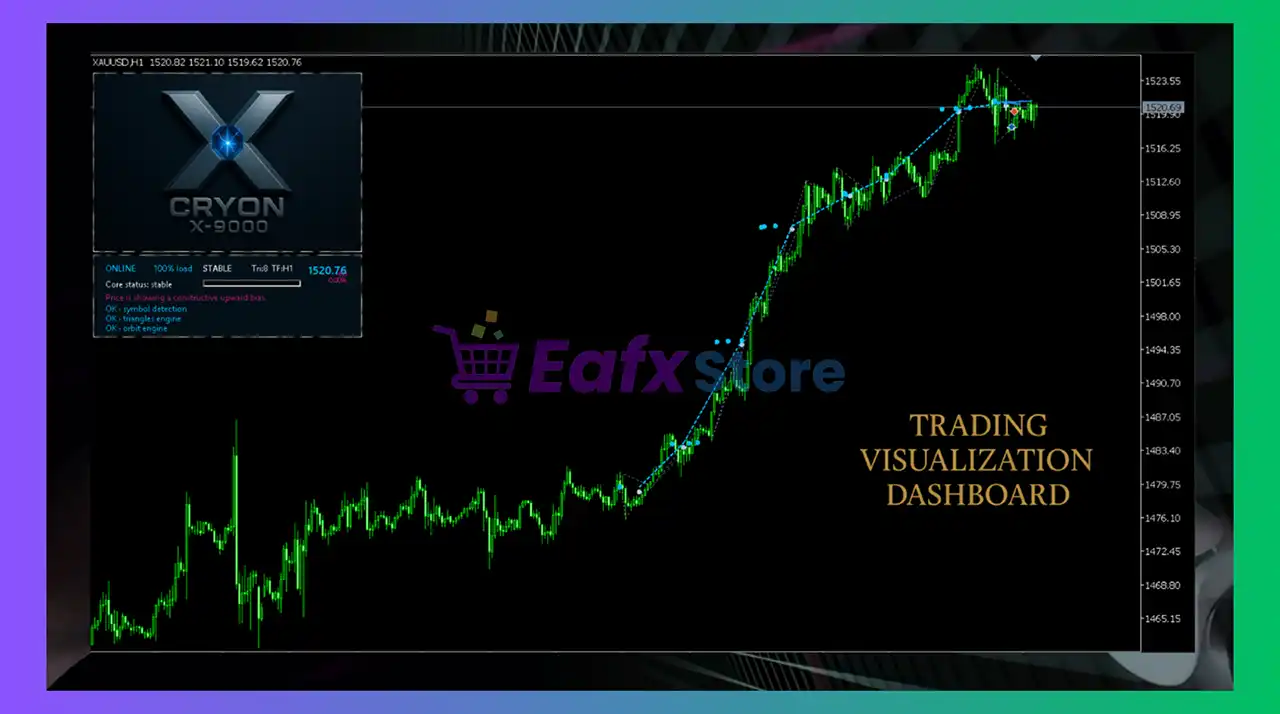
🔹 show or hide the on-chart status panel = true: Enables the visual HUD information panel directly on the chart.
🔹 text size for HUD labels (pixels) = 5: Sets the HUD text label size to 5 pixels.
Risk Engine – Sizing
🔹 risk band = Risk 1: Selects the predefined risk profile named “Risk 1”.
🔹 enable advanced risk fine-tuning = false: Disables advanced manual risk optimization settings.
🔹 strength of additional risk adjustment = 10.0: Sets the additional risk adjustment strength level to 10.0.
🔹 set true if your account currency is JPY = false: Confirms that the account currency is not Japanese Yen (JPY).
Execution Engine – Strategy
🔹 Execution Engine – Strategy: Controls the core trading execution and strategy behavior of CryonX EA MT5.
Prop-Firm Guard
🔹 enable prop-firm style protection rules = false: Disables prop firm protection restrictions and safeguards.
🔹 max allowed overall drawdown (% of balance/equity) = 10.0: Limits maximum total account drawdown to 10.0%.
🔹 max allowed drawdown in a single day (%) = 5.0: Limits daily drawdown to 5.0%.
News Sentinel – Event Filter
🔹 block trading around scheduled news = false: Disables automatic trading suspension during high-impact news events.
Market Safety – Environment
🔹 allow opening fresh trades on Fridays = true: Allows the EA to continue opening new trades on Fridays.
🔹 max spread allowed to open trades (points) = 400: Restricts new trades if the spread exceeds 400 points.
Trade Exits – TP / SL / Trailing
🔹 master switch for trailing-stop logic = true: Enables the trailing stop management system.
🔹 profit distance before trailing starts (points) = 120: Activates trailing stop once the trade reaches 120 points in profit.
🔹 step size for trailing stop updates (points) = 70: Updates the trailing stop every 70 points of price movement.
Conclusion
CryonX EA MT5 is a feature-rich automated trading system designed for traders who prioritize risk management, trade safety and controlled execution. With built-in drawdown protection, trailing stop automation, spread filtering, and optional prop-firm safeguards, the EA provides a flexible environment for both retail traders and funded account users. Proper configuration of risk bands and safety settings can significantly improve overall trading stability and long-term consistency.
FAQs
❓ What is CryonX EA MT5 used for?
CryonX EA MT5 is used for automated algorithmic trading on MetaTrader 5 with advanced risk and trade management features.
❓ Does CryonX EA MT5 support prop firm trading?
Yes, the EA includes prop-firm style protection settings such as daily and overall drawdown limits.
❓ What does the trailing stop feature do in CryonX EA MT5?
The trailing stop automatically locks in profits as the market moves in a favorable direction.
❓ Can CryonX EA MT5 filter news events?
Yes, the EA includes a News Sentinel filter that can block trading during scheduled news releases.
❓ Why is the Magic Number important in CryonX EA MT5?
The Magic Number helps the EA uniquely identify and manage its own trades without interfering with other EAs or manual positions.




