

🔢 My Orden Robot MT5 – Complete Settings & Parameters Guide
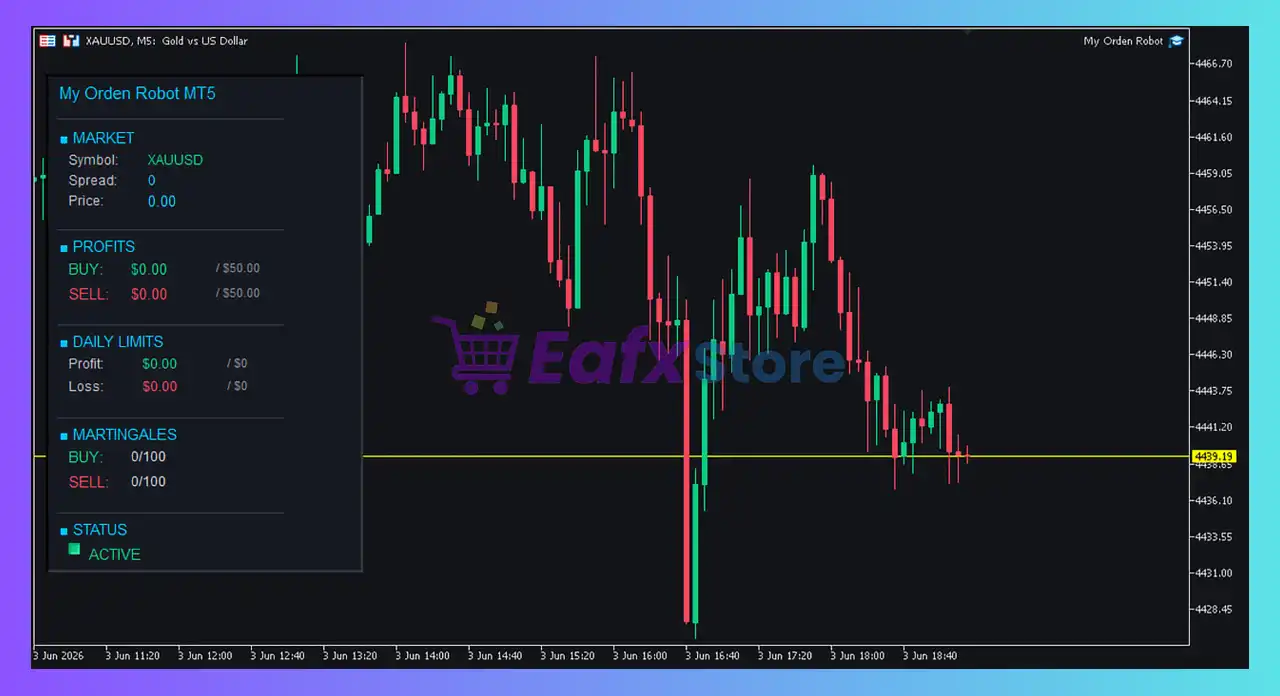
My Orden Robot is an automated MetaTrader 5 Expert Advisor (EA) that utilizes a position scaling and recovery-based trading approach. The EA includes configurable lot progression, profit targets, daily risk controls and visual chart customization features.
Traders can adjust money management parameters, drawdown protection settings, and profit objectives to suit different account sizes and risk profiles.

🔢 My Orden Robot MT5 Settings Explained
Below are the details of the parameters in the advisor’s trading system settings table:
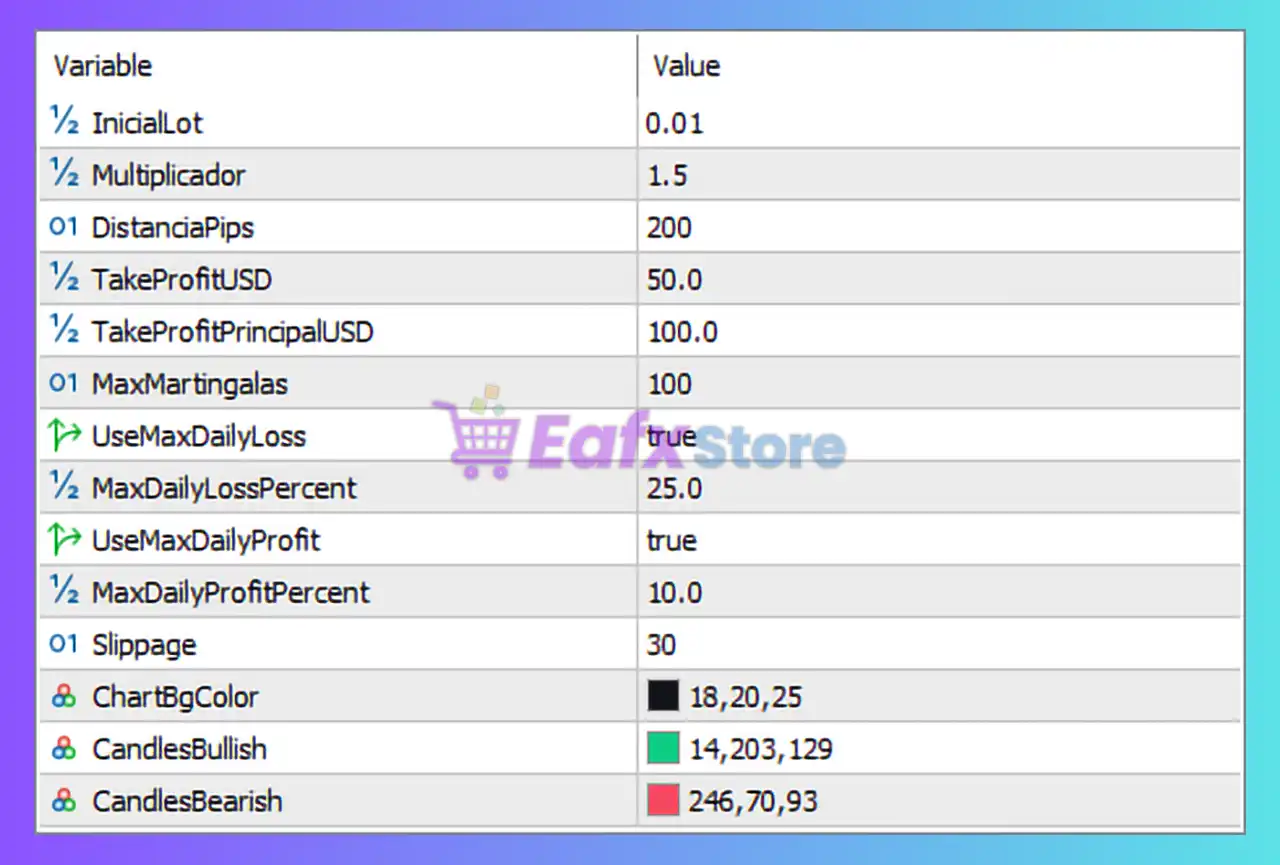
🔶 Money Management Settings
🔹 InicialLot = 0.01 — Sets the initial trading lot size to 0.01 lots for the first position opened by the EA.
🔹 Multiplicador = 1.5 — Defines the lot multiplication factor of 1.5 used when increasing position sizes in subsequent recovery or scaling trades.
🔶 Grid & Position Management Settings
🔹 DistanciaPips = 200 — Sets the distance between trade entries to 200 pips, determining when additional positions may be opened.
🔹 MaxMartingalas = 100 — Specifies the maximum number of martingale or recovery levels allowed, set to 100.
🔶 Profit Target Settings
🔹 TakeProfitUSD = 50.0 — Sets the basket or cycle profit target at $50.00 USD, where trades may be closed once this profit level is reached.
🔹 TakeProfitPrincipalUSD = 100.0 — Sets the primary overall profit target to $100.00 USD before closing the main trading cycle.
🔶 Daily Risk Protection Settings
🔹 UseMaxDailyLoss = true — Enables the maximum daily loss protection feature to help limit account drawdown.
🔹 MaxDailyLossPercent = 25.0 — Stops or restricts trading after reaching a daily loss of 25.0% of the account balance or equity.
🔹 UseMaxDailyProfit = true — Enables the maximum daily profit control feature.
🔹 MaxDailyProfitPercent = 10.0 — Stops or limits trading after achieving a daily profit of 10.0%.
🔶 Execution Settings
🔹 Slippage = 30 — Defines the maximum permitted execution slippage of 30 points during order placement.
🔶 Chart Appearance Settings
🔹 ChartBgColor = 18,20,25 — Sets the chart background color using RGB values (18, 20, 25), creating a dark theme appearance.
🔹 CandlesBullish = 14,203,129 — Sets bullish candle color using RGB values (14, 203, 129).
🔹 CandlesBearish = 246,70,93 — Sets bearish candle color using RGB values (246, 70, 93).
🔢 Conclusion
My Orden Robot MT5 is a compact but highly configurable trading EA that combines lot progression management, profit targeting, daily drawdown protection and visual chart customization.
The settings allow traders to control position sizing, recovery behavior, daily risk exposure, and profit objectives, making it suitable for traders who want a balance between automation and risk management.
🔢 FAQs
❓ What is the purpose of the InicialLot setting in My Orden Robot MT5?
The InicialLot parameter defines the starting trade size used when opening the first position.
❓ What does the Multiplicador value of 1.5 do?
It increases the lot size of subsequent trades by a factor of 1.5, commonly used in recovery or martingale-style strategies.
❓ How does MaxDailyLossPercent protect the account?
When daily losses reach 25.0%, the EA can stop or restrict further trading to prevent additional drawdown.
❓ What is the difference between TakeProfitUSD and TakeProfitPrincipalUSD?
TakeProfitUSD = 50.0 targets profit for a trading cycle, while TakeProfitPrincipalUSD = 100.0 represents the primary overall profit objective.
❓ Can I customize the chart appearance in My Orden Robot MT5?
Yes. The EA allows customization of the background color and bullish/bearish candle colors through the RGB settings provided.



