Aura White Edition MT4 – Complete Settings Guide & Explanation
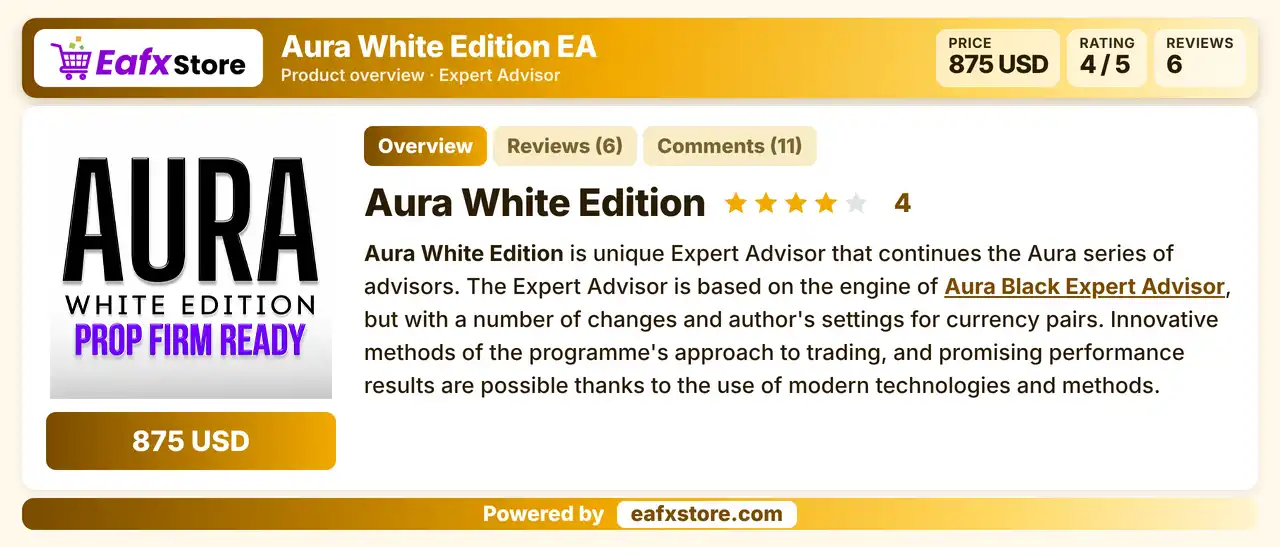
Aura White Edition EA is a professional Forex Expert Advisor (EA) designed for automated trading on the MetaTrader 4 platform.
The EA includes advanced money management, trailing stop systems, breakeven protection, multi-currency settings, spread filters, recovery features and news protection options.
Traders can customize every parameter for better risk control and optimized trading performance across different currency pairs.

Installation Panel Parameters
Below are the details of the parameters in the advisor’s trading system settings table:


General Settings of Aura White Edition MT4
🔹 MultiDeals = false — Disables opening multiple positions simultaneously for the same strategy.
🔹 One direction for MultiDeals = true — Allows trades only in one direction (BUY or SELL) when MultiDeals is enabled.
🔹 Recovery = false — Disables the recovery or martingale-style recovery system.
🔹 Recovery coefficient = 1.0 — Sets the multiplier coefficient used in recovery mode.
🔹 Automatic leverage adjustment = false — Disables automatic leverage optimization based on account conditions.
Profit & Loss Control Settings
🔹 Close Currency Profit = false — Disables automatic closing of all positions when profit target is reached.
🔹 Currency Profit = 500.0 — Profit target value for closing all positions automatically.
🔹 Close Currency Loss = false — Disables automatic closing of all trades at maximum loss level.
🔹 Currency Loss = 500.0 — Maximum currency loss threshold before forced closing.
🔹 Daily Loss Limit Option = false — Disables the daily loss protection feature.
🔹 Daily Loss Limit percent of Balance = 50.0 — Maximum daily drawdown allowed as percentage of account balance.
Trading Time Filter Settings
🔹 Avoid open orders Time period = false — Disables restricted trading hours filter.
🔹 Avoid open orders from Hour = 23 — Start hour to block new trades.
🔹 Avoid open orders to Hour = 2 — End hour to block new trades.
🔹 Delay of Open the Deal = false — Disables delayed order execution.
🔹 Delay of Open the Deal, Seconds = 10 — Delay duration before opening trades.
🔹 Close At Friday = false — Disables automatic closing of positions on Friday.
🔹 Close At Friday Hour = 23 — Hour to close trades on Friday if enabled.
🔹 Stop Trading after StopLoss = false — Continues trading even after stop loss is triggered.
🔹 Stop Trading after StopLoss, hours = 10 — Waiting time after stop loss before resuming trading.
🔹 Stop Trading after Daily Loss = false — Disables pause after daily loss limit is reached.
🔹 Stop Trading after Daily Loss, hours = 10 — Pause duration after daily loss event.
Risk Management Settings
🔹 Risk Percents % (if 0 then Lot Step, Balance Step) = 0.0 — Uses fixed lot sizing instead of percentage risk management.
🔹 Lot Step = 0.01 — Increases lot size by 0.01 for each balance step.
🔹 Balance Step = 50.0 — Balance amount required before increasing lot size.
🔹 Fix Lot (if 0 then Auto) = 0.0 — Enables automatic lot calculation because fixed lot is set to zero.
🔹 Max Lot = 1000.0 — Maximum lot size allowed by the EA.
🔹 Slippage in pips = 20 — Maximum slippage permitted during order execution.
Additional EA Settings
🔹 Comments = Aura White Edition — Comment label attached to trades opened by the EA.
🔹 Magic = 1 — Unique magic number used to identify EA trades.
🔹 Only BUY = false — Allows both BUY and SELL trades.
🔹 Only SELL = false — Allows both SELL and BUY trades.
🔹 MaxSpread = 200 — Maximum spread allowed before opening trades.
🔹 Virtual TakeProfit and StopLoss = false — Uses broker-side TP and SL instead of hidden virtual levels.
🔹 Instant Trailing On Off = false — Disables instant trailing stop activation.
GBPUSD Settings
🔹 TakeProfit GBPUSD.pips = 100.0 — Sets take profit target to 100.0 pips.
🔹 StopLoss GBPUSD.pips = 110.0 — Sets stop loss level to 110.0 pips.
🔹 Trailing On Off GBPUSD = true — Enables trailing stop for GBPUSD trades.
🔹 Trailing Distance GBPUSD.pips = 20.0 — Distance used for trailing stop movement.
🔹 Trailing From GBPUSD.pips = 5.0 — Starts trailing after 5.0 pips profit.
🔹 Trailing Step GBPUSD.points = 5.0 — Step size for trailing stop adjustments.
🔹 Use Breakeven GBPUSD = false — Disables breakeven protection for GBPUSD.
🔹 BE activity GBPUSD.pips = 20.0 — Profit level required before breakeven activates.
EURUSD Settings
🔹 TakeProfit EURUSD.pips = 100.0 — Take profit target for EURUSD.
🔹 StopLoss EURUSD.pips = 90.0 — Stop loss level for EURUSD.
🔹 Trailing On Off EURUSD = true — Enables trailing stop for EURUSD.
🔹 Trailing Distance EURUSD.pips = 44.0 — Trailing stop distance for EURUSD.
🔹 Trailing From EURUSD.pips = 5.0 — Profit level before trailing activates.
🔹 Trailing Step EURUSD.points = 5.0 — Trailing adjustment step size.
🔹 Use Breakeven EURUSD = false — Disables breakeven protection.
🔹 BE activity EURUSD.pips = 30.0 — Profit level required for breakeven.
EURGBP Settings
🔹 TakeProfit EURGBP.pips = 15.0 — Take profit level for EURGBP.
🔹 StopLoss EURGBP.pips = 85.0 — Stop loss value for EURGBP.
🔹 Trailing On Off EURGBP = false — Disables trailing stop for EURGBP.
🔹 Trailing Distance EURGBP.pips = 10.0 — Trailing stop distance.
🔹 Trailing From EURGBP.pips = 5.0 — Trailing activation level.
🔹 Trailing Step EURGBP.points = 5.0 — Trailing stop adjustment step.
🔹 Use Breakeven EURGBP = false — Disables breakeven for EURGBP.
🔹 BE activity EURGBP.pips = 10.0 — Breakeven activation level.
USDCAD Settings
🔹 TakeProfit USDCAD.pips = 100.0 — Take profit level for USDCAD.
🔹 StopLoss USDCAD.pips = 85.0 — Stop loss level for USDCAD.
🔹 Trailing On Off USDCAD = true — Enables trailing stop.
🔹 Trailing Distance USDCAD.pips = 15.0 — Distance used for trailing stop.
🔹 Trailing From USDCAD.pips = 5.0 — Profit level before trailing activates.
🔹 Trailing Step USDCAD.points = 5.0 — Step increment for trailing stop.
🔹 Use Breakeven USDCAD = false — Breakeven protection disabled.
🔹 BE activity USDCAD.pips = 15.0 — Profit level required for breakeven.
USDCHF Settings
🔹 TakeProfit USDCHF.pips = 40.0 — Take profit target for USDCHF.
🔹 StopLoss USDCHF.pips = 50.0 — Stop loss value for USDCHF.
🔹 Trailing On Off USDCHF = false — Disables trailing stop.
🔹 Trailing Distance USDCHF.pips = 15.0 — Trailing stop distance.
🔹 Trailing From USDCHF.pips = 5.0 — Trailing activation point.
🔹 Trailing Step USDCHF.points = 5.0 — Step size for trailing adjustments.
🔹 Use Breakeven USDCHF = false — Disables breakeven system.
🔹 BE activity USDCHF.pips = 15.0 — Breakeven trigger level.
USDJPY Settings
🔹 TakeProfit USDJPY.pips = 30.0 — Take profit target for USDJPY.
🔹 StopLoss USDJPY.pips = 120.0 — Stop loss level for USDJPY.
🔹 Trailing On Off USDJPY = false — Trailing stop disabled.
🔹 Trailing Distance USDJPY.pips = 15.0 — Trailing stop distance.
🔹 Trailing From USDJPY.pips = 5.0 — Trailing activation level.
🔹 Trailing Step USDJPY.points = 5.0 — Trailing adjustment increment.
🔹 Use Breakeven USDJPY = false — Disables breakeven feature.
🔹 BE activity USDJPY.pips = 15.0 — Breakeven trigger level.
News Filter Settings
🔹 Use NewsFilter = false — Disables news event protection filter.
🔹 Don't open positions minutes before the news = 60 — Stops opening trades 60 minutes before news events.
🔹 Don't open positions minutes after the news = 60 — Stops opening trades 60 minutes after news events.
🔹 CALENDAR IMPORTANCE HIGH = true — Filters high-impact economic news.
🔹 CALENDAR IMPORTANCE MODERATE = false — Ignores medium-impact news events.
Conclusion
Aura White Edition MT4 provides traders with a highly customizable automated trading environment suitable for multi-currency Forex trading.
The EA combines flexible risk management, trailing stop systems, news filtering, and advanced order management features to help traders optimize performance while controlling drawdown risk.
With detailed settings for each currency pair, traders can fine-tune the EA according to their trading style, broker conditions and market volatility.
FAQs
❓ What is Aura White Edition MT4?
Aura White Edition MT4 is an automated Forex trading Expert Advisor designed for MetaTrader 4 that supports multi-currency trading and advanced risk management.
❓ Does Aura White Edition MT4 support trailing stop?
Yes, the EA includes customizable trailing stop settings for selected currency pairs such as GBPUSD, EURUSD, and USDCAD.
❓ Can I use fixed lot size with Aura White Edition MT4?
Yes, traders can use fixed lot sizing through the “Fix Lot” parameter or enable automatic lot calculation.
❓ Does the EA include a news filter?
Yes, Aura White Edition MT4 includes a built-in economic news filter with customizable time restrictions before and after news releases.
❓ Which currency pairs are configured in the provided settings?
The screenshots include settings for GBPUSD, EURUSD, EURGBP, USDCAD, USDCHF, and USDJPY.