


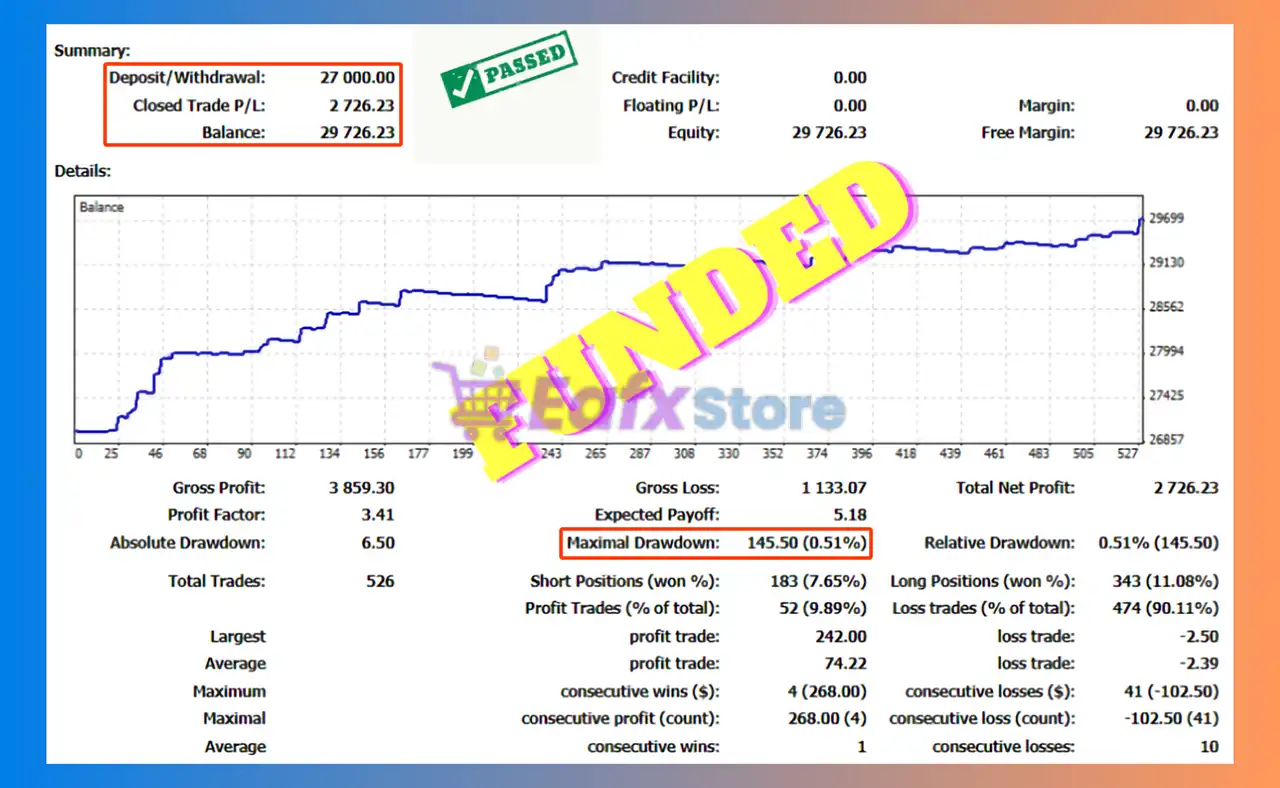
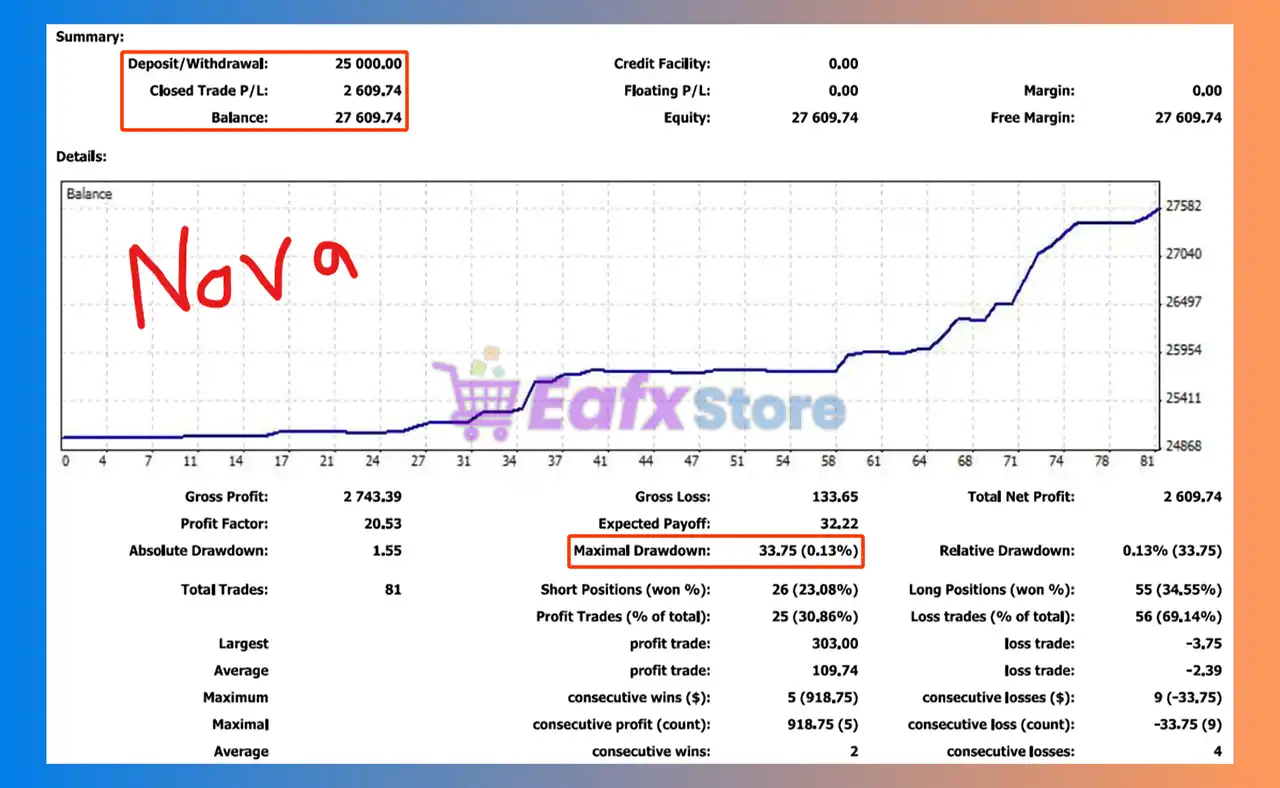
HFT Pass Prop Firm MT4 Settings Explained – Complete Configuration Guide
HFT Pass Prop Firm MT4 is a high-frequency trading Expert Advisor (EA) developed for MetaTrader 4 traders who aim to pass proprietary trading firm challenges.
The EA focuses on fast execution, controlled money management, time-filtered trading sessions and intelligent news filtering.
With optimized settings for volatile US trading sessions, HFT Pass Prop Firm MT4 is designed to help traders maximize performance while managing risk efficiently.
HFT Pass Prop Firm MT4 Full Settings Explanation
Below are the details of the parameters in the advisor’s trading system settings table:
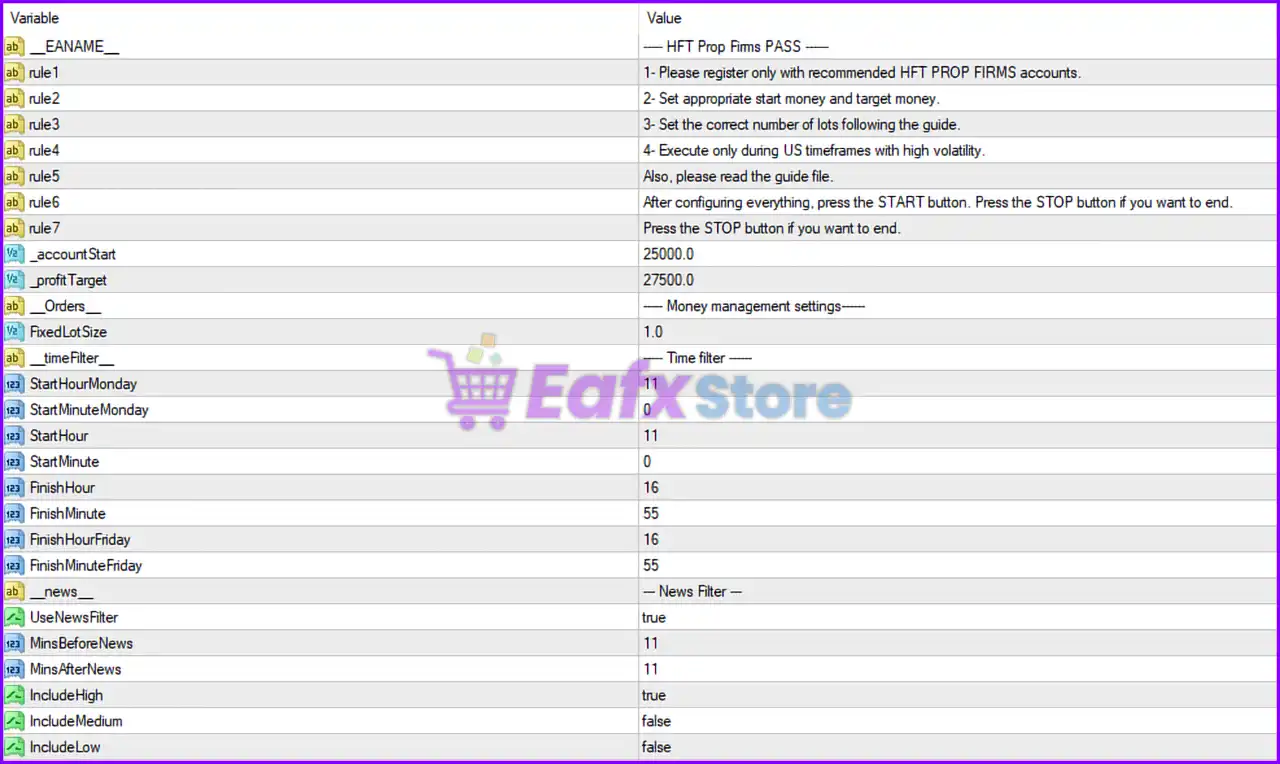
EA Information & Trading Rules
🔹 EANAME = ----- HFT Prop Firms PASS -----: Displays the Expert Advisor name and identifies the EA version profile.
🔹 rule1 = 1- Please register only with recommended HFT PROP FIRMS accounts.: Advises traders to use approved proprietary firm account types for best compatibility.
🔹 rule2 = 2- Set appropriate start money and target money.: Suggests configuring proper starting capital and profit objectives.
🔹 rule3 = 3- Set the correct number of lots following the guide.: Recommends adjusting lot size according to the official EA guide.
🔹 rule4 = 4- Execute only during US timeframes with high volatility.: Advises trading during volatile US market sessions.
🔹 rule5 = Also, please read the guide file.: Reminds users to review the EA documentation before trading.
🔹 rule6 = After configuring everything, press the START button. Press the STOP button if you want to end.: Provides instructions for starting and stopping the EA.
🔹 rule7 = Press the STOP button if you want to end.: Additional reminder about stopping EA operations safely.
Account & Profit Target Settings
🔹 _accountStart = 25000.0: Starting account balance is configured at 25000.0.
🔹 _profitTarget = 27500.0: Profit target is set to 27500.0.
Orders & Money Management Settings
🔹 Orders_ = ----- Money management settings-----: Section header for order and risk configuration.
🔹 FixedLotSize = 1.0: Fixed trading volume is set to 1.0 lot per trade.
Time Filter Settings
🔹 timeFilter_ = ----- Time filter -----: Section controlling allowed trading hours.
🔹 StartHourMonday = 11: Trading starts on Monday at hour 11.
🔹 StartMinuteMonday = 0: Monday trading begins at minute 0.
🔹 StartHour = 11: Daily trading session starts at hour 11.
🔹 StartMinute = 0: Daily trading session starts at minute 0.
🔹 FinishHour = 16: Trading session ends at hour 16.
🔹 FinishMinute = 55: Trading session ends at minute 55.
🔹 FinishHourFriday = 16: Friday trading ends at hour 16.
🔹 FinishMinuteFriday = 55: Friday trading session closes at minute 55.
News Filter Settings
🔹 news = --- News Filter ---: Section used for economic news protection.
🔹 UseNewsFilter = true: Enables the built-in economic news filter.
🔹 MinsBeforeNews = 11: Stops trading 11 minutes before high-impact news events.
🔹 MinsAfterNews = 11: Resumes trading 11 minutes after news releases.
🔹 IncludeHigh = true: Includes high-impact news events in the filter.
🔹 IncludeMedium = false: Medium-impact news events are ignored.
🔹 IncludeLow = false: Low-impact news events are ignored.
Conclusion
HFT Pass Prop Firm MT4 is a specialized high-frequency trading EA designed for traders participating in prop firm challenges. With fixed lot sizing, advanced time filters, strict news protection, and optimized US session trading, the EA helps traders maintain disciplined execution and risk management. Its configuration is tailored for high-volatility environments and professional trading conditions on MetaTrader 4.
FAQs
❓ What is HFT Pass Prop Firm MT4?
HFT Pass Prop Firm MT4 is a high-frequency trading Expert Advisor built for MetaTrader 4 and optimized for prop firm challenge accounts.
❓ What is the default account start value in HFT Pass Prop Firm MT4?
The default starting balance is set to 25000.0.
❓ Does HFT Pass Prop Firm MT4 include a news filter?
Yes, the EA includes a built-in news filter with configurable before-news and after-news delays.
❓ What trading session is recommended for this EA?
The EA is designed to operate mainly during high-volatility US trading sessions.
❓ What is the fixed lot size configured in the EA?
The default fixed trading volume is 1.0 lot.



