
🔢 IS M1 EA MT4 – Complete Settings Guide for Automated Forex Trading
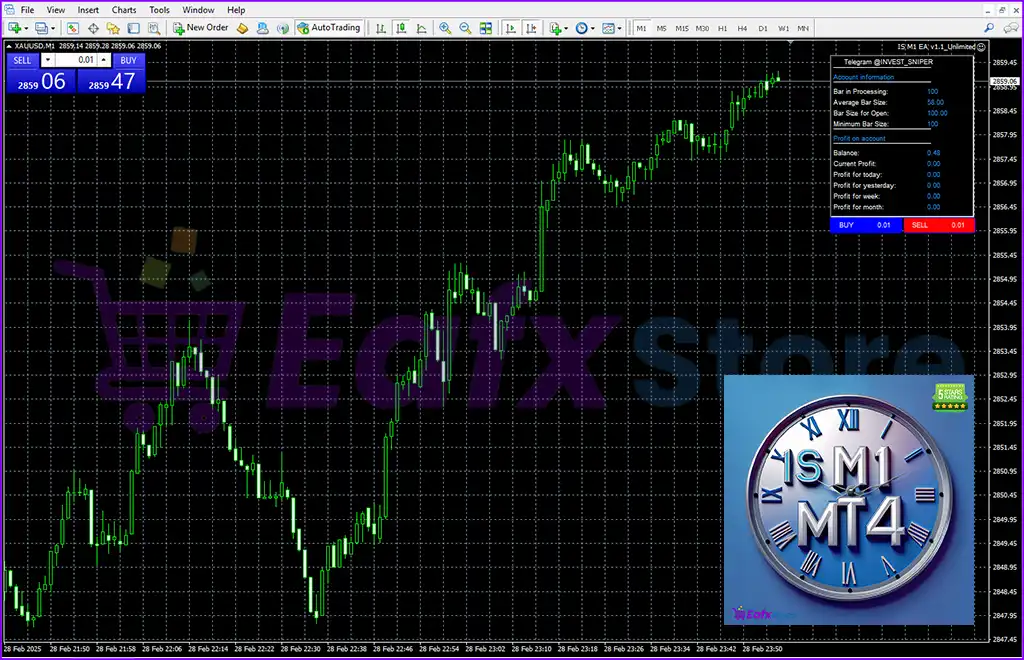
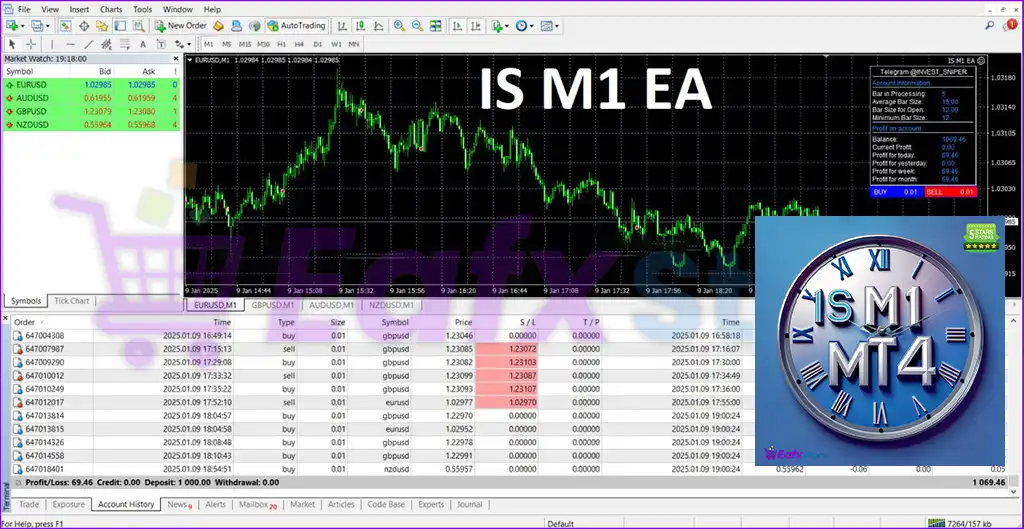
IS M1 EA MT4 is an automated Forex trading Expert Advisor (EA) designed for MetaTrader 4 (MT4). The EA focuses on M1 scalping strategies, trailing stop management, spread filtering, additional order systems and customizable lot control.
With built-in risk settings, volatility filters, and visual information panels, IS M1 EA MT4 provides traders with a flexible solution for fast-paced automated Forex trading.
🔢 Installation Panel Parameters
Below are the details of the parameters in the advisor’s trading system settings table:
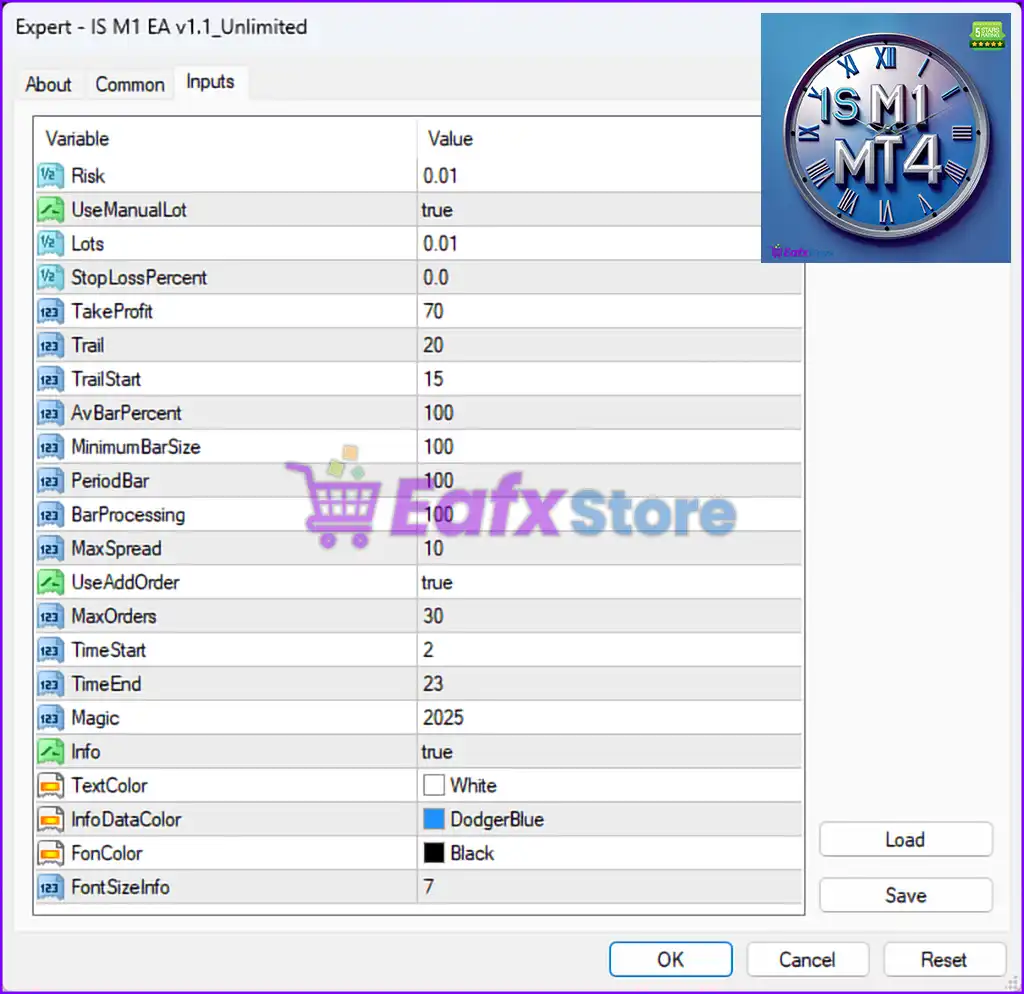
🔹 Risk = 0.01 — Sets the account risk parameter to 0.01 for trade management calculations.
🔹 UseManualLot = true — Enables manual lot size configuration instead of automatic lot calculation.
🔹 Lots = 0.01 — Defines the fixed trading lot size as 0.01 lots.
🔹 StopLossPercent = 0.0 — Disables percentage-based Stop Loss protection.
🔹 TakeProfit = 70 — Sets the Take Profit target to 70 points/pips.
🔹 Trail = 20 — Defines the trailing stop distance as 20 points/pips.
🔹 TrailStart = 15 — Activates trailing stop after the trade reaches 15 points/pips in profit.
🔹 AvBarPercent = 100 — Sets the average bar percentage filter to 100 for market volatility calculations.
🔹 MinimumBarSize = 100 — Defines the minimum candle/bar size required for trading signals as 100 points.
🔹 PeriodBar = 100 — Uses 100 candles/bars for historical analysis and signal generation.
🔹 BarProcessing = 100 — Sets the bar processing calculation value to 100.
🔹 MaxSpread = 10 — Limits the maximum allowed spread to 10 points/pips before opening trades.
🔹 UseAddOrder = true — Enables additional order placement functionality.
🔹 MaxOrders = 30 — Allows a maximum of 30 simultaneous or cumulative orders.
🔹 TimeStart = 2 — Sets the trading session start time to hour 2.
🔹 TimeEnd = 23 — Sets the trading session end time to hour 23.
🔹 Magic = 2025 — Assigns the unique Magic Number 2025 for identifying and managing EA trades.
🔹 Info = true — Enables displaying trading information directly on the chart.
🔹 TextColor = White — Sets the chart text color to White.
🔹 InfoDataColor = DodgerBlue — Sets the information data display color to DodgerBlue.
🔹 FonColor = Black — Sets the panel or chart background color to Black.
🔹 FontSizeInfo = 7 — Defines the information panel font size as 7.
🔢 Conclusion
IS M1 EA MT4 is a lightweight and efficient automated Forex trading robot optimized for M1 scalping and fast market execution. The EA combines trailing stop management, volatility-based filters, spread protection, and multiple order handling to improve trading flexibility and automation.
With customizable risk settings, trading session controls, and chart display options, IS M1 EA MT4 offers traders a practical solution for short-term Forex trading on MetaTrader 4 platforms.
🔢 FAQs
❓ What is IS M1 EA MT4?
IS M1 EA MT4 is an automated Forex trading Expert Advisor for MetaTrader 4 designed mainly for M1 scalping strategies.
❓ Does IS M1 EA MT4 support trailing stop management?
Yes, the EA includes both Trail and TrailStart parameters for dynamic trailing stop control.
❓ Can IS M1 EA MT4 place multiple orders?
Yes, the UseAddOrder feature is enabled and allows up to 30 orders simultaneously.
❓ What is the purpose of the MaxSpread setting in IS M1 EA MT4?
The MaxSpread parameter prevents the EA from opening trades when market spreads exceed 10 points/pips.
❓ Does IS M1 EA MT4 support manual lot sizing?
Yes, the UseManualLot setting is enabled, allowing traders to manually define the lot size.



