
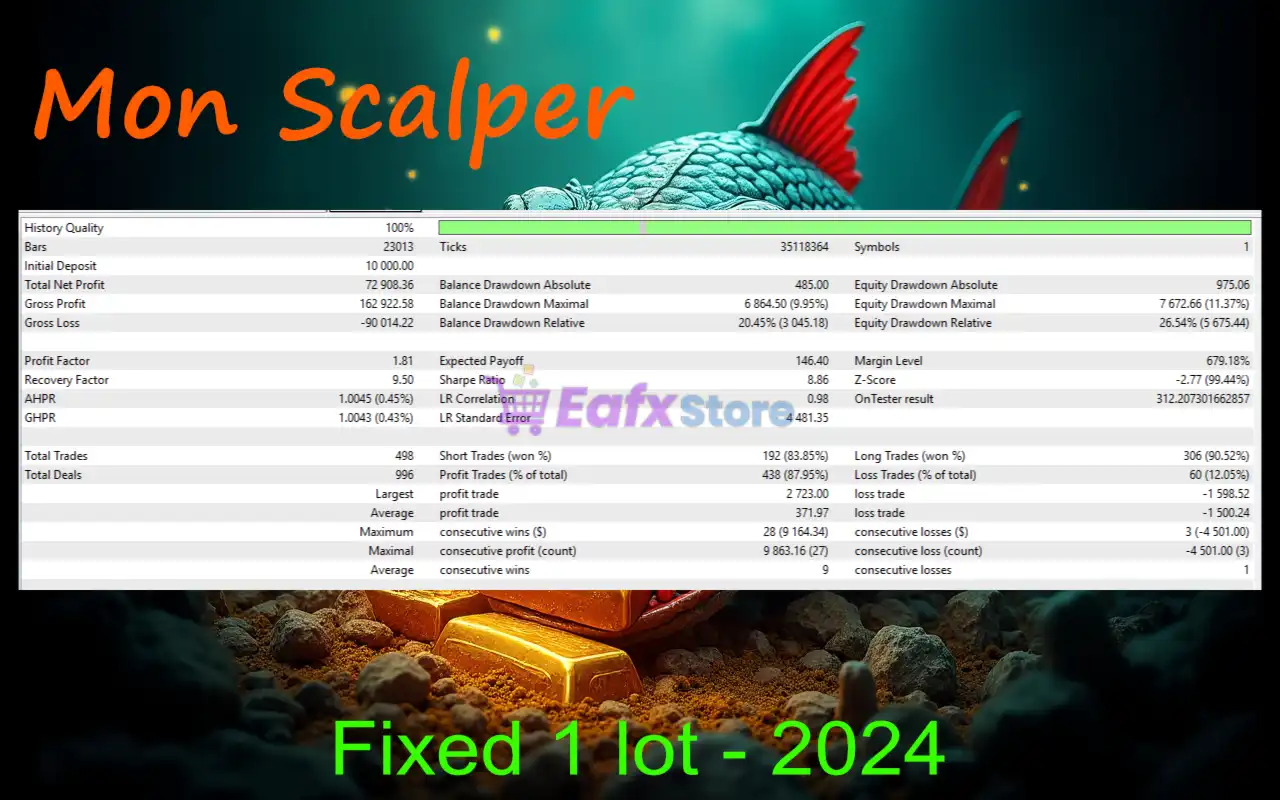
Mon Scalper MT4 Settings Explained – Complete Configuration Guide
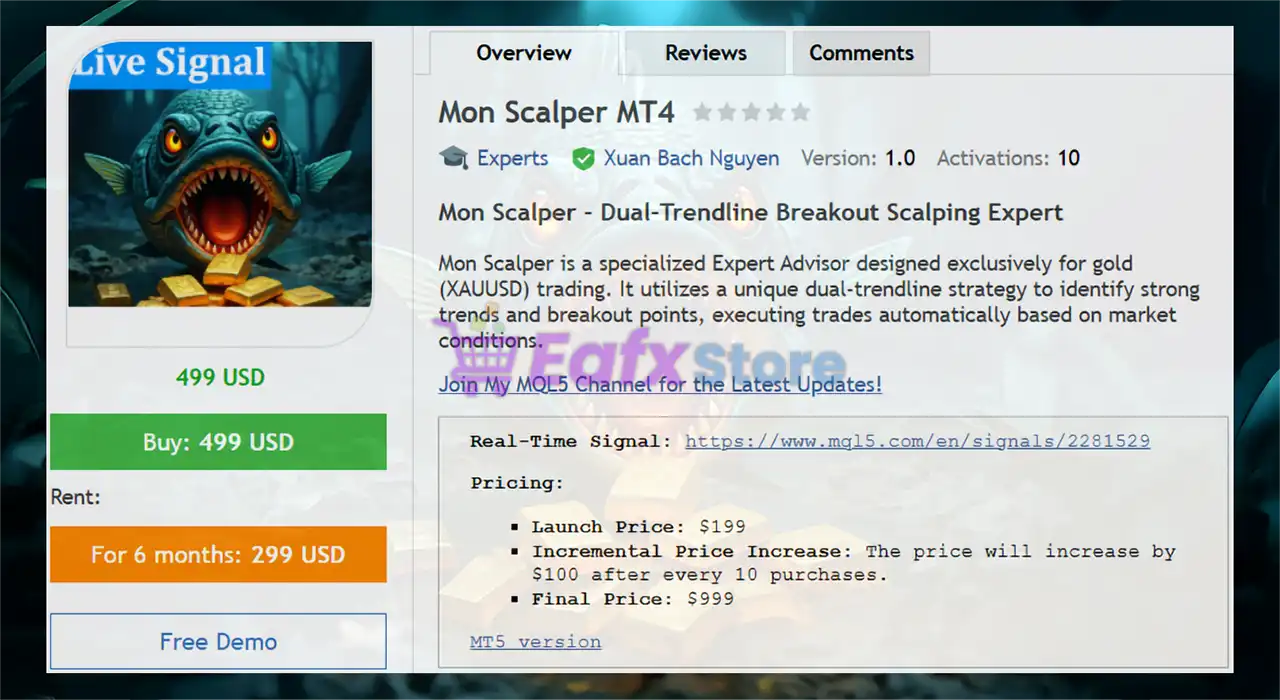
Mon Scalper MT4 is a professional automated forex scalping Expert Advisor (EA) developed for MetaTrader 4 traders who prefer short-term trading strategies with advanced order management and risk control features.
The EA includes automated stop loss handling, trailing systems, money management methods, support and resistance filtering and trendline analysis tools. With flexible configuration options, Mon Scalper MT4 can be optimized for different market conditions and trading styles.

Installation Panel Parameters
Below are the details of the parameters in the advisor’s trading system settings table:
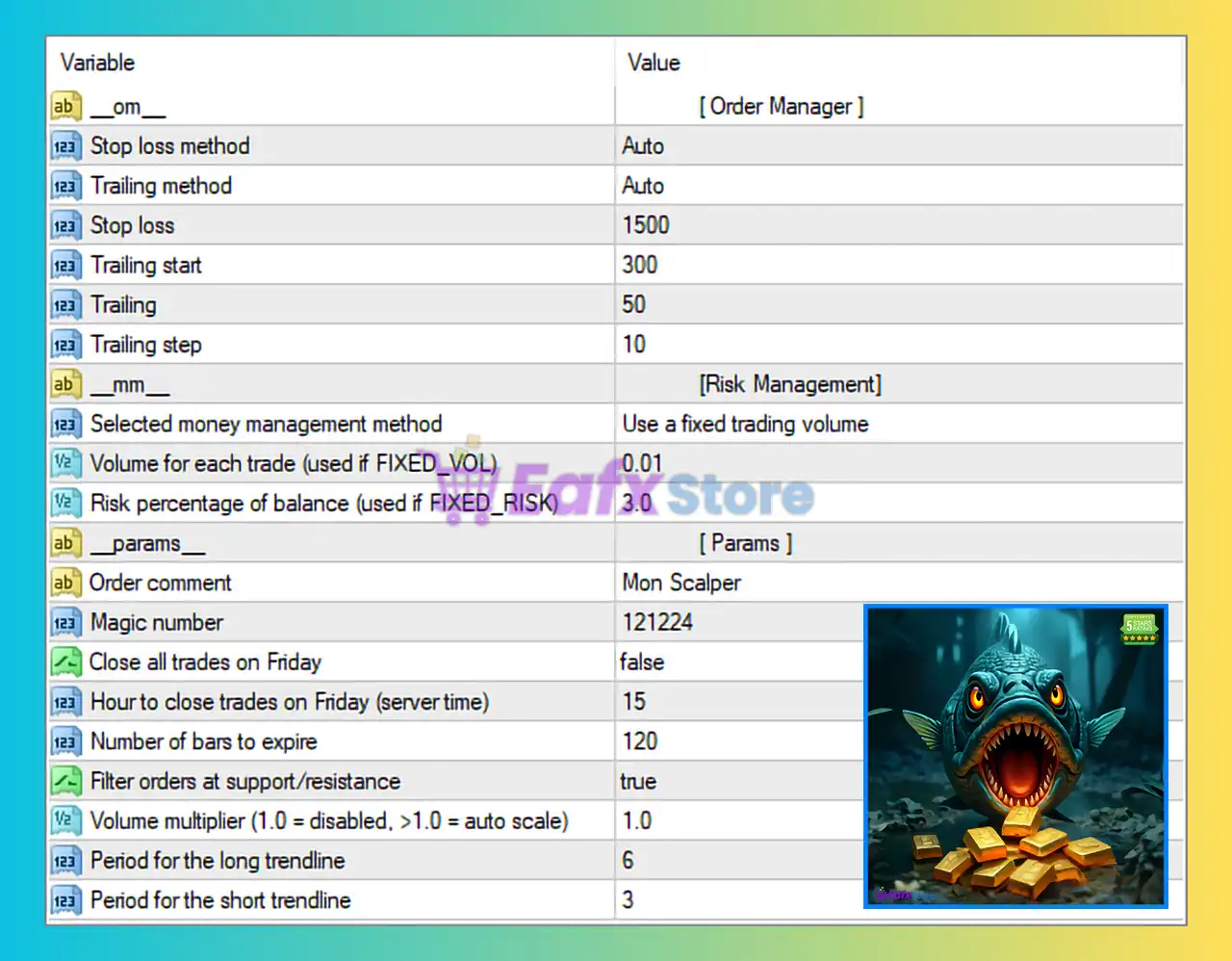
Mon Scalper MT4 Full Settings Explanation
🔹 om = [Order Manager]: Indicates the section dedicated to order management settings within Mon Scalper MT4.
🔹 Stop loss method = Auto: Enables the EA to automatically determine the stop loss calculation method.
🔹 Trailing method = Auto: Allows the EA to automatically manage the trailing stop strategy.
🔹 Stop loss = 1500: Sets the stop loss distance to 1500 points for trade protection.
🔹 Trailing start = 300: Activates trailing stop functionality once the trade reaches 300 points in profit.
🔹 Trailing = 50: Defines the trailing stop distance at 50 points behind price movement.
🔹 Trailing step = 10: Sets the trailing stop adjustment interval to 10 points.
Risk Management Settings
🔹 mm = [Risk Management]: Indicates the section used for configuring money management settings.
🔹 Selected money management method = Use a fixed trading volume: Configures the EA to use a fixed lot size instead of dynamic risk scaling.
🔹 Volume for each trade (used if FIXED_VOL) = 0.01: Sets the fixed lot size for every trade to 0.01.
🔹 Risk percentage of balance (used if FIXED_RISK) = 3.0: Defines the account risk level at 3.0% when fixed risk mode is enabled.
General Parameters
🔹 params = [Params]: Indicates the section containing general operational parameters.
🔹 Order comment = Mon Scalper: Adds the trade comment label Mon Scalper to all EA orders.
🔹 Magic number = 121224: Assigns the Magic Number 121224 for identifying trades opened by Mon Scalper MT4.
🔹 Close all trades on Friday = false: Disables automatic closing of all trades before market close on Friday.
🔹 Hour to close trades on Friday (server time) = 15: Sets the Friday trade closing hour to 15 server time if Friday close is enabled.
🔹 Number of bars to expire = 120: Defines pending order expiration after 120 bars.
🔹 Filter orders at support/resistance = true: Enables filtering of trades near support and resistance levels to improve trade accuracy.
🔹 Volume multiplier (1.0 = disabled, >1.0 = auto scale) = 1.0: Keeps automatic volume scaling disabled because the multiplier is set to 1.0.
🔹 Period for the long trendline = 6: Sets the long trendline analysis period to 6.
🔹 Period for the short trendline = 3: Sets the short trendline analysis period to 3.
Conclusion
Mon Scalper MT4 provides a balanced combination of automated trade execution, intelligent order management, and customizable risk controls for forex scalping traders. Its support and resistance filters, trailing systems, and trendline analysis features make it suitable for traders looking for precision-based scalping automation. Proper optimization and broker selection are important for achieving stable performance with this EA.
FAQs
❓ What is Mon Scalper MT4?
Mon Scalper MT4 is an automated forex scalping Expert Advisor designed for MetaTrader 4 trading platforms.
❓ Does Mon Scalper MT4 support automatic trailing stops?
Yes, the EA includes automatic trailing stop management with customizable start, distance, and step values.
❓ Can I use fixed lot sizing with Mon Scalper MT4?
Yes, the EA supports fixed trading volume mode with customizable lot sizes such as 0.01.
❓ What does the Magic Number do in Mon Scalper MT4?
The Magic Number uniquely identifies trades opened by the EA to avoid conflicts with manual trades or other Expert Advisors.
❓ Why is support and resistance filtering important?
The support and resistance filter helps avoid weak trade entries near critical market zones, improving trade quality and risk management.