

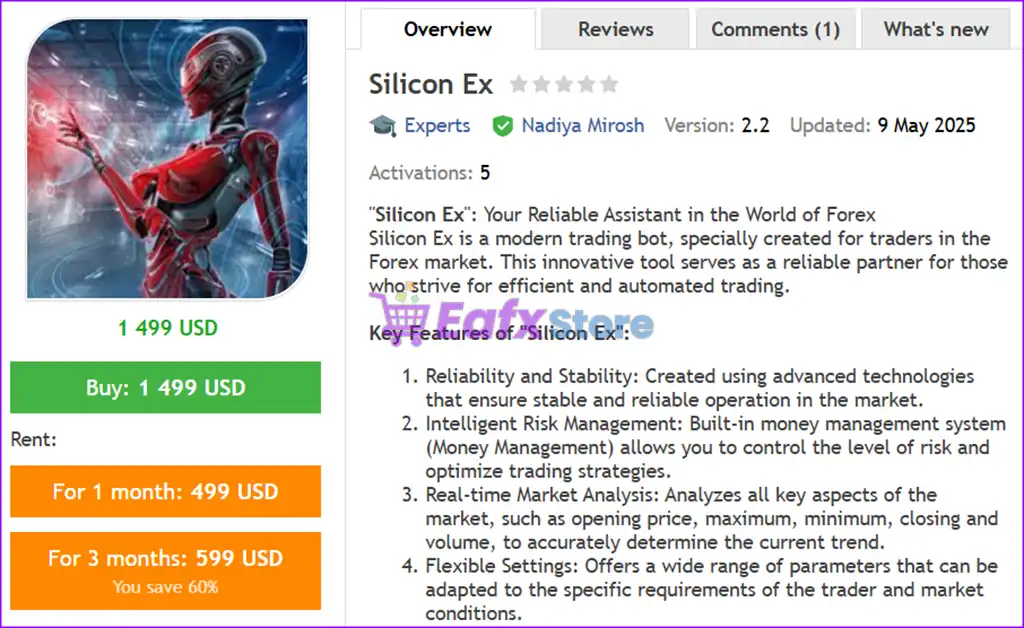
🔢 Silicon Ex MT4 Settings Guide – Full Configuration Explained
Silicon Ex MT4 is an advanced automated trading Expert Advisor (EA) for MetaTrader 4 designed for traders who prefer dynamic risk control, price correction strategies and trailing order management.
The EA combines adaptive entry systems, configurable step corrections, and spread control filters to help optimize trading efficiency across volatile market conditions.
With customizable lot sizing, risk management, and trailing mechanisms, Silicon Ex MT4 is suitable for both aggressive and conservative Forex traders.

🔢 Complete Silicon Ex MT4 Settings Explained
Below are the details of the parameters in the advisor’s trading system settings table:
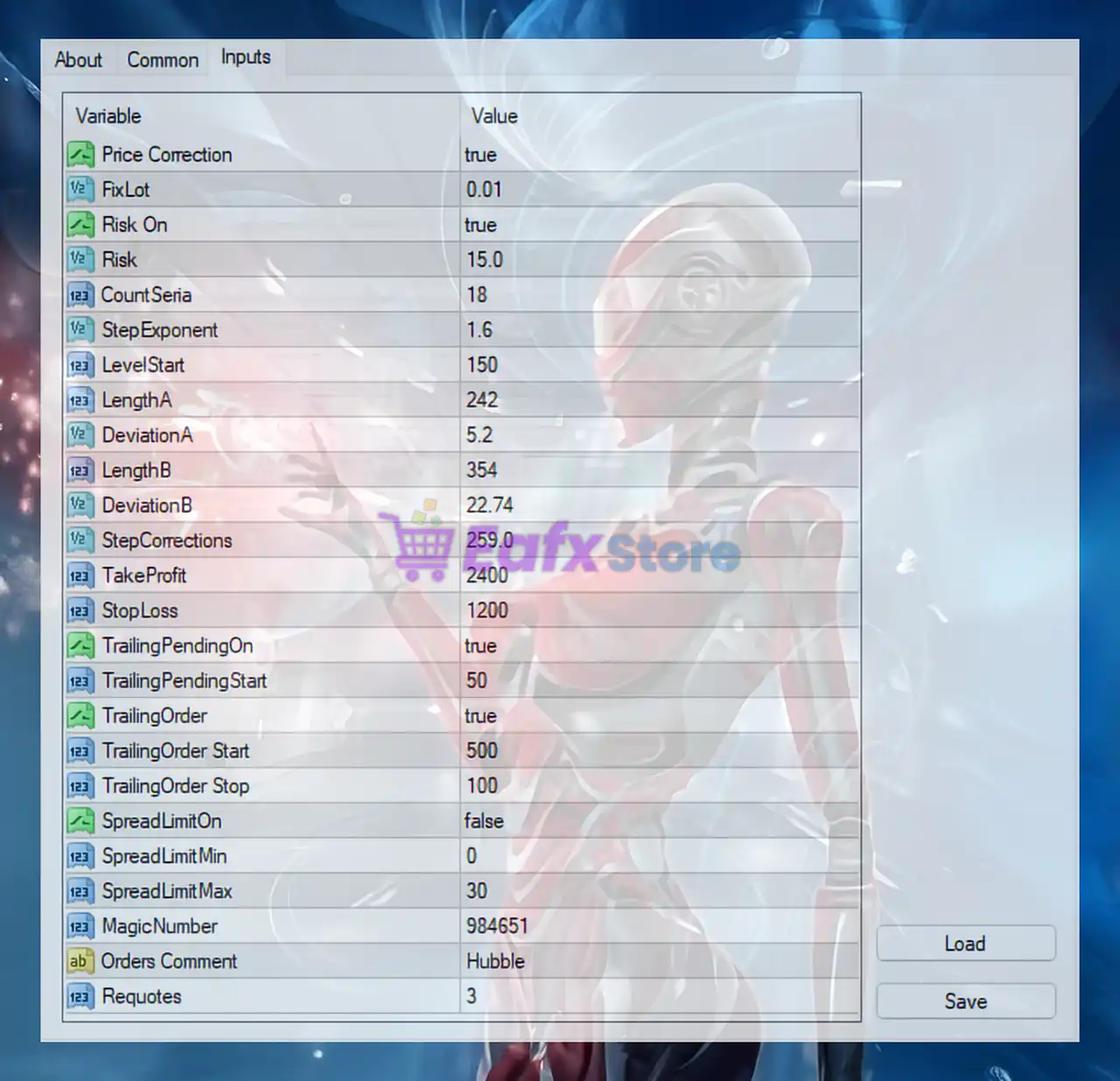
🔹 Price Correction = true: Enables the price correction feature to improve trade entry accuracy.
🔹 FixLot = 0.01: Sets the fixed trading lot size to 0.01.
🔹 Risk On = true: Activates dynamic risk management functionality.
🔹 Risk = 15.0: Defines the trading risk level at 15.0.
🔹 CountSeria = 18: Sets the maximum number of trade series/orders to 18.
🔹 StepExponent = 1.6: Applies a step multiplier exponent value of 1.6 for order progression calculations.
🔹 LevelStart = 150: Defines the starting level distance at 150 points.
🔹 LengthA = 242: Sets indicator or calculation length parameter A to 242.
🔹 DeviationA = 5.2: Configures deviation parameter A with value 5.2.
🔹 LengthB = 354: Sets indicator or calculation length parameter B to 354.
🔹 DeviationB = 22.74: Configures deviation parameter B with value 22.74.
🔹 StepCorrections = 259.0: Defines correction step distance at 259.0 points.
🔹 TakeProfit = 2400: Sets take-profit target to 2400 points.
🔹 StopLoss = 1200: Sets stop-loss protection to 1200 points.
🔹 TrailingPendingOn = true: Enables trailing functionality for pending orders.
🔹 TrailingPendingStart = 50: Starts pending order trailing after 50 points.
🔹 TrailingOrder = true: Activates trailing stop management for active orders.
🔹 TrailingOrder Start = 500: Starts trailing stop after price moves 500 points in profit.
🔹 TrailingOrder Stop = 100: Sets trailing stop distance to 100 points.
🔹 SpreadLimitOn = false: Disables spread limit filtering system.
🔹 SpreadLimitMin = 0: Sets minimum spread limit to 0.
🔹 SpreadLimitMax = 30: Defines maximum allowed spread at 30.
🔹 MagicNumber = 984651: Assigns unique identifier number 984651 for EA trade management.
🔹 Orders Comment = Hubble: Adds the trade comment Hubble to all EA positions.
🔹 Requotes = 3: Allows up to 3 requote attempts during order execution.
🔢 Conclusion
Silicon Ex MT4 is a flexible and feature-rich Expert Advisor that combines advanced correction algorithms, trailing systems, and dynamic risk controls for MetaTrader 4 traders.
With configurable spread filters, stop-loss protection, and intelligent trailing order management, the EA provides traders with powerful tools to automate and optimize Forex trading strategies. Proper optimization and broker compatibility testing are highly recommended before live deployment.
🔢 FAQs
❓ What is Silicon Ex MT4?
Silicon Ex MT4 is an automated Forex trading Expert Advisor for MetaTrader 4 featuring price correction and advanced trailing systems.
❓ Does Silicon Ex MT4 support automatic risk management?
Yes, the EA includes dynamic risk management with Risk On = true and customizable risk levels.
❓ What is the TakeProfit value in Silicon Ex MT4?
The current take-profit setting is 2400 points.
❓ Can Silicon Ex MT4 use trailing stops?
Yes, the EA supports both trailing pending orders and trailing stop management for active trades.
❓ What is the MagicNumber used for in Silicon Ex MT4?
The MagicNumber = 984651 uniquely identifies trades opened by the EA for management and tracking purposes.