
🔢 PulseTrend Algo EA MT5 Settings Explained – Complete Parameter Guide
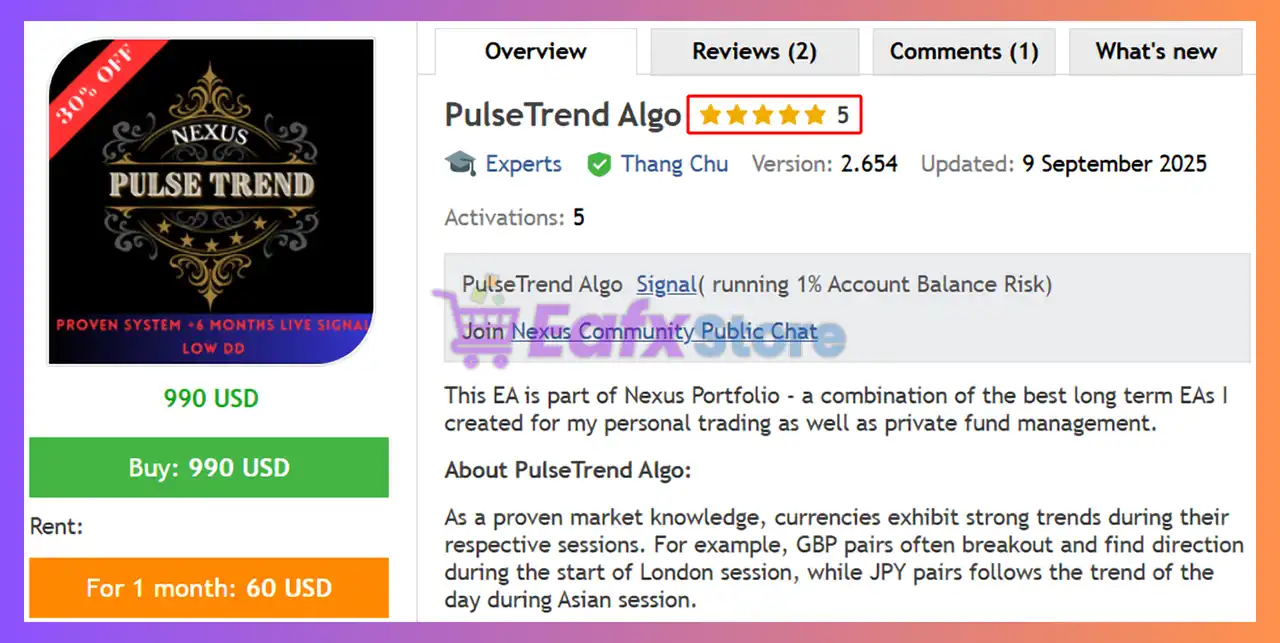
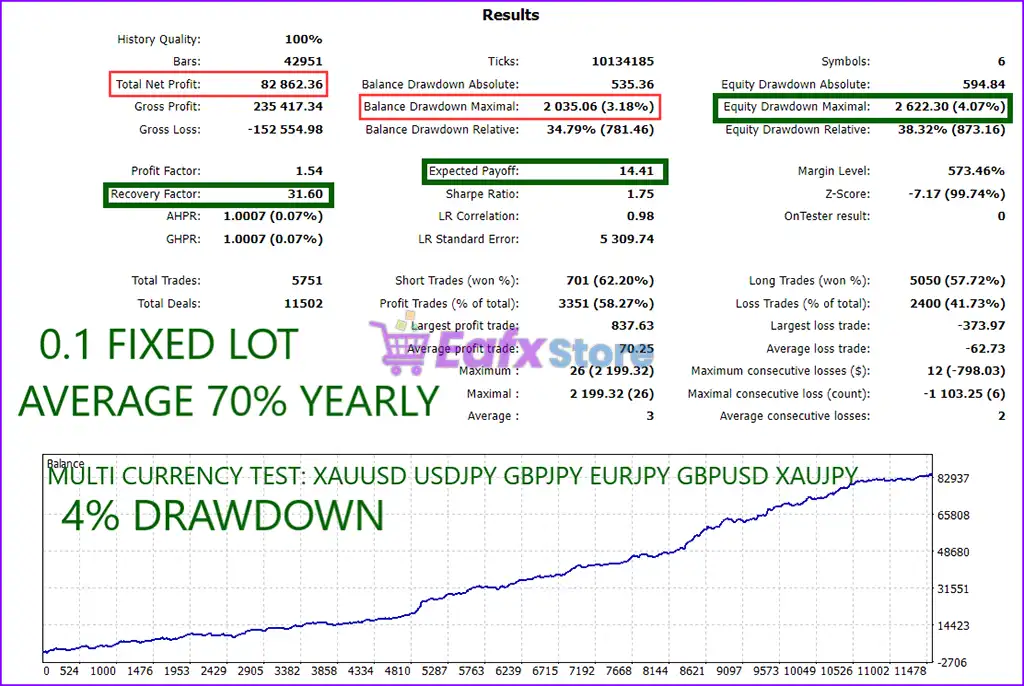
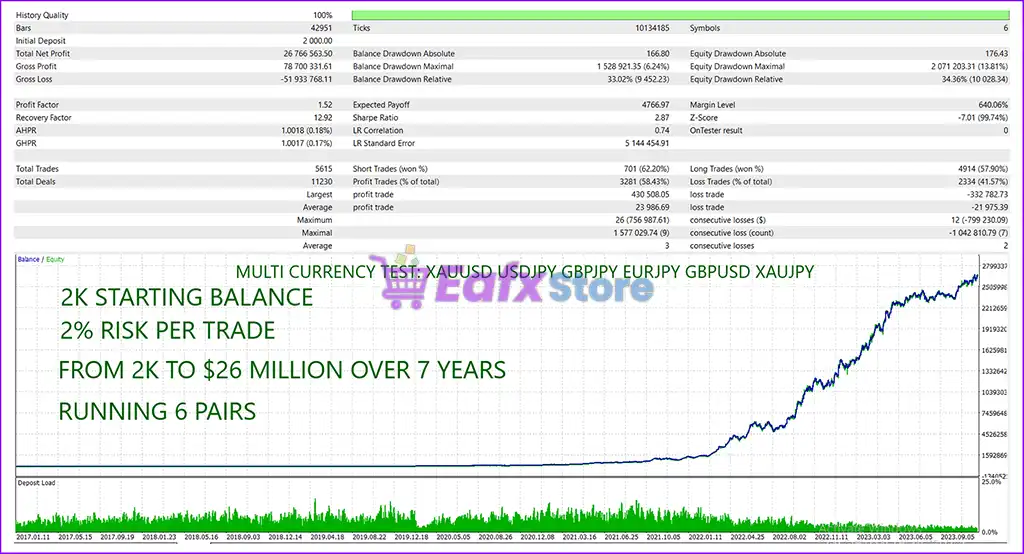
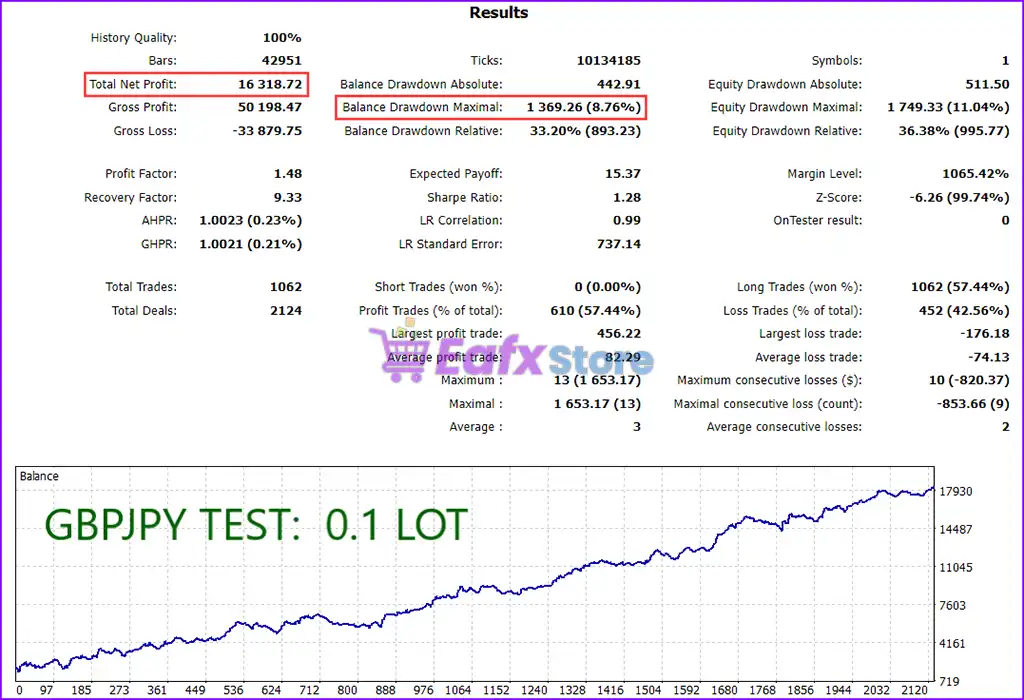
PulseTrend Algo EA is a fully automated MetaTrader 5 Expert Advisor designed to trade multiple JPY and commodity-related currency pairs using its proprietary PulseTrend algorithm.
The EA offers flexible symbol selection, manual or balance-based lot sizing, and configurable money management, making it suitable for traders who want to control risk while trading several instruments from a single MT5 chart.

🔢 Installation Panel Parameters
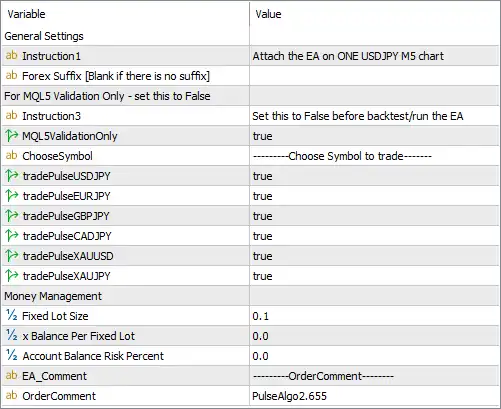
Below are the details of the parameters in the advisor’s trading system settings table:
🔶 General Settings
🔹 Instruction 1 = Attach the EA on ONE USDJPY M5 chart – Install the EA on a single USDJPY M5 chart to manage all supported trading symbols.
🔹 Forex Suffix [Blank if there is no suffix] = (Blank) – Enter your broker's symbol suffix (such as .m, -pro, or _ecn) if required; leave blank when no suffix exists.
🔹 Instruction 3 = For MQL5 Validation Only - set this to False – Reminder indicating that the validation option is intended only for MQL5 Market verification.
🔹 Instruction 3 = Set this to False before backtest/run the EA – Before performing a real backtest or live trading, change the validation option to False.
🔹 MQL5ValidationOnly = true – Enables MQL5 Validation Mode. Set this parameter to false before normal trading or strategy testing.
🔶 Symbol Selection
🔹 ChooseSymbol = Choose Symbol to trade – Section used to enable or disable trading for each supported currency pair.
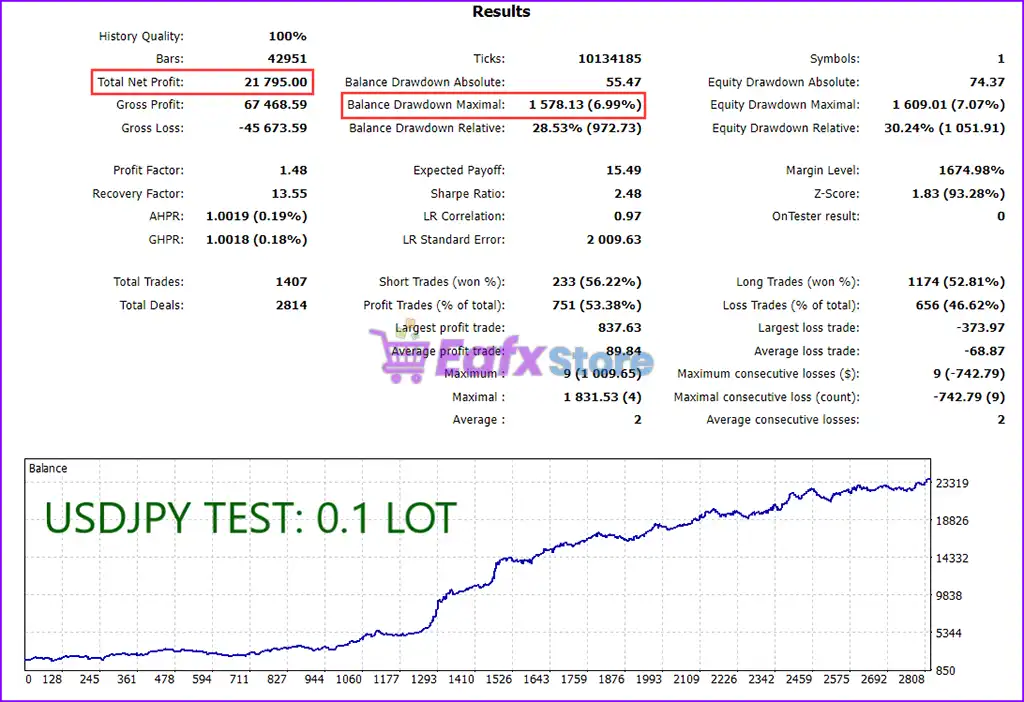
🔹 tradePulseUSDJPY = true – Enables automated trading for USDJPY.
🔹 tradePulseEURJPY = true – Enables automated trading for EURJPY.
🔹 tradePulseGBPJPY = true – Enables automated trading for GBPJPY.
🔹 tradePulseCADJPY = true – Enables automated trading for CADJPY.
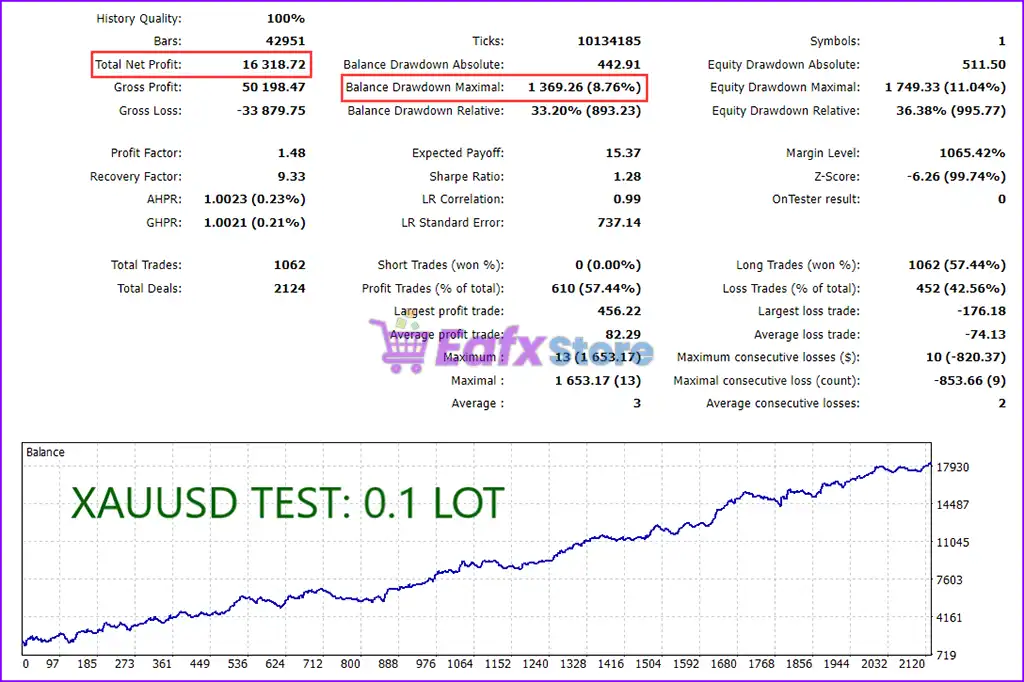
🔹 tradePulseXAUUSD = true – Enables automated trading for XAUUSD (Gold).
🔹 tradePulseXAUJPY = true – Enables automated trading for XAUJPY (Gold vs Japanese Yen).
🔶 Money Management
🔹 Fixed Lot Size = 0.1 – Uses a fixed trading volume of 0.10 lots whenever fixed lot sizing is selected.
🔹 Balance Per Fixed Lot = 0.0 – Defines the account balance allocated for each fixed lot. A value of 0.0 disables balance-based fixed lot calculation.
🔹 Account Balance Risk Percent = 0.0 – Sets the percentage of account balance to risk per trade. A value of 0.0 disables percentage-based risk management.
🔶 Order Settings
🔹 OrderComment = PulseAlgo2.655 – Adds the trade comment "PulseAlgo2.655" to every position opened by the EA for identification and trade management.
🔢 Conclusion
PulseTrend Algo EA MT5 is a straightforward yet flexible multi-symbol Expert Advisor that allows traders to automate trading across several JPY currency pairs and Gold instruments from a single USDJPY M5 chart. With configurable symbol activation, manual lot sizing, optional balance-based money management, and customizable order identification, the EA provides a simple setup while maintaining flexibility for different trading styles and account sizes.
🔢 FAQs
❓ Which chart should I attach PulseTrend Algo EA MT5 to?
Attach the EA to one USDJPY M5 chart, as specified in the setup instructions.
❓ Can PulseTrend Algo EA MT5 trade multiple symbols simultaneously?
Yes. The EA can trade USDJPY, EURJPY, GBPJPY, CADJPY, XAUUSD, and XAUJPY, depending on which symbols are enabled.
❓ What is the purpose of the MQL5ValidationOnly setting?
It is intended only for MQL5 Market validation and should be changed to false before live trading or backtesting.
❓ Does the EA support money management?
Yes. It supports both fixed lot sizing and account balance risk management, depending on how the parameters are configured.
❓ What does the OrderComment parameter do?
It labels every trade with "PulseAlgo2.655", allowing the EA to identify and manage its own positions efficiently.