

Santa Scalping MT5 Settings Explained – Complete Configuration Guide
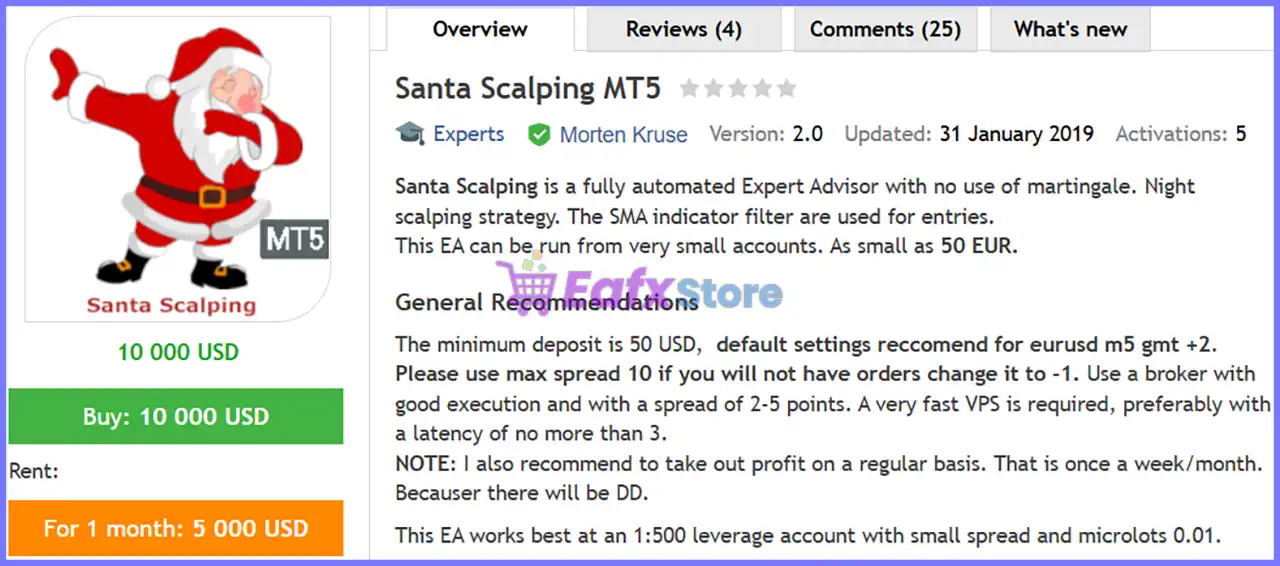
Santa Scalping MT5 is an automated scalping Expert Advisor for MetaTrader 5 designed to capture short-term market opportunities using moving average trend filters, intelligent lot management, spread protection and configurable trade management.
The EA provides flexible settings for automatic lot sizing, Stop Loss, Take Profit, Profit Lock, Trailing Stop, trading hours, and risk control, allowing traders to optimize performance while maintaining disciplined money management.
Santa Scalping MT5 Settings
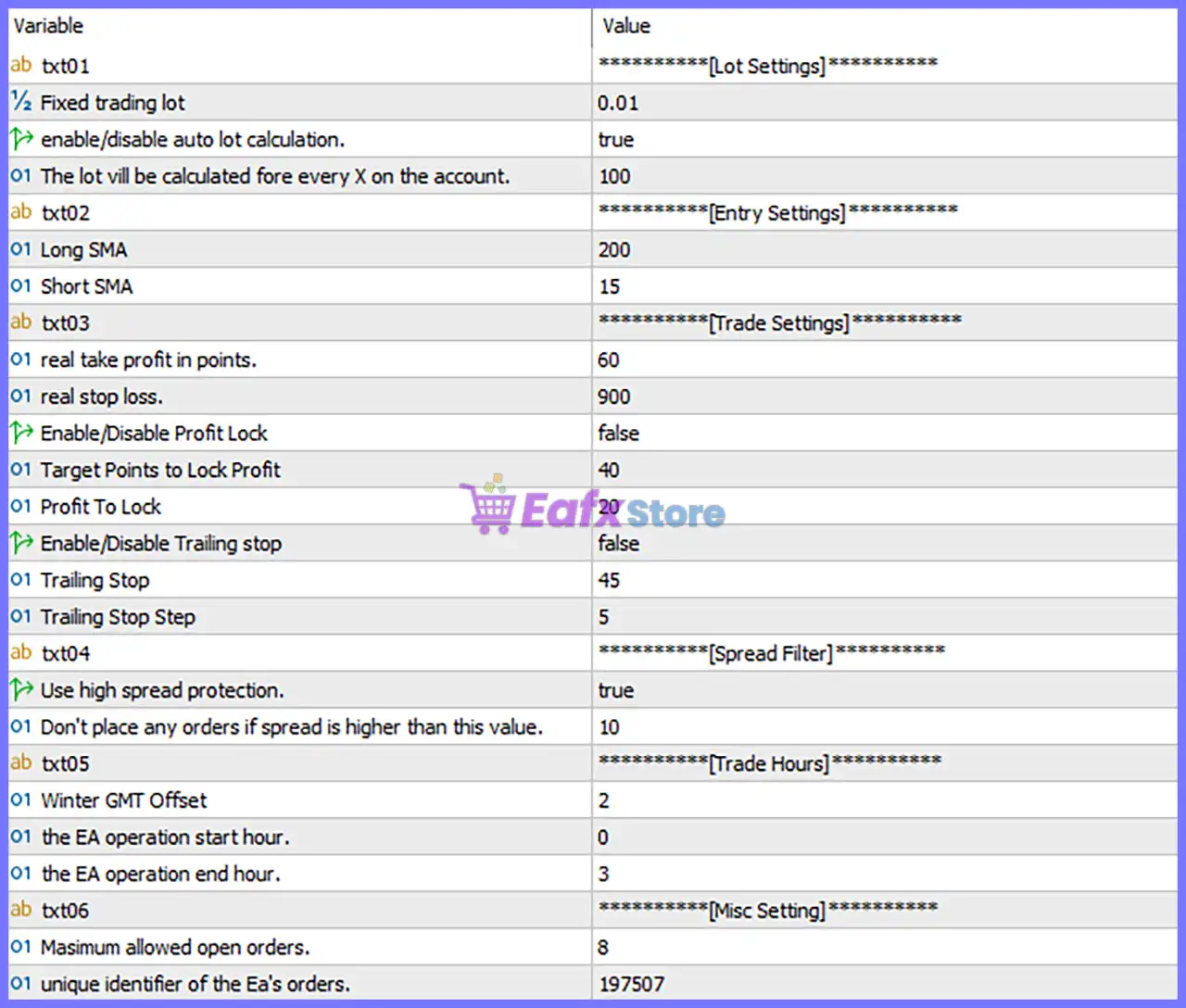
Below are the details of the parameters in the advisor’s trading system settings table:
Lot Settings
🔹 Fixed trading lot = 0.01 – Sets the default fixed trading volume to 0.01 lots whenever automatic lot sizing is disabled.
🔹 enable/disable auto lot calculation = true – Enables automatic lot size calculation based on the account balance.
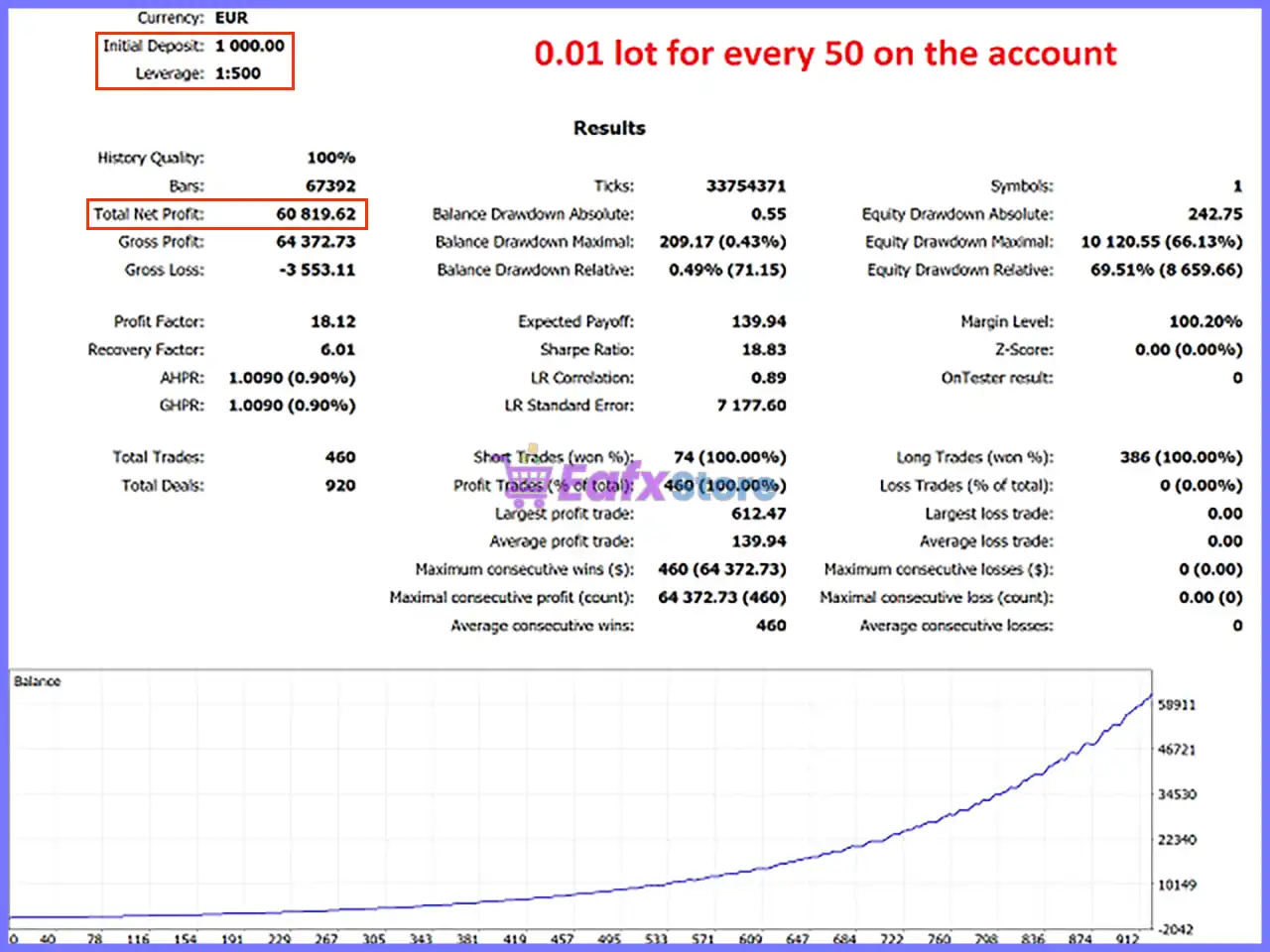
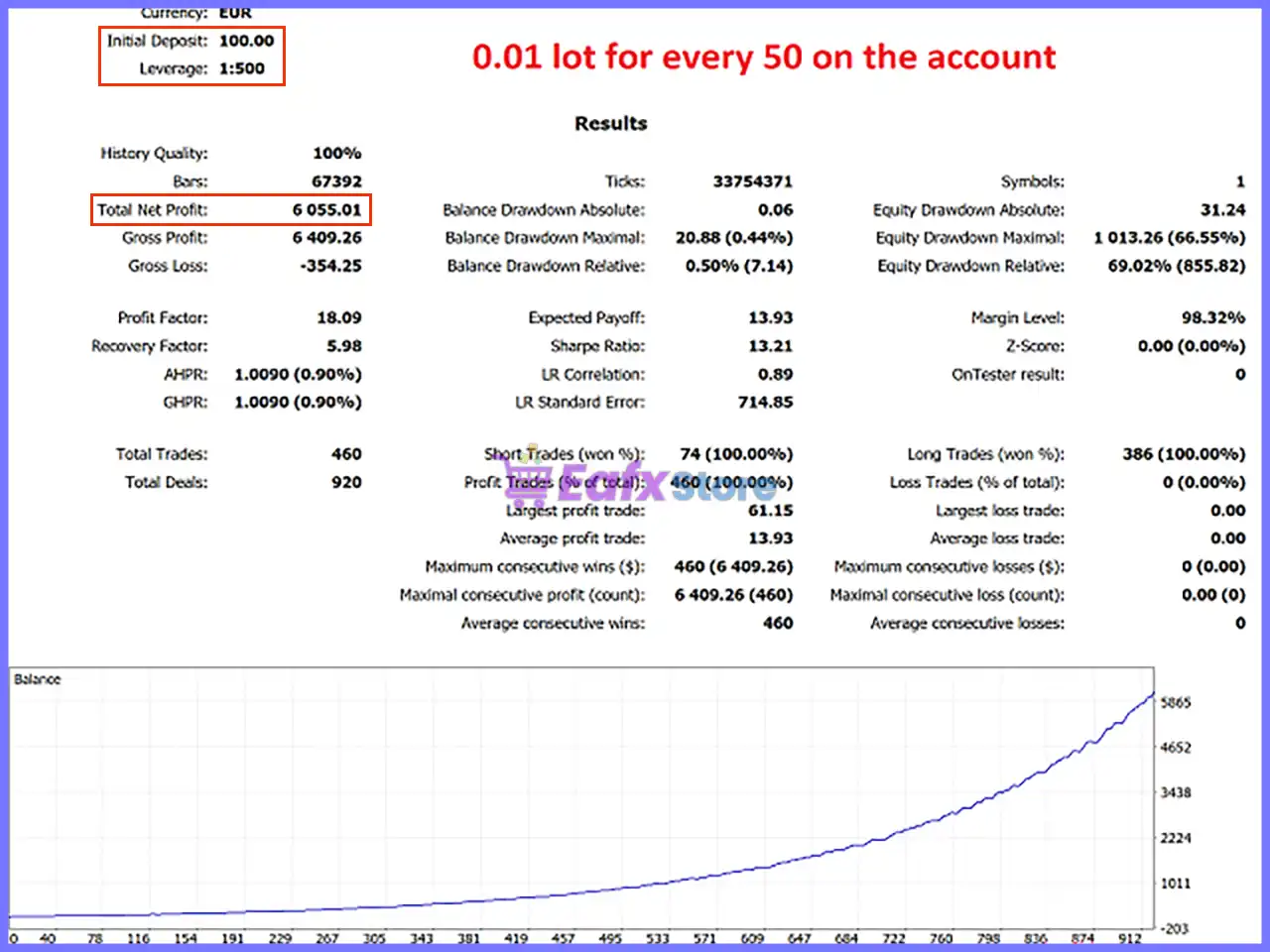
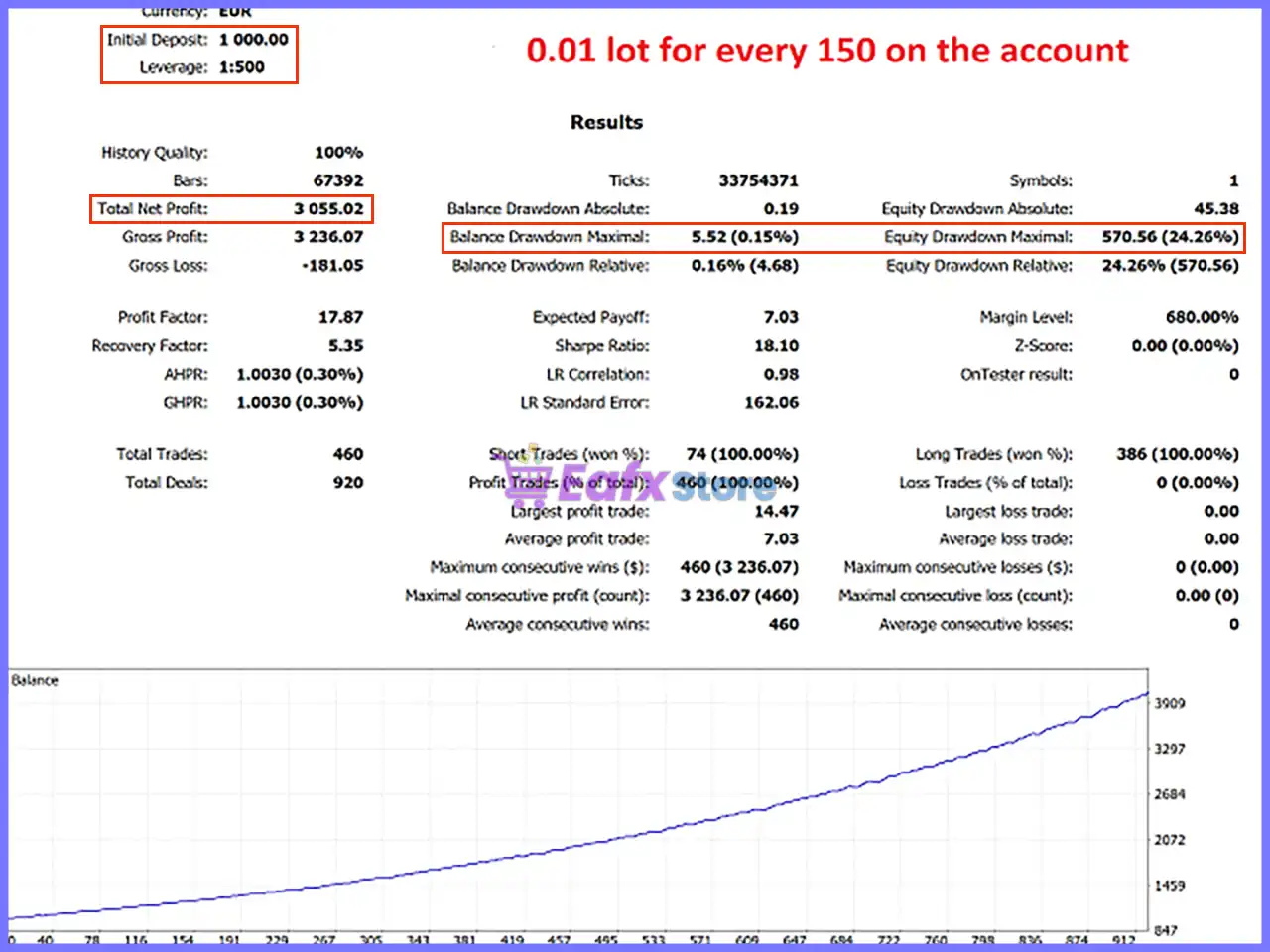
🔹 The lot will be calculated for every X on the account = 100 – Calculates the trading lot according to every 100 units of account balance.
Entry Settings
🔹 Long SMA = 200 – Uses a 200-period Simple Moving Average (SMA) as the long-term trend filter.
🔹 Short SMA = 15 – Uses a 15-period Simple Moving Average (SMA) to identify short-term market direction and entry opportunities.
Trade Settings
🔹 real take profit in points = 60 – Sets the Take Profit target to 60 points for each position.
🔹 real stop loss = 900 – Sets the Stop Loss distance to 900 points to protect trades from excessive losses.
🔹 Enable/Disable Profit Lock = false – Disables the Profit Lock feature that secures partial gains after a predefined profit level.
🔹 Target Points to Lock Profit = 40 – Defines 40 points as the activation level for Profit Lock when enabled.
🔹 Profit To Lock = 20 – Locks 20 points of profit once the Profit Lock target has been reached.
🔹 Enable/Disable Trailing stop = false – Disables the automatic Trailing Stop function.
🔹 Trailing Stop = 45 – Sets the trailing distance to 45 points when the Trailing Stop feature is enabled.
🔹 Trailing Stop Step = 5 – Moves the trailing stop in increments of 5 points after activation.
Spread Filter
🔹 Use high spread protection = true – Enables spread protection to prevent trades during unfavorable market conditions.
🔹 Don't place any orders if spread is higher than this value = 10 – Blocks new trades whenever the spread exceeds 10 points.
Trade Hours
🔹 Winter GMT Offset = 2 – Applies a GMT +2 offset during the winter trading schedule.
🔹 the EA operation start hour = 0 – Allows the EA to begin trading at 00:00 server time.
🔹 the EA operation end hour = 3 – Stops opening new trades after 03:00 server time.
Misc Settings
🔹 Maximum allowed open orders = 8 – Limits the EA to a maximum of 8 simultaneous open positions.
🔹 unique identifier of the EA's orders = 197507 – Assigns the Magic Number 197507 so the EA can identify and manage only its own trades.
Conclusion
Santa Scalping MT5 provides a well-balanced set of configuration options for traders who prefer automated short-term trading. With support for automatic lot sizing, dual SMA trend filters, configurable Stop Loss and Take Profit, Profit Lock, Trailing Stop, spread protection, trading-hour control, and Magic Number management, the EA offers the flexibility to adapt to different market conditions while maintaining effective risk management.
FAQs
❓ What trading strategy does Santa Scalping MT5 use?
Santa Scalping MT5 combines Simple Moving Average (SMA) trend filtering, spread protection, and automated trade management to identify and execute short-term trading opportunities.
❓ Can I use a fixed lot instead of automatic lot sizing?
Yes. Disable Auto Lot Calculation and the EA will use the configured Fixed Trading Lot (0.01) or any value you choose.
❓ Why is the Trailing Stop disabled by default?
The default configuration relies on the predefined Stop Loss and Take Profit, but you can enable the Trailing Stop to protect profits dynamically.
❓ What does the spread protection feature do?
When enabled, the EA avoids opening new positions if the market spread exceeds 10 points, helping reduce trading costs during volatile conditions.
❓ What is the purpose of the Magic Number?
The Magic Number (197507) uniquely identifies the EA's positions, ensuring it only manages trades opened by Santa Scalping MT5 without interfering with manual trades or other Expert Advisors.



