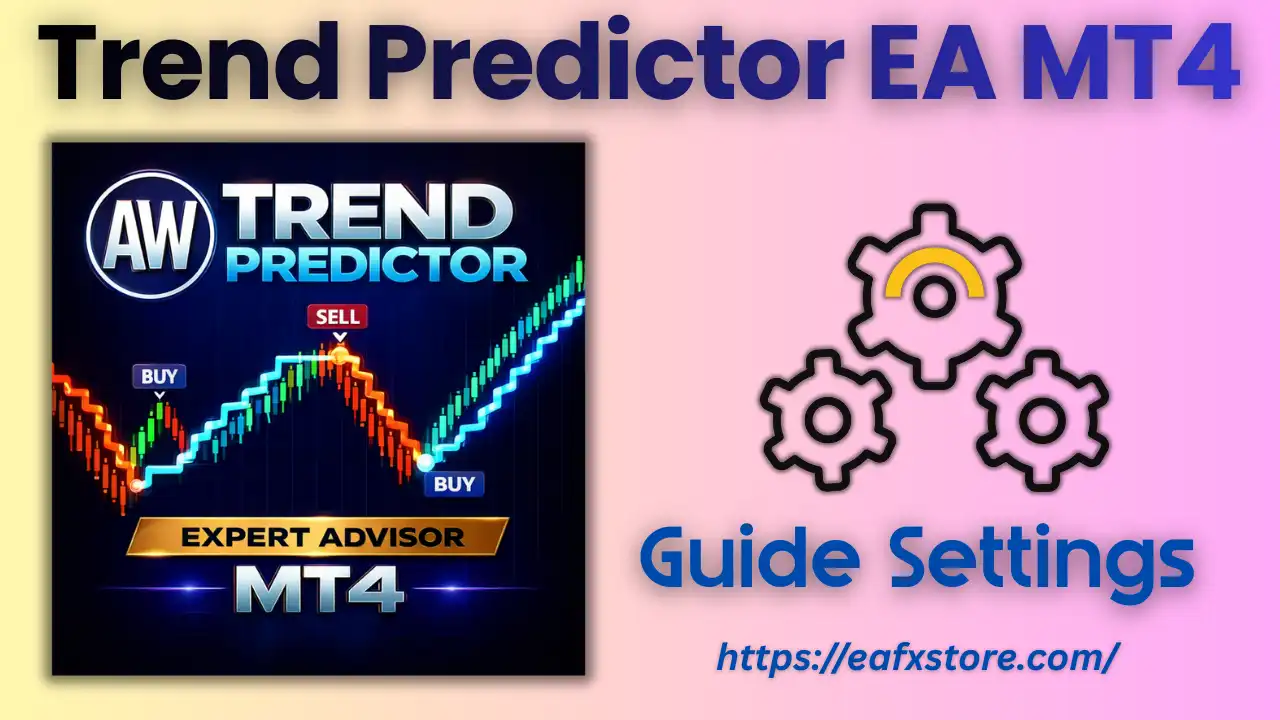
🔶 What is Trend Predictor EA for MT4?
Trend Predictor EA is an automated trading robot developed for the MetaTrader 4 (MT4) platform. The Expert Advisor (EA) is designed to identify market trends and open positions based on predictive algorithms combined with grid trading logic and trend filtering mechanisms. This combination allows the EA to potentially capitalize on trending markets while also managing price retracements using averaging strategies.
The EA includes multiple configurable parameters such as lot size, take profit strategy, grid spacing, multiplier, trend filters, working time settings, and risk controls. Understanding these parameters is essential for traders who want to optimize performance and adapt the EA to different market conditions.
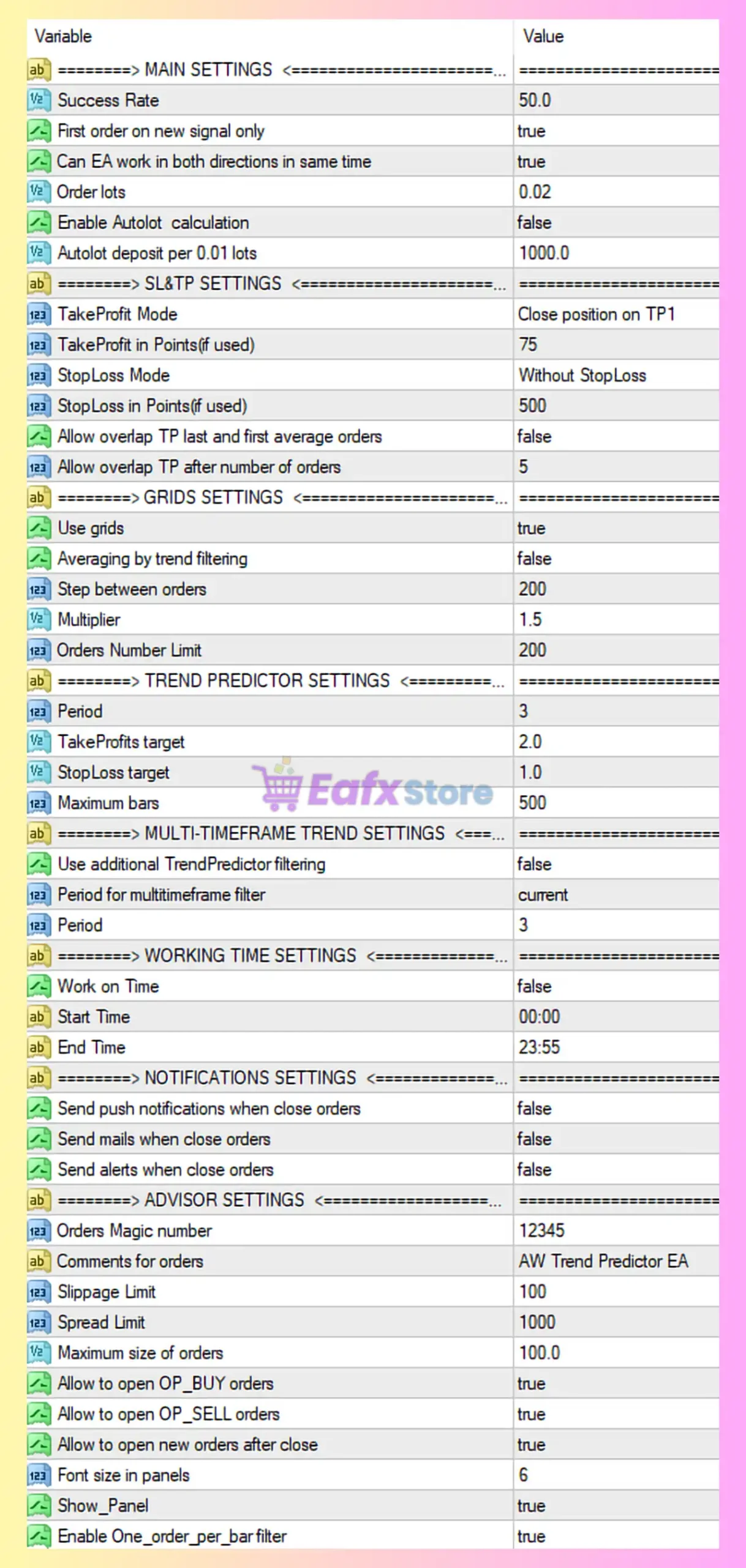
🔶 Main Settings
The Main Settings section controls the basic trading behavior of the EA, including order size, signal filtering, and trading direction.
| Parameter | Value | Description |
|---|---|---|
| Success Rate | 50.0 | Defines the probability threshold required for trade entry signals. |
| First order on new signal only | true | Ensures the EA opens a trade only when a new signal appears. |
| Can EA work in both directions | true | Allows the EA to open buy and sell positions simultaneously. |
| Order lots | 0.02 | Fixed lot size used for each trade. |
| Enable Autolot calculation | false | Disables automatic lot sizing based on account balance. |
| Autolot deposit per 0.01 lots | 1000 | Deposit requirement per 0.01 lot if autolot is enabled. |
➡️ Analysis
This configuration uses fixed lot trading (0.02 lots) instead of dynamic lot sizing. Allowing trades in both directions simultaneously means the EA can hedge positions during volatile or sideways markets.
🔶 Stop Loss & Take Profit Settings
These settings determine how the EA manages profit targets and risk levels.
| Parameter | Value | Description |
|---|---|---|
| TakeProfit Mode | Close position on TP1 | Trades close when the first take profit level is reached. |
| TakeProfit (points) | 75 | Target profit per trade measured in points. |
| StopLoss Mode | Without StopLoss | No fixed stop loss is applied. |
| StopLoss (points) | 500 | Stop loss level if the feature is enabled. |
| Allow overlap TP | false | Prevents TP overlap between averaged positions. |
| Allow overlap TP after orders | 5 | Overlap allowed only after 5 orders are opened. |
➡️ Analysis
This setup prioritizes quick profit-taking (75 points) while relying on the grid recovery mechanism instead of a traditional stop loss. However, trading without a stop loss increases risk exposure, especially during strong market trends against the position.
🔶 Grid Trading Settings
The Grid Settings section defines how the EA manages multiple positions when the market moves against the initial trade.
| Parameter | Value | Description |
|---|---|---|
| Use grids | true | Enables grid trading strategy. |
| Averaging by trend filtering | false | Grid orders are not filtered by trend conditions. |
| Step between orders | 200 | Distance between grid orders. |
| Multiplier | 1.5 | Lot size multiplier for subsequent grid orders. |
| Orders Number Limit | 200 | Maximum number of grid orders allowed. |
➡️ Analysis
This configuration uses a grid averaging strategy, where additional trades are opened every 200 points. The 1.5 multiplier gradually increases lot sizes to accelerate recovery when the market retraces.
However, allowing up to 200 orders means the EA could build large exposure if the market trends strongly in one direction.
🔶 Trend Predictor Settings
These parameters control the EA’s trend prediction algorithm.
| Parameter | Value | Description |
|---|---|---|
| Period | 3 | Indicator calculation period used for trend detection. |
| TakeProfits target | 2.0 | Target profit multiplier used by the algorithm. |
| StopLoss target | 1.0 | Stop loss target ratio within the prediction model. |
| Maximum bars | 500 | Maximum number of historical bars used for analysis. |
➡️ Analysis
A short indicator period (3) indicates that the EA reacts quickly to market changes. This makes the system sensitive to short-term trends, which can increase trading frequency.
🔶 Multi-Timeframe Trend Filter
This feature allows the EA to analyze trends across multiple timeframes.
| Parameter | Value | Description |
|---|---|---|
| Use additional TrendPredictor filtering | false | Multi-timeframe filtering disabled. |
| Period for timeframe filter | Current | Uses the same timeframe as the chart. |
| Period | 3 | Indicator period for additional filtering. |
➡️ Analysis
Since the multi-timeframe filter is disabled, the EA only relies on signals from the current chart timeframe. Enabling this feature could improve signal quality by confirming trends on higher timeframes.
🔶 Working Time Settings
These parameters control the trading schedule.
| Parameter | Value | Description |
|---|---|---|
| Work on Time | false | Time restriction disabled. |
| Start Time | 00:00 | Default start time if enabled. |
| End Time | 23:55 | Default end time if enabled. |
➡️ Analysis
The EA is configured to trade 24 hours a day, meaning it will operate during all trading sessions including Asian, London, and New York sessions.
🔶 Notification Settings
These settings allow the EA to send trading alerts.
| Parameter | Value | Description |
|---|---|---|
| Send push notifications | false | Mobile alerts disabled. |
| Send mail notifications | false | Email notifications disabled. |
| Send alerts | false | Platform alerts disabled. |
➡️ Analysis
Notifications are currently disabled, meaning traders will not receive automatic alerts when positions close.
🔶 Advisor Settings
This section controls system-level behavior of the EA.
| Parameter | Value | Description |
|---|---|---|
| Orders Magic number | 12345 | Unique identifier for EA trades. |
| Comment for orders | AW Trend Predictor EA | Label attached to orders. |
| Slippage Limit | 100 | Maximum allowed price slippage. |
| Spread Limit | 1000 | Maximum spread allowed for opening trades. |
| Maximum size of orders | 100.0 | Maximum allowed lot size. |
| Allow BUY orders | true | Enables buy trades. |
| Allow SELL orders | true | Enables sell trades. |
| Allow new orders after close | true | Allows new trades after previous ones close. |
| Font size in panels | 6 | Panel display font size. |
| Show Panel | true | Displays EA information panel on chart. |
| Enable One order per bar filter | true | Prevents multiple trades within the same candle. |
➡️ Analysis
The one-order-per-bar filter helps reduce overtrading. The high spread limit (1000) suggests the EA does not strictly restrict spread conditions.
🔶 Key Characteristics of the Configuration
The Trend Predictor EA configuration reveals a strategy focused on:
- Grid averaging trading
- Short-term trend detection
- Quick profit targets
- High order capacity
- No fixed stop loss
This structure is commonly used for high-frequency recovery trading systems.
🔶 Conclusion
The Trend Predictor EA MT4 settings reveal a trading strategy that combines trend prediction algorithms with grid trading recovery techniques. The system is designed to capture short-term market movements while managing drawdowns through averaging positions.
Key highlights of this configuration include:
- Fixed lot size trading (0.02 lots)
- Grid strategy with 200-point spacing
- Lot multiplier of 1.5 for recovery trades
- Quick take profit target of 75 points
- No stop loss enabled
- Ability to trade both buy and sell positions
While this setup may generate frequent profits during ranging markets, traders should carefully monitor risk due to the absence of stop loss and the potential accumulation of grid orders.
Proper optimization of grid spacing, lot multiplier, and trend filters can significantly improve the stability and long-term performance of the Trend Predictor EA on MT4.