


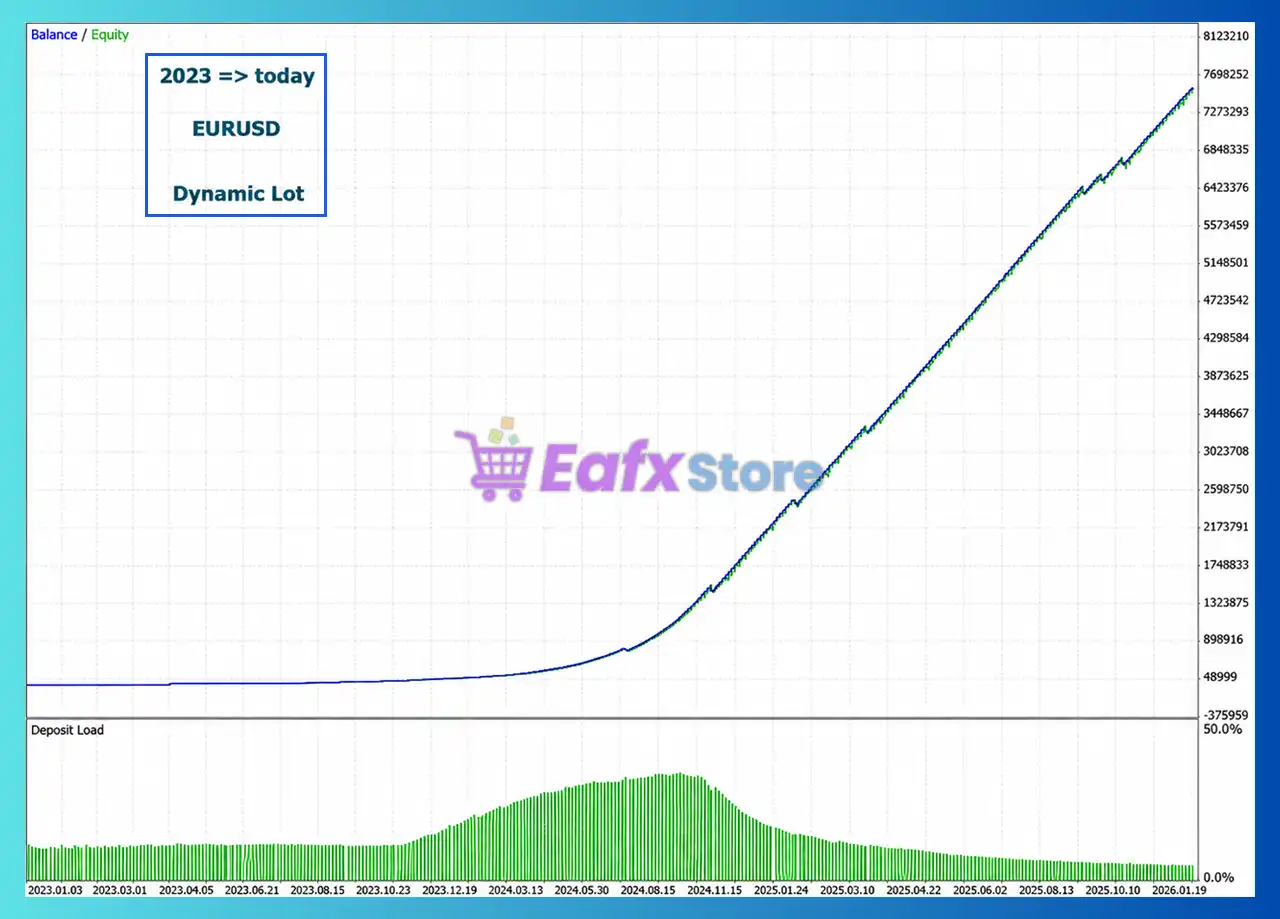
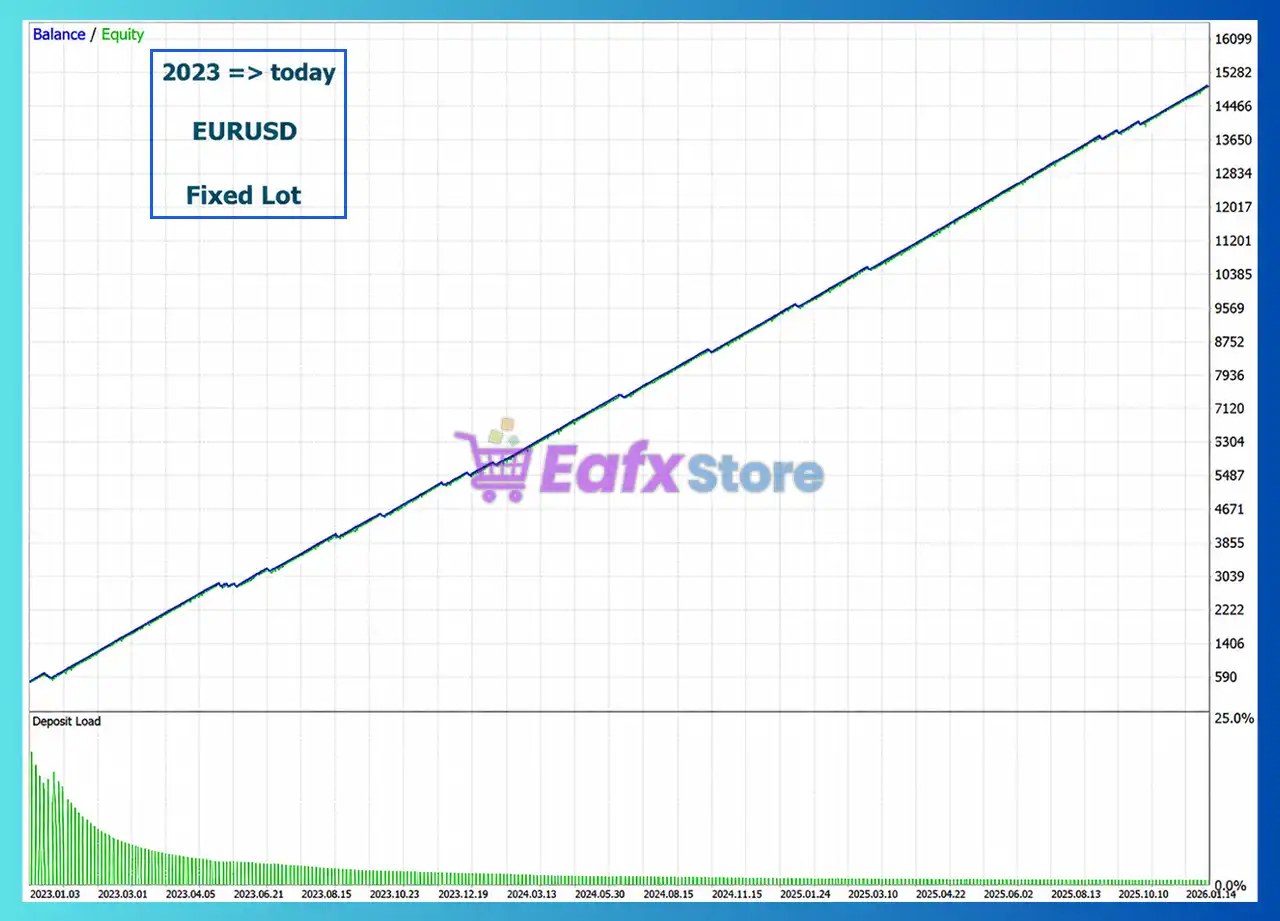
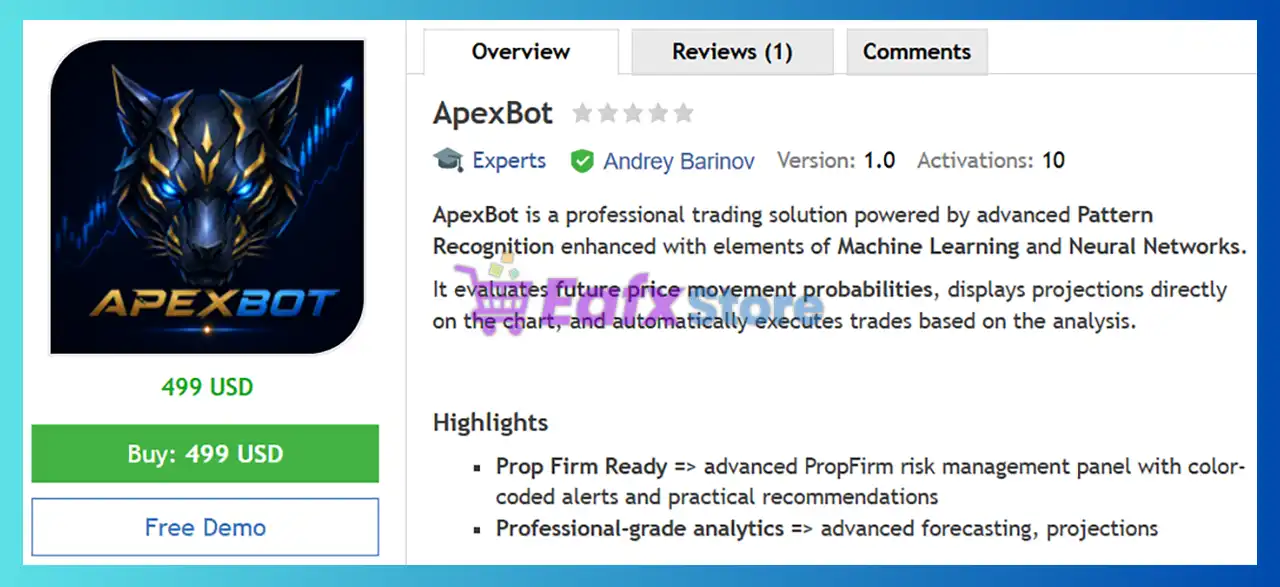
ApexBot MT5 Settings Explained – Complete Configuration Guide
ApexBot MT5 is an automated MetaTrader 5 Expert Advisor designed with flexible risk management, adaptive stop-loss control, dynamic lot sizing, spread filtering, and optional economic news protection. Its configurable trading engine allows traders to balance profitability and capital preservation while adapting to different market conditions.

ApexBot MT5 Settings
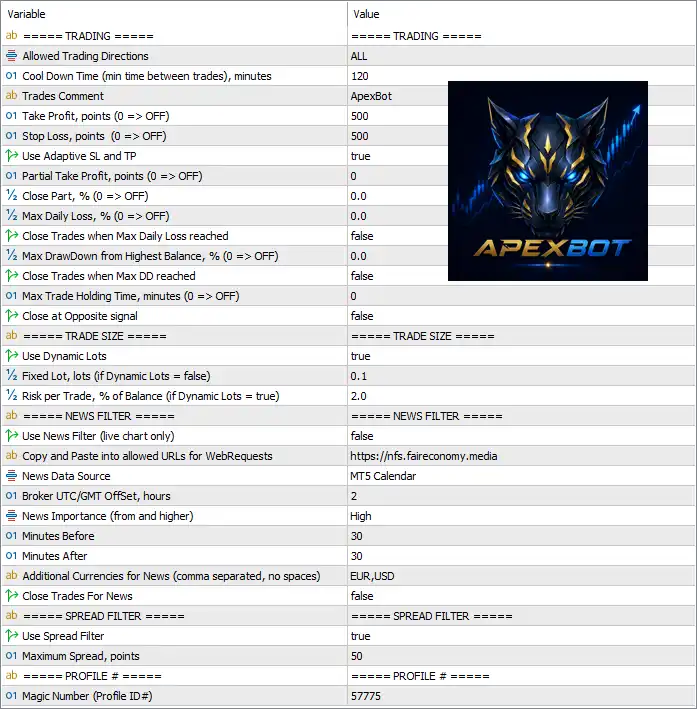
Below are the details of the parameters in the advisor’s trading system settings table:
Trading Settings
🔹 Allowed Trading Directions = ALL – Allows the EA to open both Buy and Sell positions.
🔹 Cool Down Time (min time between trades), minutes = 120 – Waits 120 minutes before opening another trade after the previous one.
🔹 Trades Comment = ApexBot – Adds the trade comment "ApexBot" to every order opened by the EA.
🔹 Take Profit, points (0 => OFF) = 500 – Sets the Take Profit target to 500 points; a value of 0 disables Take Profit.
🔹 Stop Loss, points (0 => OFF) = 500 – Sets the Stop Loss distance to 500 points; a value of 0 disables Stop Loss.
🔹 Use Adaptive SL and TP = true – Enables automatic adjustment of Stop Loss and Take Profit according to market conditions.
🔹 Partial Take Profit, points (0 => OFF) = 0 – Disables partial profit-taking because the value is set to 0.
🔹 Close Part, % (0 => OFF) = 0.0 – Disables partial position closing by percentage.
🔹 Max Daily Loss, % (0 => OFF) = 0.0 – Disables the daily loss percentage limit.
🔹 Close Trades when Max Daily Loss reached = false – The EA will not automatically close trades when the daily loss threshold is reached.
🔹 Max DrawDown from highest Balance, % (0 => OFF) = 0.0 – Disables the maximum drawdown limit measured from the highest account balance.
🔹 Close Trades when Max DD reached = false – Prevents automatic closing of trades when drawdown limits are reached because the feature is disabled.
🔹 Max Trade Holding Time, minutes (0 => OFF) = 0 – Disables the maximum trade duration limit.
🔹 Close at Opposite signal = false – Existing positions remain open even if an opposite trading signal appears.
Trade Size Settings
🔹 Use Dynamic Lots = true – Enables automatic lot size calculation based on the selected risk percentage.
🔹 Fixed Lot, lots (if Dynamic Lots = false) = 0.1 – Uses a fixed lot size of 0.1 lots only when Dynamic Lots is disabled.
🔹 Risk per Trade, % of Balance (if Dynamic Lots = true) = 2.0 – Risks 2.0% of the account balance on each new trade when Dynamic Lots is enabled.
News Filter Settings
🔹 Use News Filter (live chart only) = false – Disables the economic news filter during live trading.
🔹 Copy and Paste into allowed URLs for WebRequests = https://nfs.faireconomy.media – The required URL that must be added to MT5 WebRequest permissions for downloading economic calendar data.
🔹 News Data Source = MT5 Calendar – Uses the built-in MT5 Calendar as the source of economic news.
🔹 Broker UTC/GMT Offset, hours = 2 – Sets the broker time offset to UTC/GMT +2 hours.
🔹 News Importance (from and higher) = High – Filters only High-impact economic events.
🔹 Minutes Before = 30 – Starts blocking trading 30 minutes before a scheduled news event.
🔹 Minutes After = 30 – Continues blocking trading for 30 minutes after the news release.
🔹 Additional Currencies for News (comma separated, no spaces) = EUR,USD – Monitors EUR and USD economic news events in addition to the trading symbol.
🔹 Close Trades For News = false – Keeps existing trades open during news events instead of closing them automatically.
Spread Filter Settings
🔹 Use Spread Filter = true – Enables spread protection before opening new trades.
🔹 Maximum Spread, points = 50 – Prevents new entries whenever the current spread exceeds 50 points.
Profile Settings
🔹 Magic Number (Profile ID#) = 57775 – Assigns the unique Magic Number 57775 to identify ApexBot MT5 trades separately from other Expert Advisors.
Conclusion
ApexBot MT5 provides a balanced combination of intelligent risk management, adaptive Stop Loss and Take Profit, dynamic position sizing, spread protection, and optional news filtering. Its flexible configuration allows traders to customize risk exposure while maintaining disciplined trade execution, making it suitable for both conservative and aggressive MT5 trading strategies.
FAQs
❓ What is the purpose of the Dynamic Lots feature in ApexBot MT5?
Dynamic Lots automatically adjusts the trade volume according to the account balance and the configured Risk per Trade (%), helping maintain consistent risk management.
❓ Can ApexBot MT5 trade both Buy and Sell positions?
Yes. With Allowed Trading Directions = ALL, the EA can automatically execute both Buy and Sell trades.
❓ How does the Spread Filter improve trading performance?
The Spread Filter prevents the EA from opening new trades when the market spread exceeds the configured 50 points, reducing execution during unfavorable conditions.
❓ Does ApexBot MT5 include an economic news filter?
Yes. The EA supports a configurable News Filter using the MT5 Calendar, allowing traders to avoid trading around high-impact economic events.
❓ What is the Magic Number used for in ApexBot MT5?
The Magic Number (57775) uniquely identifies trades placed by ApexBot MT5, allowing multiple Expert Advisors to run simultaneously on the same trading account without conflicts.


