
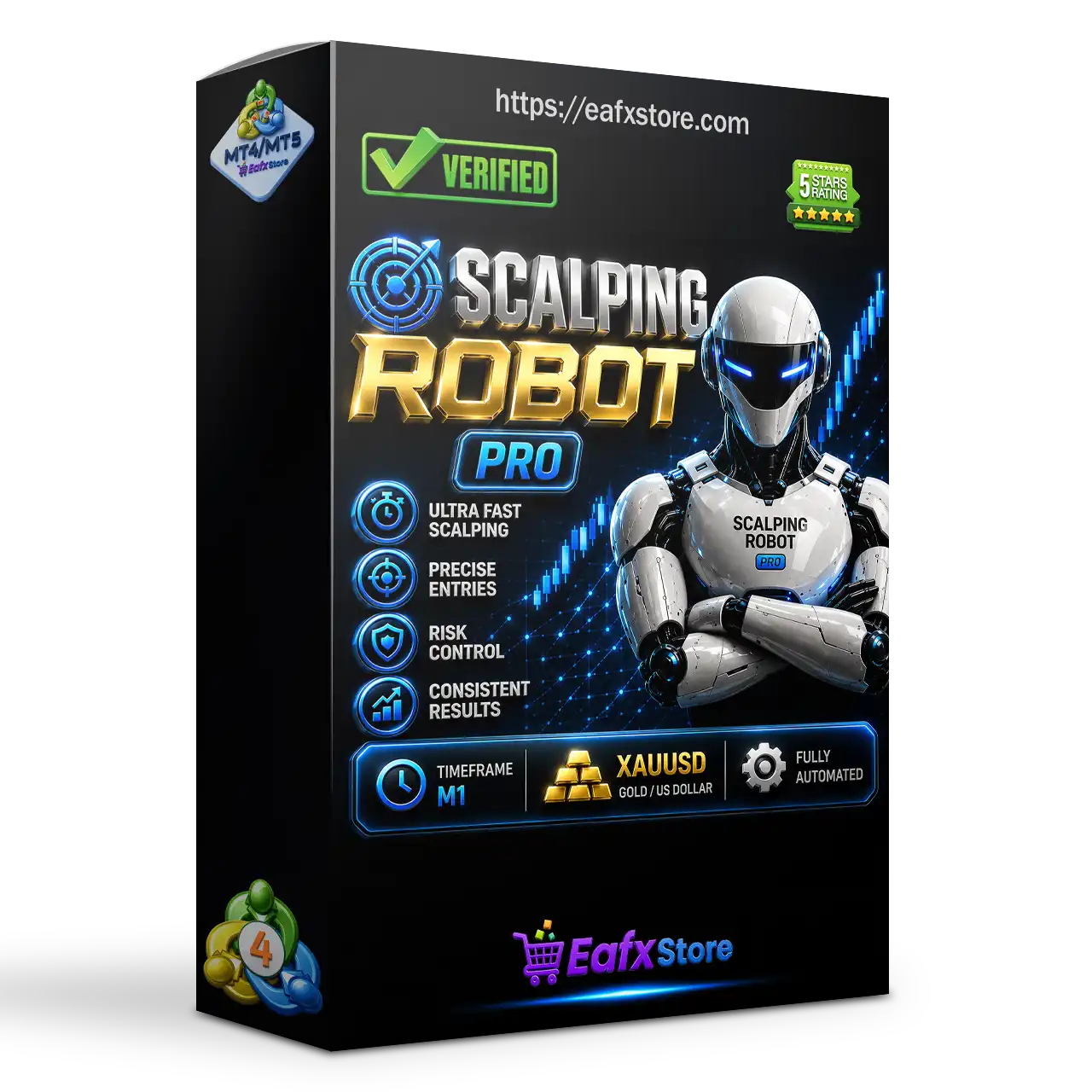
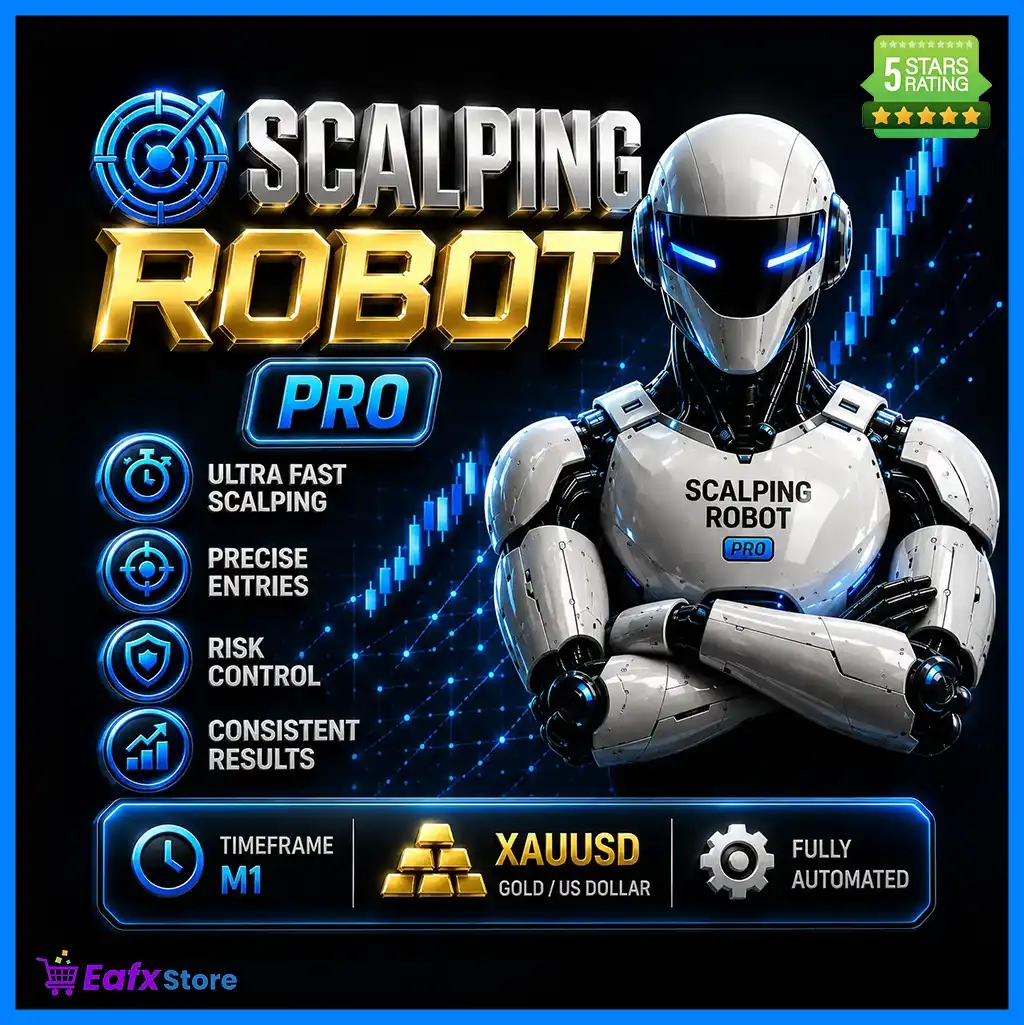


Scalping Robot Pro MT4 (Latest version) - Unlimited

Subscriptions for Special Plan
- 30 EA package is more economical!
- Special package with 99%
- Download 1 EA/Day

Subscriptions for Premium Membership
- Download Unlimited in 1 Year
- Get 100% Discount
- Get free access to all

Subscriptions for Gold Membership
- 1 Year Membership
- Get 100% Discount
- Access EA+Indicator+Course
Frequently bought together 🎁
Add these products to enhance your purchase




What is Scalping Robot Pro MT4?
Scalping Robot Pro MT4 is a professional Expert Advisor (EA) designed for automated scalping trading in the Gold market with adaptive indicators, intelligent risk management and real-time market analysis. The EA combines momentum detection, volatility monitoring, and precise trade execution to deliver stability, adaptability and consistent performance in the volatile XAUUSD markets.
🔶 Vendor Website: View here
About the Author
This product is compiled by Marzena Maria Szmit. This author has more than +3 years of experience working on MQL5 with many famous products such as Scalping Robot Pro MT4, Scalping Robot Pro MT5, Wall Street Robot MT5, XIRO Robot MT5 and other advisors. Among them, Scalping Robot Pro MT4 is his best performing products.
🔶 Delivery time 24h-48h after payment.
🔶 Refund if not delivered.
🔶 You will receive the current version without any limitations (ID+Time).
Scalping Robot Pro MT4 Review
Key Features of Scalping Robot Pro MT4
🔹 Professional Gold Scalping: Optimized exclusively for XAUUSD with fast and precise execution logic.
🔹 Advanced Risk Management: Includes drawdown limits, daily profit controls and capital protection.
🔹 News & Session Filters: Avoids high-impact events and trades during selected market sessions.
🔹 Flexible Trade Controls: Supports configurable Stop Loss (SL), Take Profit (TP) and Trailing stop features.
🔹 Real-Time Trading Panel: Displays live statistics, account performance and trading information.
Why Choose & Use Scalping Robot Pro MT4?
🔹 Stable Automated Trading: Designed for disciplined execution in highly volatile Gold markets.
🔹 Controlled Risk Exposure: Combines multiple protection layers to safeguard trading capital.
🔹 Adaptive Market Response: Reacts efficiently to volatility, momentum and liquidity changes.
🔹 Easy Plug-and-Play Setup: Optimized defaults simplify installation and ongoing management.
🔹 Marketplace-Ready Solution: Suitable for traders seeking scalable and professional automation.
Scalping Robot Pro MT4 Review
Scalping Robot Pro Signal Results
The Scalping Robot Pro MT4 achieved impressive profit performance when trading with XAUUSD (Gold). Trading results on real account for 1 consecutive weeks of trading.
✅ Initial Deposit: $500
✅ Growth Rate: +15%
✅ Win Rate (% of total): 86.9%
✅ Maximum Drawdown: 2.2%
Scalping Robot Pro Signal Results
Scalping Robot Pro MT4 Backtests
Scalping Robot Pro MT4 has achieved impressive profit performance over many years of trading reversion tests with Gold (XAUUSD). This EA demonstrates excellent ability to master the market and increase profits.
✅ Initial Deposit: $3,000
✅ Total Net Profit: $2.7 million
✅ Win Rate (% of total): 83.02%
✅ Maximum Drawdown: 24.81%
Scalping Robot Pro MT4 Backtest
Scalping Robot Pro MT4 Backtests
What is the Scalping Robot Pro MT4 Trading Strategy?
🔹 Momentum-Based Analysis: Identifies short-term momentum shifts to capture rapid Gold movements.
🔹 Volatility-Adaptive Execution: Adjusts trading behavior according to changing market activity.
🔹 Price Action Confirmation: Uses real-time market behavior to validate entries and exits.
🔹 Session-Focused Trading: Targets active trading periods with stronger liquidity and movement.
🔹 Precision Scalping Logic: Focuses on high-probability opportunities with controlled exposure.
Recommended settings
Recommended settings and parameters to pay attention to from developers and experts:
| Features | Type |
|---|---|
| Trading platform | MetaTrader 4 (MT4) |
| Time frames | M1 (1 minute chart) |
| Currency pairs | XAUUSD (Gold) |
| Minimum / Recommended deposit | $1,000 |
| Minimum / Recommended leverage | 1:20 up to 1:1000 |
| Account types | Hedging, Netting, Zero, Cent, Micro, Standard, Premium |
| Product type | NoDLL / Unlimited / Unlocked |
| Additional services | Unlock and Decompile |
| Recommended brokers | Exness Broker, Icmarkets Broker |
| Recommended VPS | MyfxVPS.com (Blue VPS, Golden VPS). Lowest Latency, 2 week Free Trial, 100% Free for 12-18 Months. |
 Reviewed by David Easton
Product Download Package?
The download package of the product suite includes:
 Experts: Scalping Robot Pro MT4_fix.ex4
Conclusion
In short, Scalping Robot Pro MT4 provides a complete automated trading framework for XAUUSD scalping on MetaTrader 4. By focusing on real-time price action, momentum analysis, and volatility-based opportunities, the EA aims to deliver consistent execution in dynamic market conditions. Combined with advanced safety features, customizable risk controls, and ongoing updates, Scalping Robot Pro MT4 stands out as a professional solution for Gold traders.
🔢 Scalping Robot Pro MT4 – Complete Settings Guide & Parameter Explanation
Scalping Robot Pro MT4 is an automated Forex trading Expert Advisor designed for MetaTrader 4. The EA combines adaptive trade management, ATR-based volatility filters, candle-size validation, spread protection, session filters, news protection, and optional recovery systems.
With configurable stop-loss, take-profit, trailing stop, and trading session controls, Scalping Robot Pro MT4 aims to provide a structured scalping approach while maintaining risk management and market condition filtering.
Scalping Robot Pro MT4 Settings
🔢 Scalping Robot Pro MT4 Settings Explained
Below are the details of the parameters in the advisor’s trading system settings table:

Scalping Robot Pro MT4 Settings Panel

Scalping Robot Pro MT4 Setting Panel
🔶 Core Strategy Settings
🔹 Strategy ID = 777444 — Unique identifier used by the EA to distinguish this trading strategy.
🔹 Execution Label = SRP — Internal label assigned to trades and strategy execution.
🔹 Position Mode = BuyAndSell — Allows the EA to open both Buy and Sell positions.
🔹 LotMode = FixedLot — Uses a fixed lot size instead of dynamic risk-based sizing.
🔹 Initial Volume = 0.01 — Sets the starting trade size to 0.01 lots.
🔹 Risk % = 0.0 — Percentage-based risk management is disabled.
🔶 Recovery & Aggressive Trading Settings
🔹 UseRecoveryMode = false — Recovery mode is disabled.
🔹 RecoveryMultiplier = 1.89 — Multiplier applied to recovery trades if recovery mode is enabled.
🔹 UseAggressiveMode = false — Aggressive trading mode is disabled.
🔹 AggressiveMultiplier = 1.89 — Multiplier used for aggressive trading if enabled.
🔹 Maximum Positions = 5 — Maximum number of simultaneously open positions.
🔹 Distance = 40 — Minimum distance between positions is 40 points.
🔶 Entry Filters
🔹 Parabolic Filter = true — Enables Parabolic SAR filtering for trade confirmation.
🔹 EnableSpreadProtection = true — Prevents trading when spread exceeds allowed levels.
🔹 MaxSpreadForTrading = 50 — Maximum permitted spread for trade execution is 50 points.
🔹 EnableCandleSizeFilter = true — Activates candle size filtering before opening trades.
🔹 CandleLookback = 20 — Evaluates the last 20 candles for candle-size analysis.
🔹 MaxCandleSizeMultiplier = 2.5 — Maximum candle size multiplier accepted by the filter.
🔹 UseCurrentCandle = true — Includes the current candle in the analysis.
🔶 Take Profit & Stop Loss Settings
🔹 HiddenTakeProfit = false — Hidden take profit functionality is disabled.
🔹 Take Profit = Adaptive Mode — Take profit is calculated dynamically.
🔹 TakeProfit = 0 — No fixed take profit value is specified.
🔹 HiddenStopLoss = false — Hidden stop loss functionality is disabled.
🔹 Stop Loss = Adaptive Mode — Stop loss is dynamically adjusted.
🔹 StopLoss = 0 — No fixed stop loss value is specified.
🔶 Trailing Stop Settings
🔹 Trailing Stop = Adaptive Mode — Uses adaptive trailing stop calculations.
🔹 TrailingStopActivation = 0 — Trailing stop activation level is automatically determined.
🔹 TrailingStopDistance = 30 — Trailing stop follows price at a distance of 30 points.
🔹 TrailingStopStep = 10 — Trailing stop updates every 10 points.
🔶 Protection & Risk Controls
🔹 Emergency Basket Stop [points] = 0 — Emergency basket stop is disabled.
🔹 Daily Target [if 0 – not active] = 0.0 — Daily profit target is disabled.
🔹 Equity Protection [if 0 – not active] = 0.0 — Equity protection feature is disabled.
🔹 MaxSlippage = 30 — Maximum allowable order slippage is 30 points.
🔶 ATR Volatility Filter Settings
🔹 EnableATRFilter = true — Activates ATR-based volatility filtering.
🔹 ATRPeriod = 14 — ATR indicator period is 14.
🔹 MinATRMultiplier = 0.5 — Minimum ATR multiplier used for volatility validation.
🔹 MaxATRMultiplier = 2.5 — Maximum ATR multiplier accepted.
🔹 ATRLookback = 50 — ATR values are evaluated over the last 50 periods.
🔶 Tick Activity Filter
🔹 EnableTickActivityFilter = true — Enables market activity filtering using tick volume.
🔹 MinTicksPerTimePeriod = 5 — Requires at least 5 ticks during the observation period.
🔹 TickActivityPeriod [s] = 60 — Tick activity is measured over 60 seconds.
🔶 Time Protection Settings
🔹 AllSessions = true — Allows trading during all sessions.
🔹 SydneySession = false — Sydney session filter disabled.
🔹 TokyoSession = false — Tokyo session filter disabled.
🔹 LondonSession = false — London session filter disabled.
🔹 NewYorkSession = false — New York session filter disabled.
🔹 24 hours Trading = false — Continuous 24-hour trading is disabled.
🔶 Weekly Trading Schedule
🔹 Monday Trading = true — Trading is allowed on Monday.
🔹 Monday Session Start = 08:00 — Monday trading begins at 08:00.
🔹 Monday Session End = 18:00 — Monday trading ends at 18:00.
🔹 Tuesday Trading = true — Trading is allowed on Tuesday.
🔹 Tuesday Session Start = 08:00 — Tuesday trading begins at 08:00.
🔹 Tuesday Session End = 18:00 — Tuesday trading ends at 18:00.
🔹 Wednesday Trading = true — Trading is allowed on Wednesday.
🔹 Wednesday Session Start = 08:00 — Wednesday trading begins at 08:00.
🔹 Wednesday Session End = 18:00 — Wednesday trading ends at 18:00.
🔹 Thursday Trading = true — Trading is allowed on Thursday.
🔹 Thursday Session Start = 08:00 — Thursday trading begins at 08:00.
🔹 Thursday Session End = 18:00 — Thursday trading ends at 18:00.
🔹 Friday Trading = true — Trading is allowed on Friday.
🔹 Friday Session Start = 08:00 — Friday trading begins at 08:00.
🔹 Friday Session End = 18:00 — Friday trading ends at 18:00.
🔶 Holiday & News Protection
🔹 NFP Trading Permission = false — Trading during NFP events is prohibited.
🔹 Holiday Trading Permission [12Dec-12Jan] = true — Trading is allowed during the specified holiday period.
🔹 News Protection = true — Enables protection against high-impact news events.
🔹 News Pause Before = 60 — Trading pauses 60 minutes before news releases.
🔹 News Pause After = 60 — Trading resumes 60 minutes after news releases.
🔹 News Filter = true — News filtering system is active.
🔢 Conclusion
Scalping Robot Pro MT4 is a feature-rich scalping Expert Advisor that combines adaptive trade management, ATR-based volatility analysis, candle-size filtering, spread protection, tick activity monitoring and news avoidance mechanisms.
With support for fixed-lot trading, session scheduling, and dynamic stop management, the EA offers traders a structured framework for short-term automated trading while maintaining robust market protection controls.
🔢 FAQs
❓ What lot sizing method does Scalping Robot Pro MT4 use by default?
It uses FixedLot mode with an initial trade size of 0.01 lots.
❓ How many positions can the EA open simultaneously?
The EA allows up to 5 open positions at the same time.
❓ Does Scalping Robot Pro MT4 include spread protection?
Yes, spread protection is enabled with a maximum trading spread of 50 points.
❓ Can the EA trade during NFP news releases?
No, NFP Trading Permission = false, so trading during NFP events is blocked.
❓ What trading hours are configured by default?
The EA trades from 08:00 to 18:00, Monday through Friday.
User Reviews
Only logged in customers who have purchased this product may leave a review.
❓ What makes Scalping Robot Pro MT4 different from other Gold trading EAs?
Scalping Robot Pro MT4 is optimized exclusively for XAUUSD on M1, focusing on fast execution, momentum shifts, and disciplined scalping logic.
❓ Is Scalping Robot Pro MT4 fully automated?
Yes, Scalping Robot Pro MT4 operates fully automatically, analyzing market conditions and executing trades without manual intervention.
❓ Which trading instrument is supported by Scalping Robot Pro MT4?
Scalping Robot Pro MT4 is designed exclusively for XAUUSD, allowing the system to specialize in Gold market volatility and opportunities.
❓ What timeframe should I use with Scalping Robot Pro MT4?
Scalping Robot Pro MT4 is fully optimized for the M1 timeframe, enabling rapid reactions to short-term market movements and momentum.
❓ Can I customize risk management in Scalping Robot Pro MT4?
Yes, Scalping Robot Pro MT4 allows users to adjust lot size, Stop Loss, Take Profit, Trailing Stop, and drawdown protection settings.
❓ Does Scalping Robot Pro MT4 include a news filter?
Yes, Scalping Robot Pro MT4 features an integrated news filter that helps avoid trading during major economic events and volatility spikes.
❓ Can Scalping Robot Pro MT4 trade only Buy or Sell positions?
Yes, Scalping Robot Pro MT4 supports Buy Only, Sell Only, or Buy and Sell modes to match different market conditions and strategies.
❓ Does Scalping Robot Pro MT4 provide daily profit and drawdown protection?
Yes, Scalping Robot Pro MT4 includes optional Daily Profit and Max Drawdown controls to help manage account exposure effectively.
❓ What broker conditions are recommended for Scalping Robot Pro MT4?
Scalping Robot Pro MT4 works with any MT4 broker, but low-spread ECN accounts are recommended for optimal scalping performance.
❓ What do users receive after purchasing Scalping Robot Pro MT4?
Scalping Robot Pro MT4 buyers receive the EA, multilingual manuals, private support group access, free updates, and setup assistance.
-
 Original price was: $2,000.00.$89.00Current price is: $89.00.
 -
 Original price was: $499.00.$89.00Current price is: $89.00.
 -
 Original price was: $200.00.$69.00Current price is: $69.00.
 -
 Original price was: $299.00.$89.00Current price is: $89.00.
-
 0Original price was: $300.00.$249.00Current price is: $249.00.
 -
 0Original price was: $2,355.00.$249.00Current price is: $249.00.
 -
 0Original price was: $230.00.$179.00Current price is: $179.00.
 -
 0Original price was: $1,099.00.$249.00Current price is: $249.00.
There are no reviews yet.